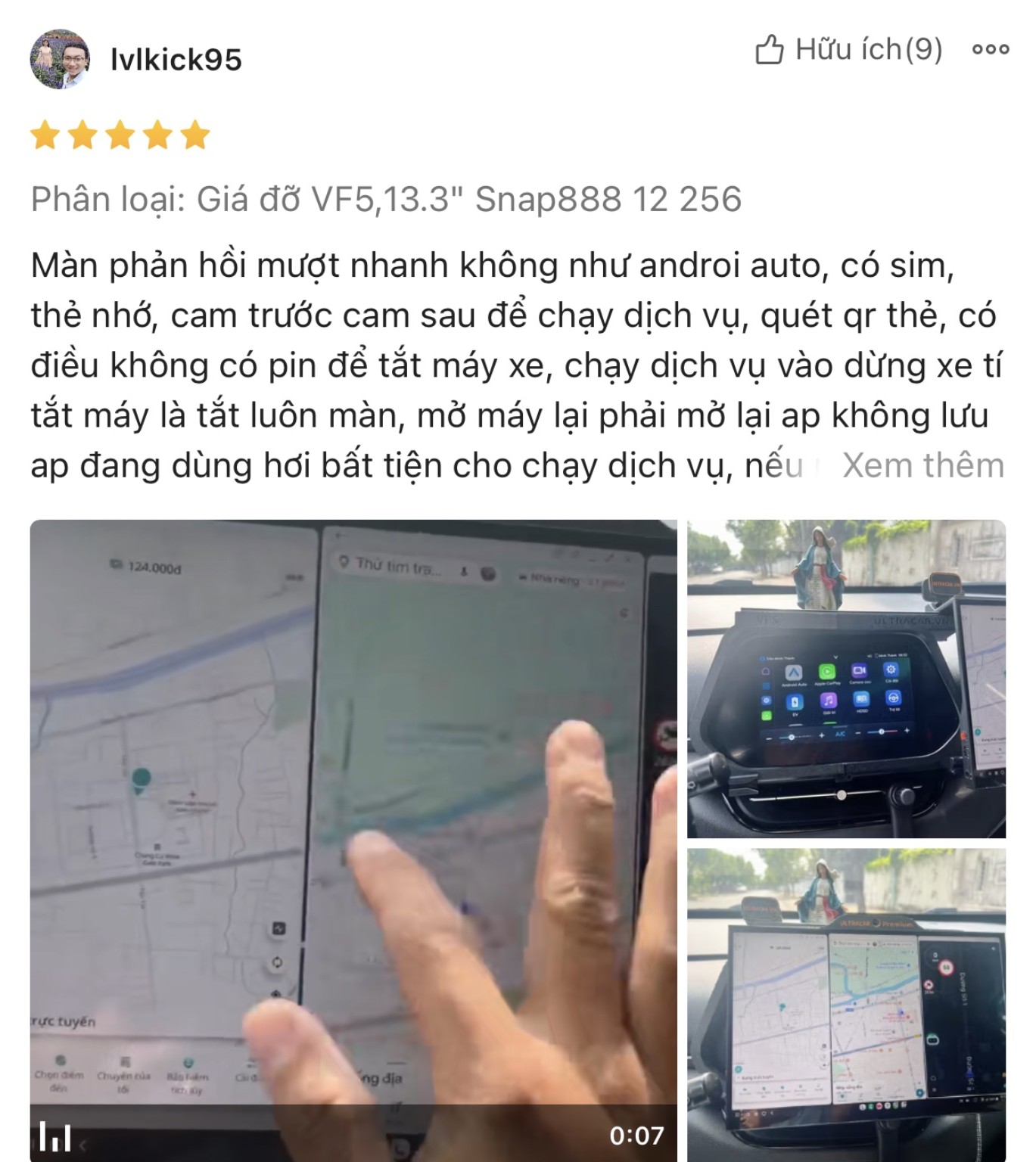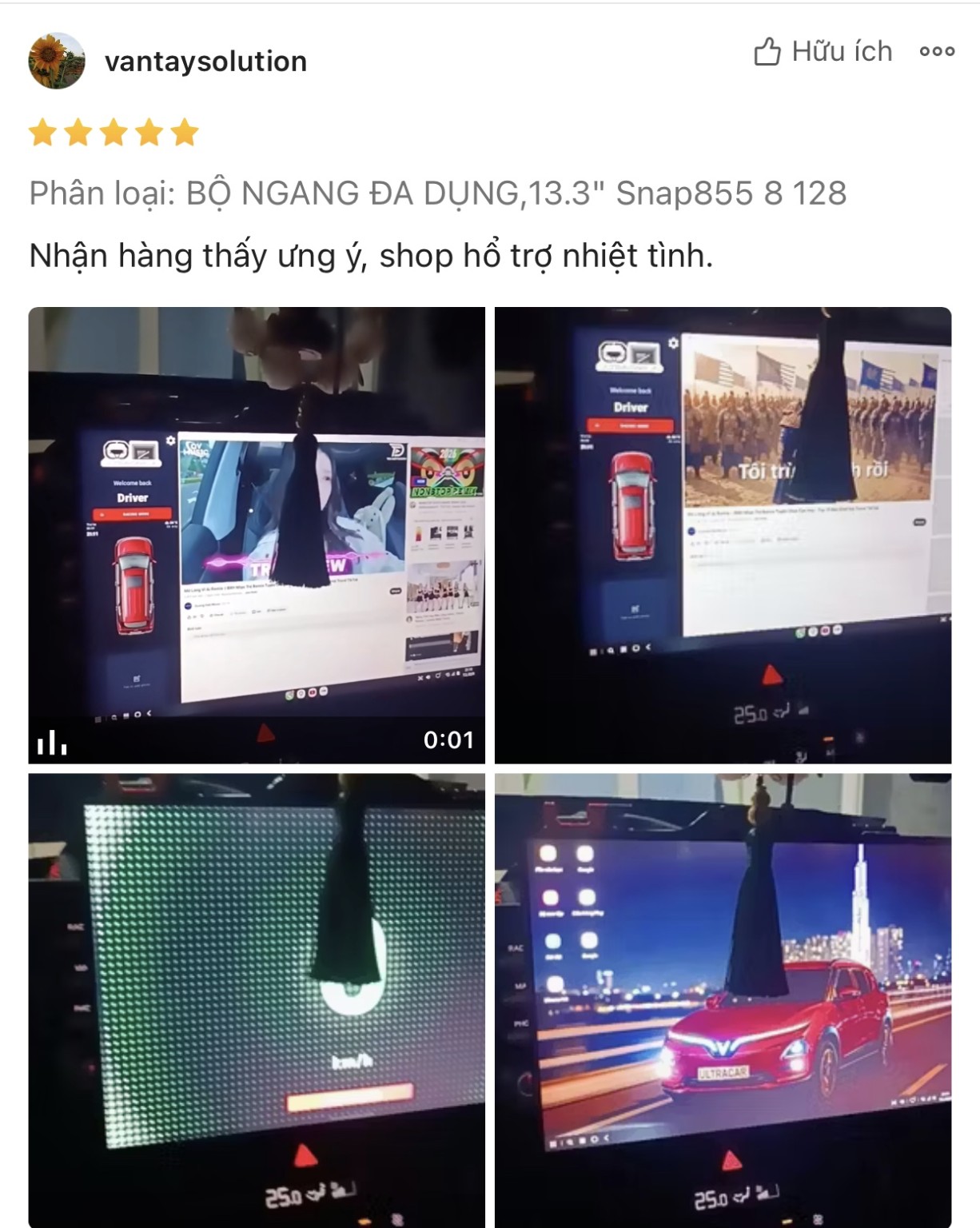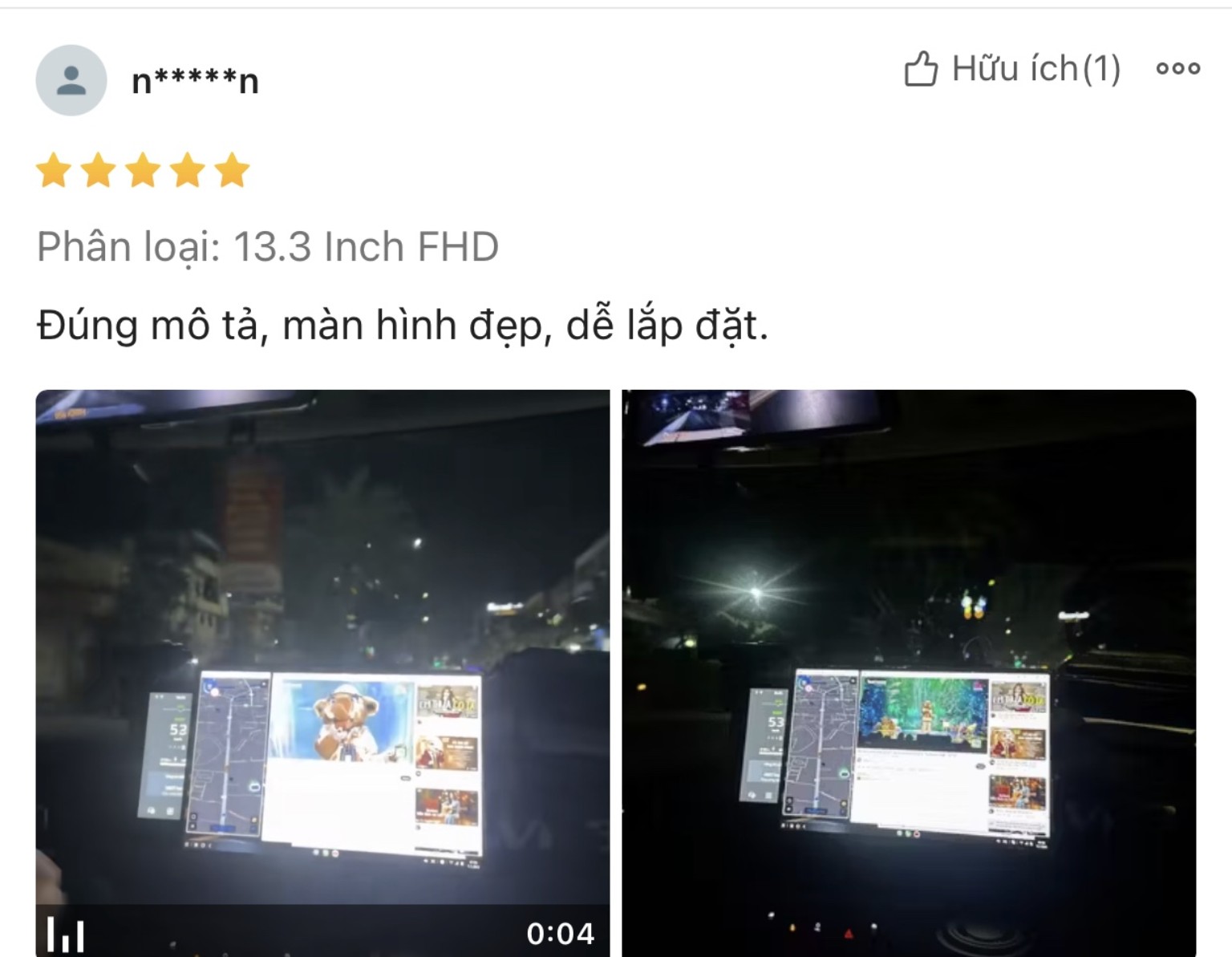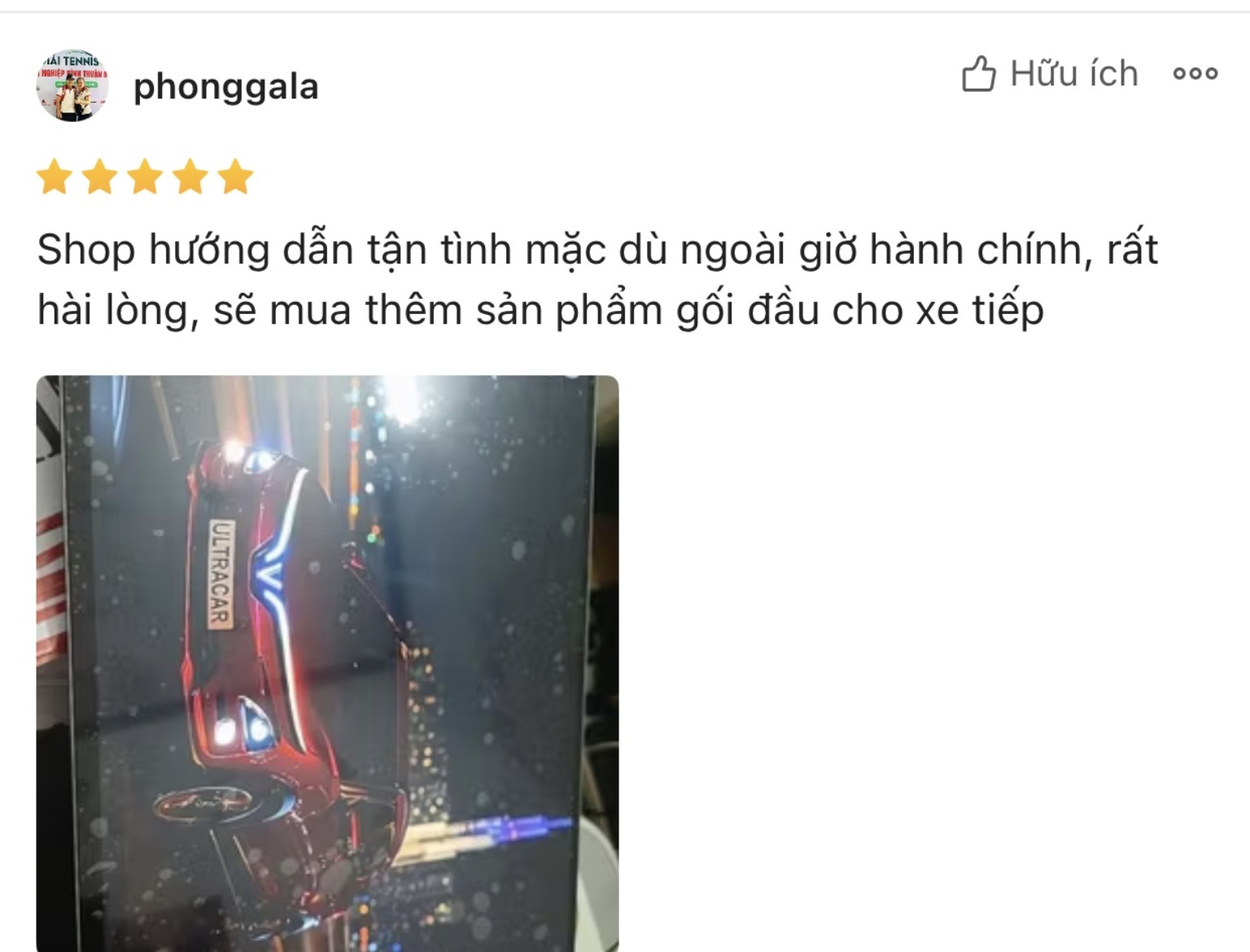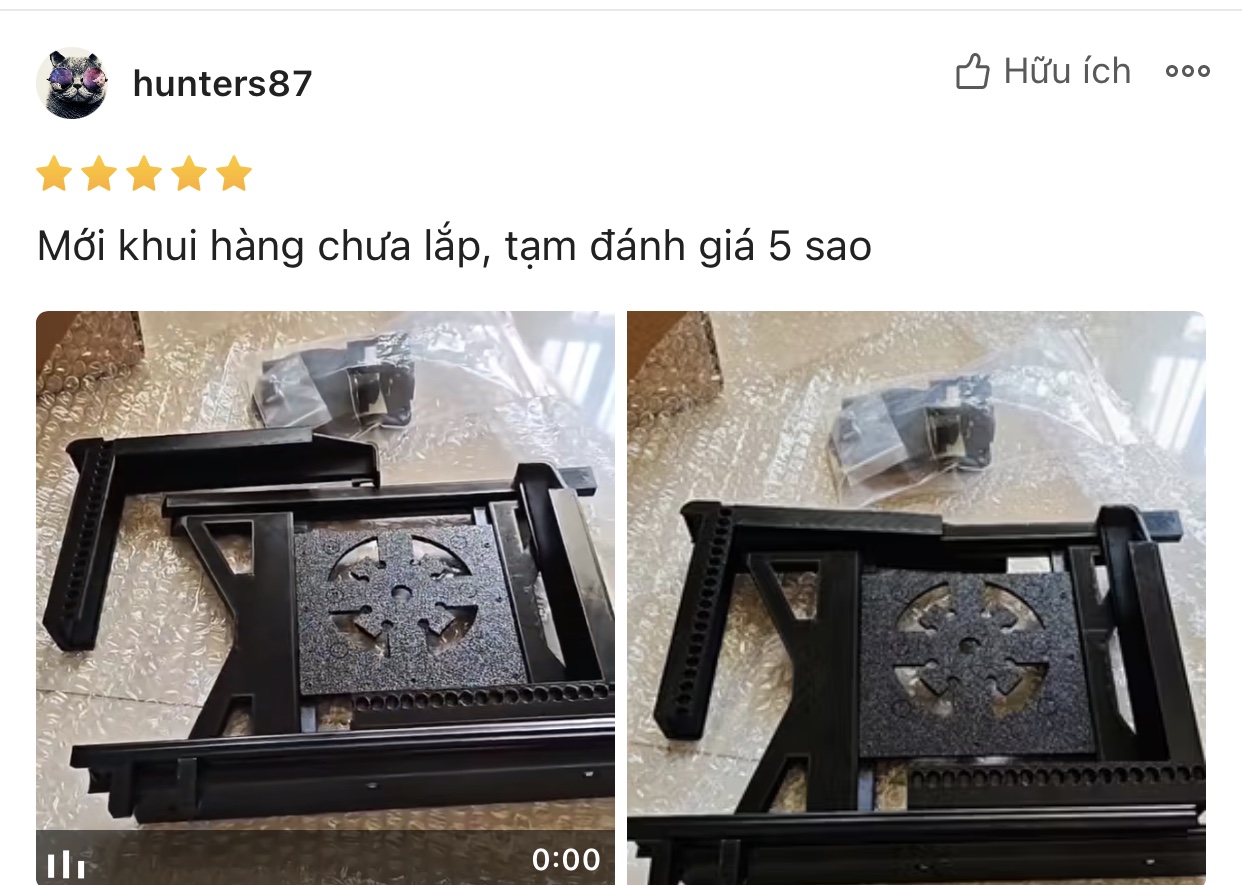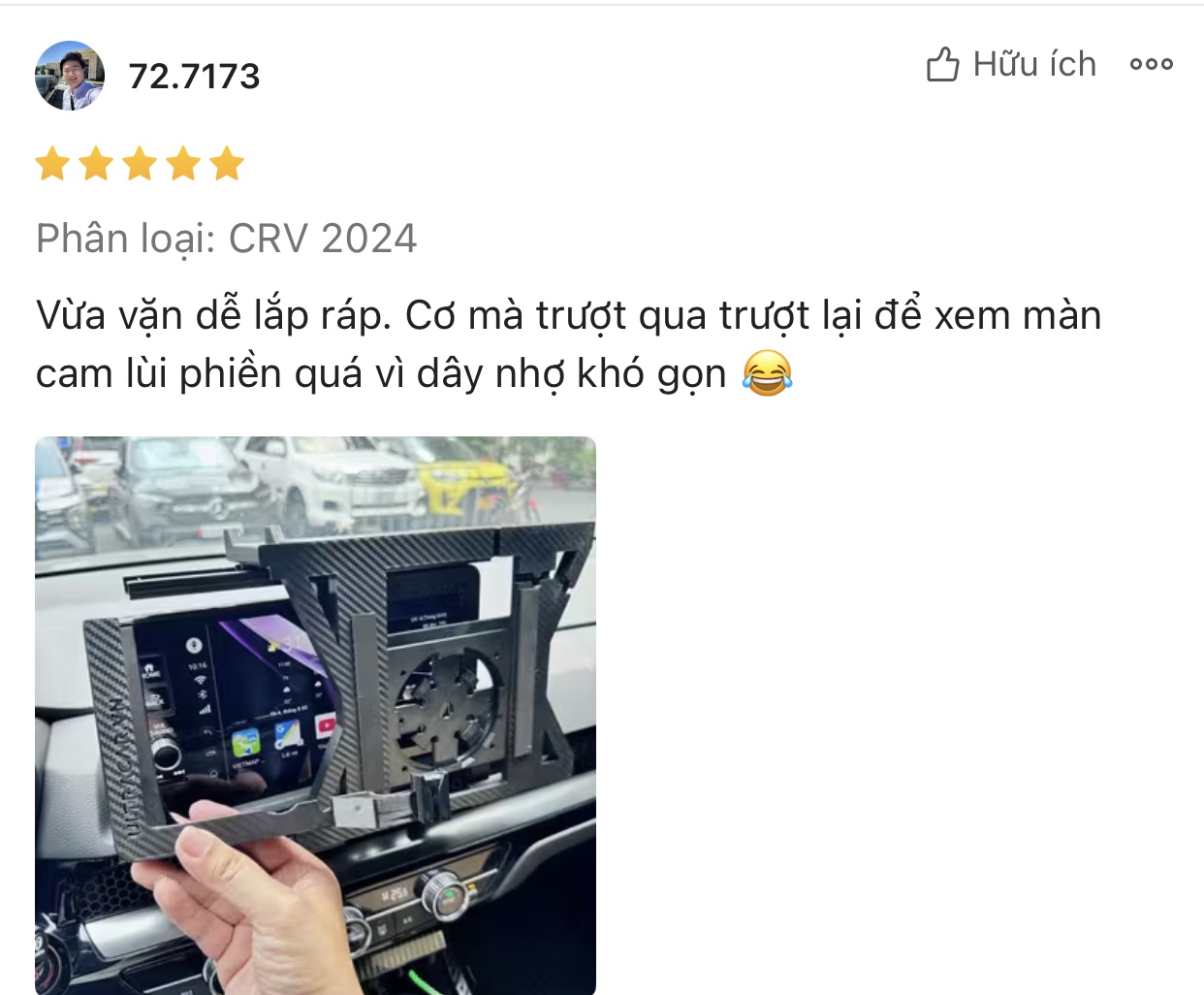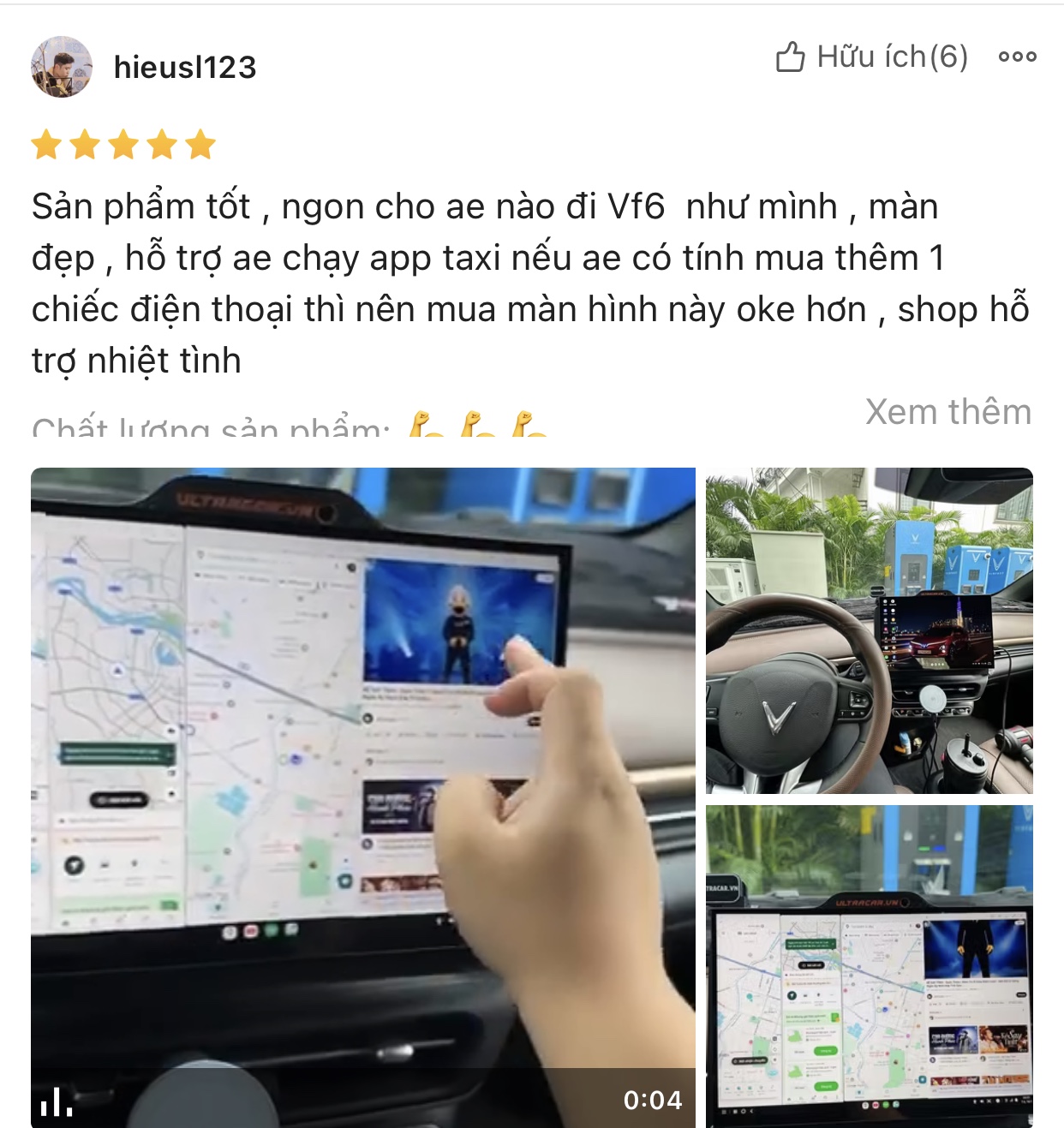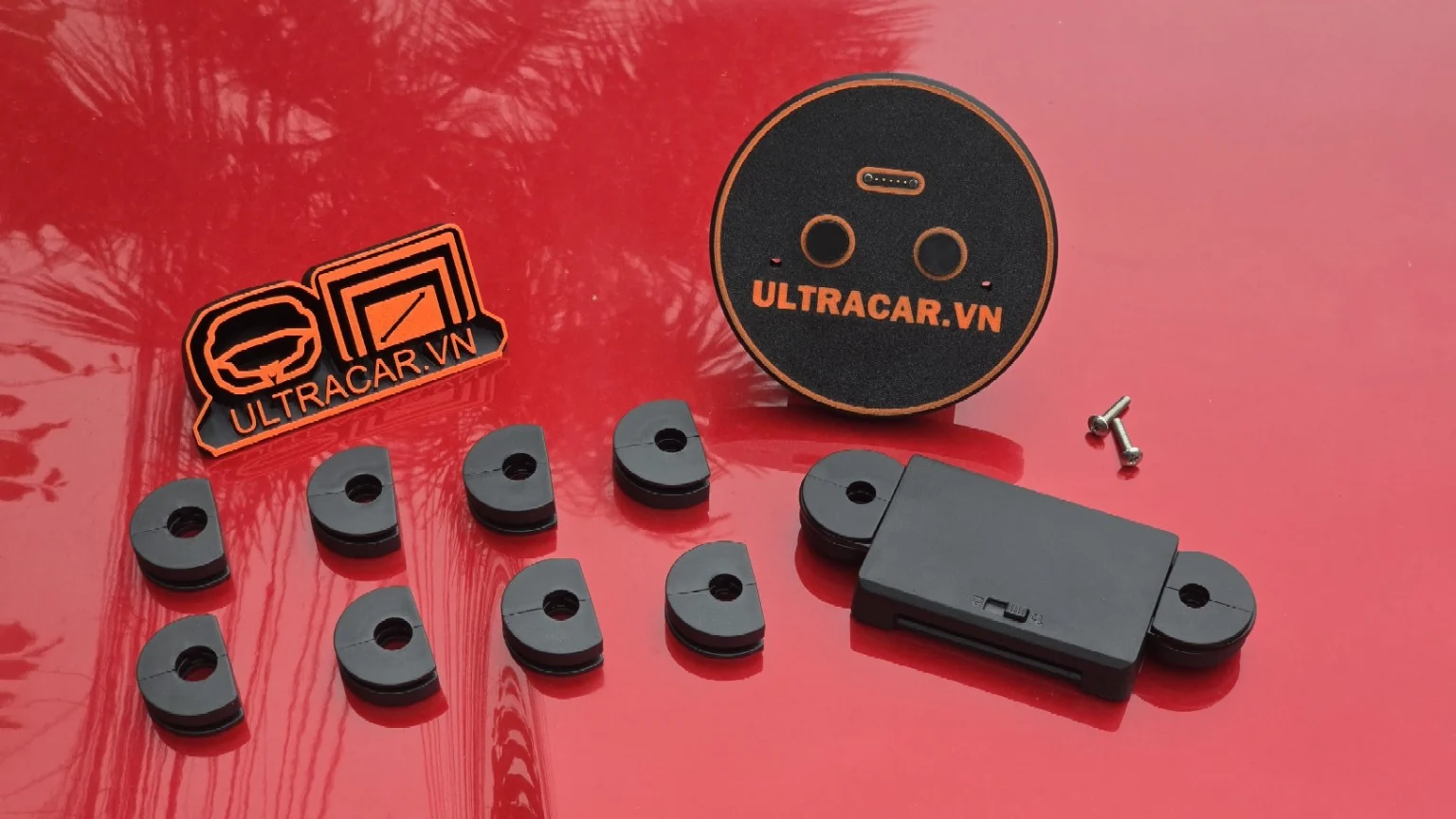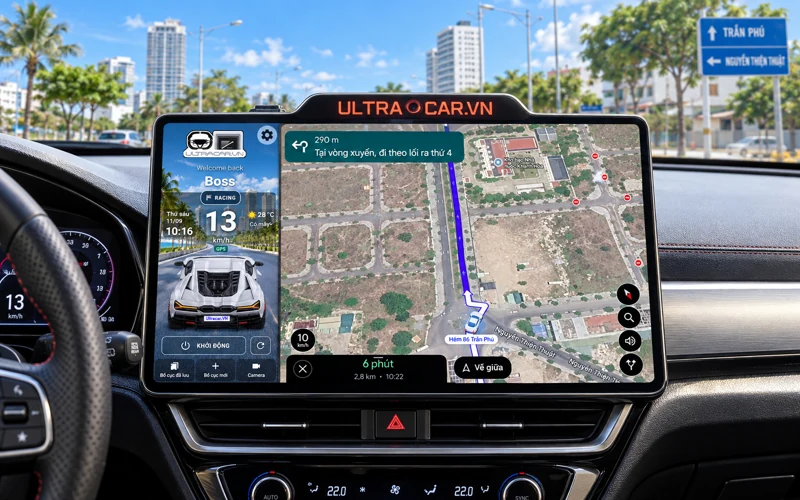

UltraCar display with navigation in a car cockpit

ULTRACAR.VN IN-CAR DISPLAY SOLUTIONS

Your cockpit.More possibilities.

Use it alongside your car’s original display.

Shop now
See the sliding display in action →
  • 1 secondSlide the screen sideways
  • 5 minutesInstall the display kit
  • OriginalNo factory wire cutting
Vehicles
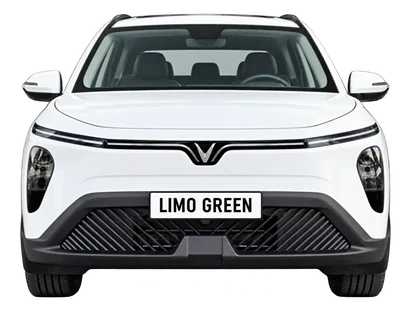
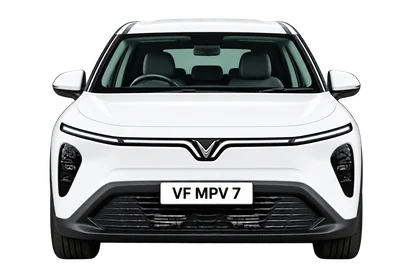
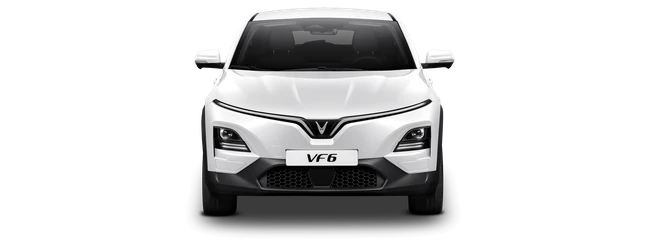
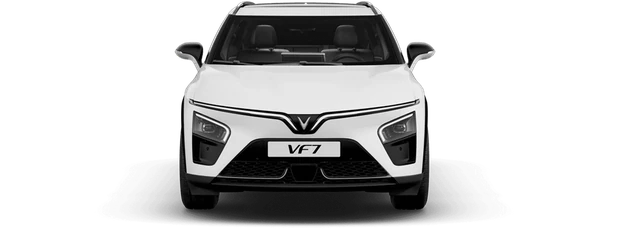
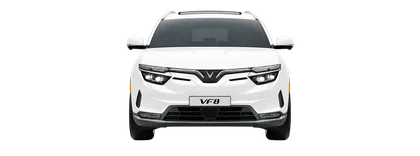
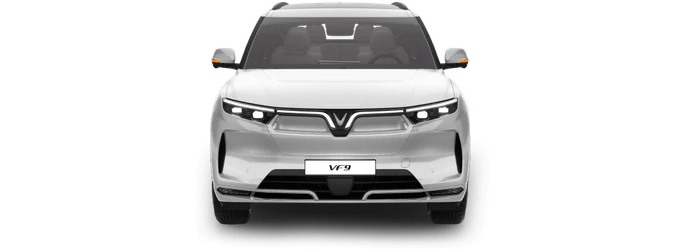
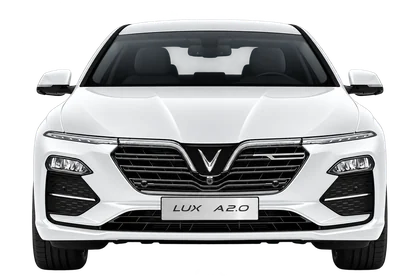
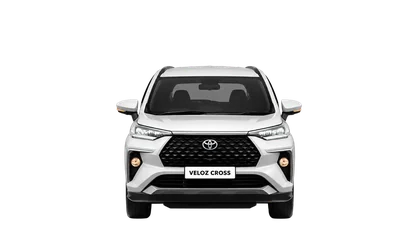
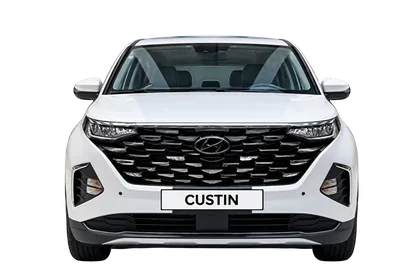
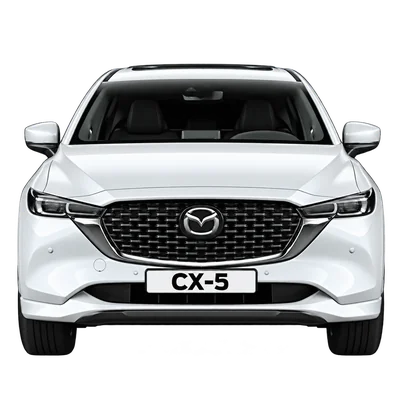
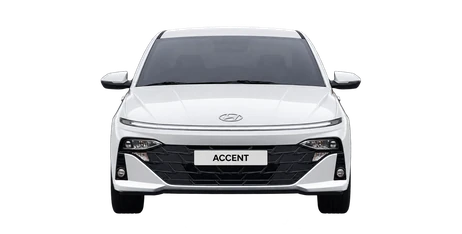
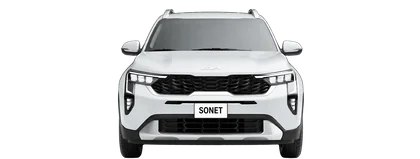
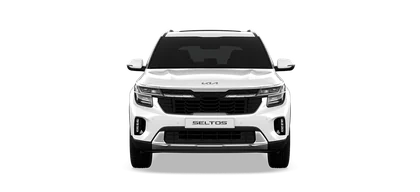
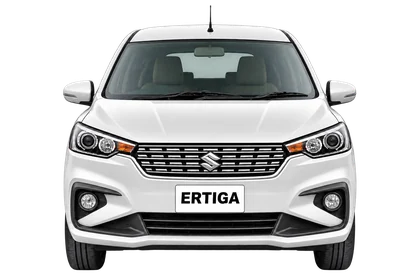
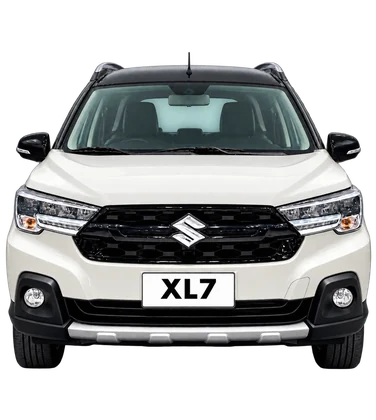
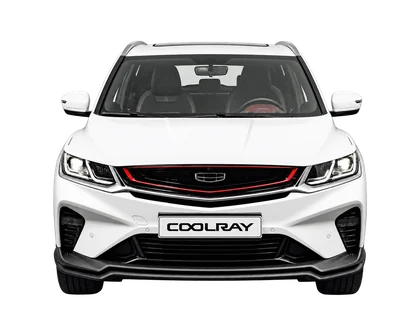
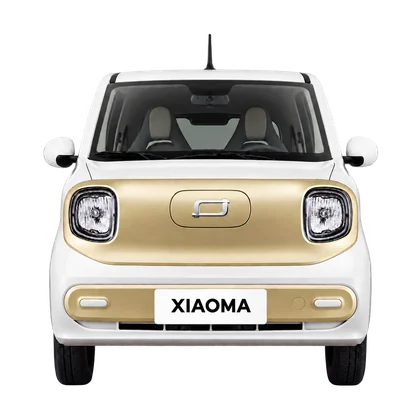
VinFast VF WildVinFast VF 3VinFast Limo GreenVinFast MPV 7VinFast VF 5VinFast Herio GreenVinFast VF e34VinFast VF 6VinFast VF 7VinFast VF 8VinFast VF 9VinFast Minio GreenVinFast Lux AVinFast VF2Toyota Veloz Cross TOPToyota Corolla CrossToyota Innova CrossHyundai CustinHyundai Santa FeMitsubishi Xpander CrossFord RangerHonda CR-VMazda Mazda 3Mazda CX-5Hyundai AccentKia SonetHyundai StargazerKia CarensKia CarnivalKia SeltosMazda Mazda 2MG MG5 ATMitsubishi Xpander Premium (PRE)Peugeot 3008Suzuki ErtigaSuzuki XL7Toyota InnovaGeely CoolrayToyota ViosHonda Civic Gen 11Bestune XiaomaFord EverestFord Ranger Raptor

ULTRACAR / 3D

Explore every angle.

13.3 inch
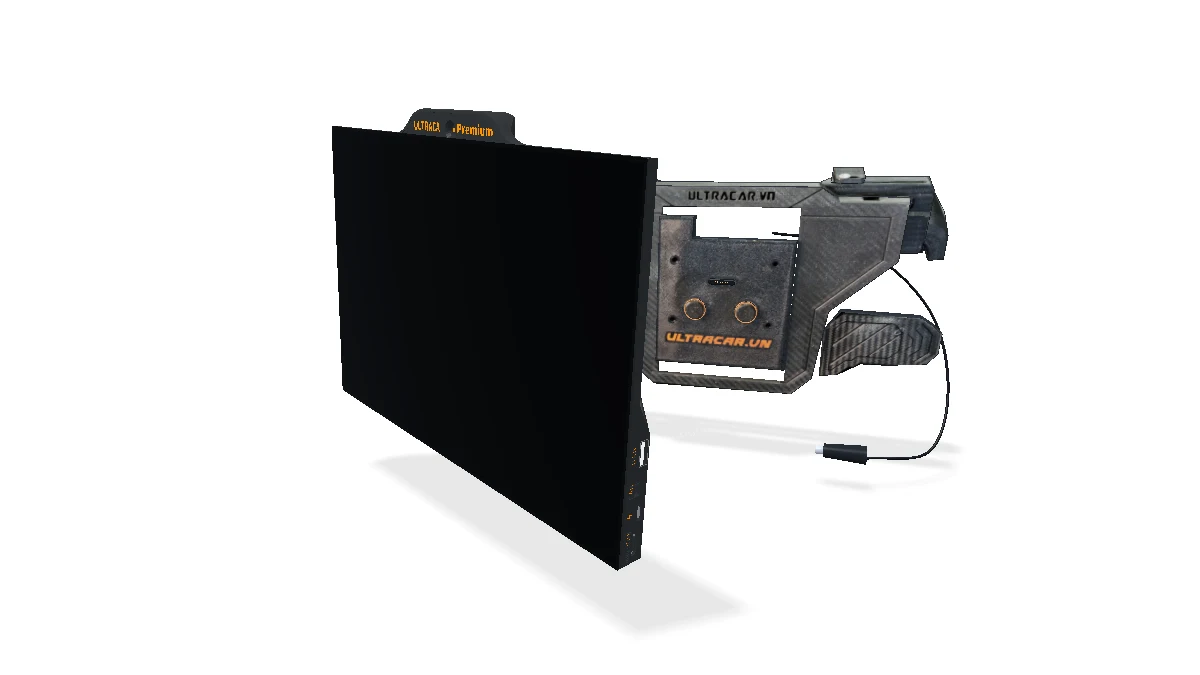
UltraCar 13.3-inch screen model from the original 3D design
UCVN PREMIUM3D model

View the product from different angles.

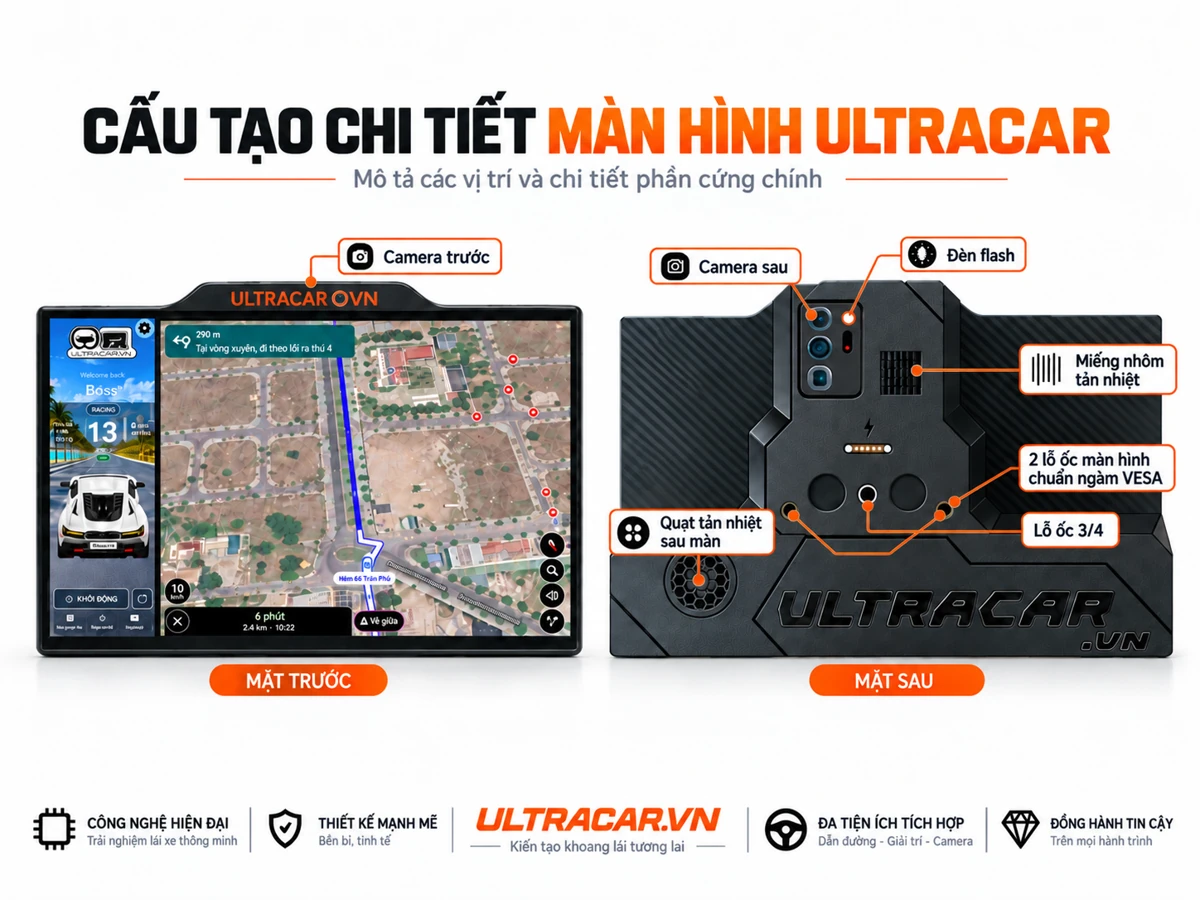
Slim black border with glossy glass reflections that change with the viewing angle. Enclosure based on UltraCar’s original 3D design; the sliding mechanism is illustrative. View the rear design ↗

  1. 01 · Plug in
  2. 02 · Dock screen
  3. 03 · ULTRACAR.VN
  4. 04 · Home screen
UltraCar display and magnetic mount simulation

Watch the mechanism video
3D SIMULATION · 14 SECONDSDownload video

06 / POWER

Magnetic mounting.
Pogo-pin power.

Insert the plug into the 12V socket, bring the display in at an angle, then align it so the Pogo PIN contacts meet. The display lights up, shows ULTRACAR.VN and opens the home screen.

  1. 01
    Align the locating pins

    The two pins align with the mounting points on the back.

  2. 02
    Attach magnetically

    Bring the two surfaces together to mount the display.

  3. 03
    Make contact for power

    Pogo pins carry power from the mount to the display.
View the actual mounting frame

ULTRACAR’S INSTALLATION COMMITMENT

Keep it original. 100%.

Upgrade the experience.
Preserve the original design.

Plug & Play installation.
No cutting or splicing wires.

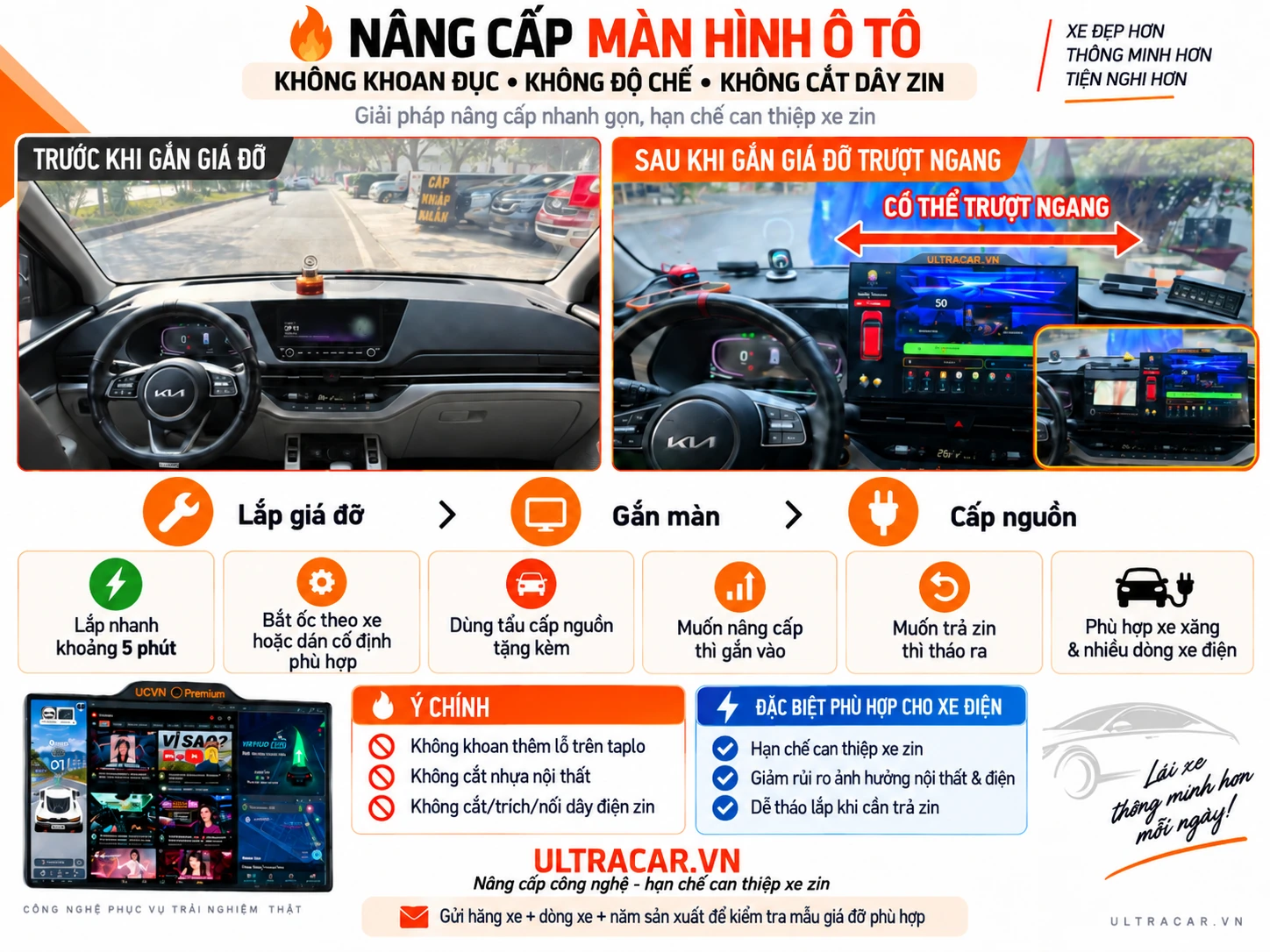
A vehicle-specific mount, sliding display and power connection add screen space while preserving the car’s original display system.

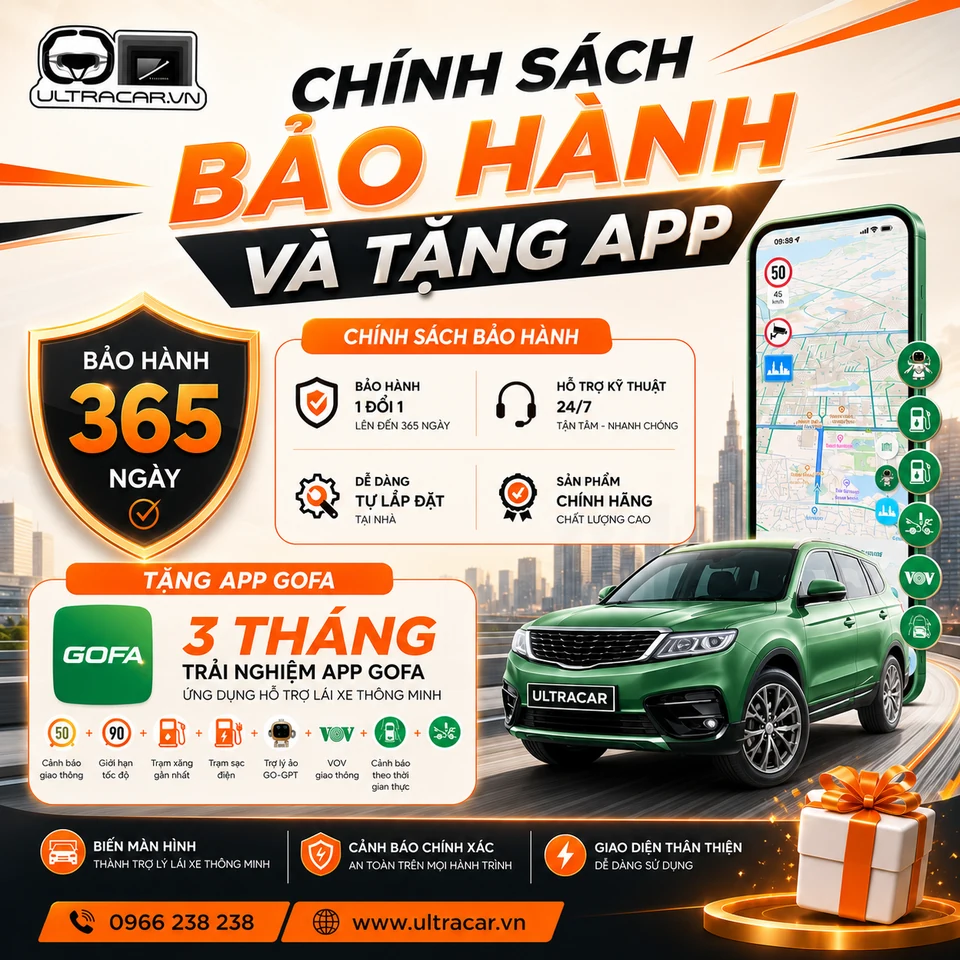
Manufacturer’s warranty

UltraCar recommends installation methods that preserve the car’s original systems. Manufacturer warranty coverage must be confirmed against each brand’s policy and the specific installation.

Check the mount for your car

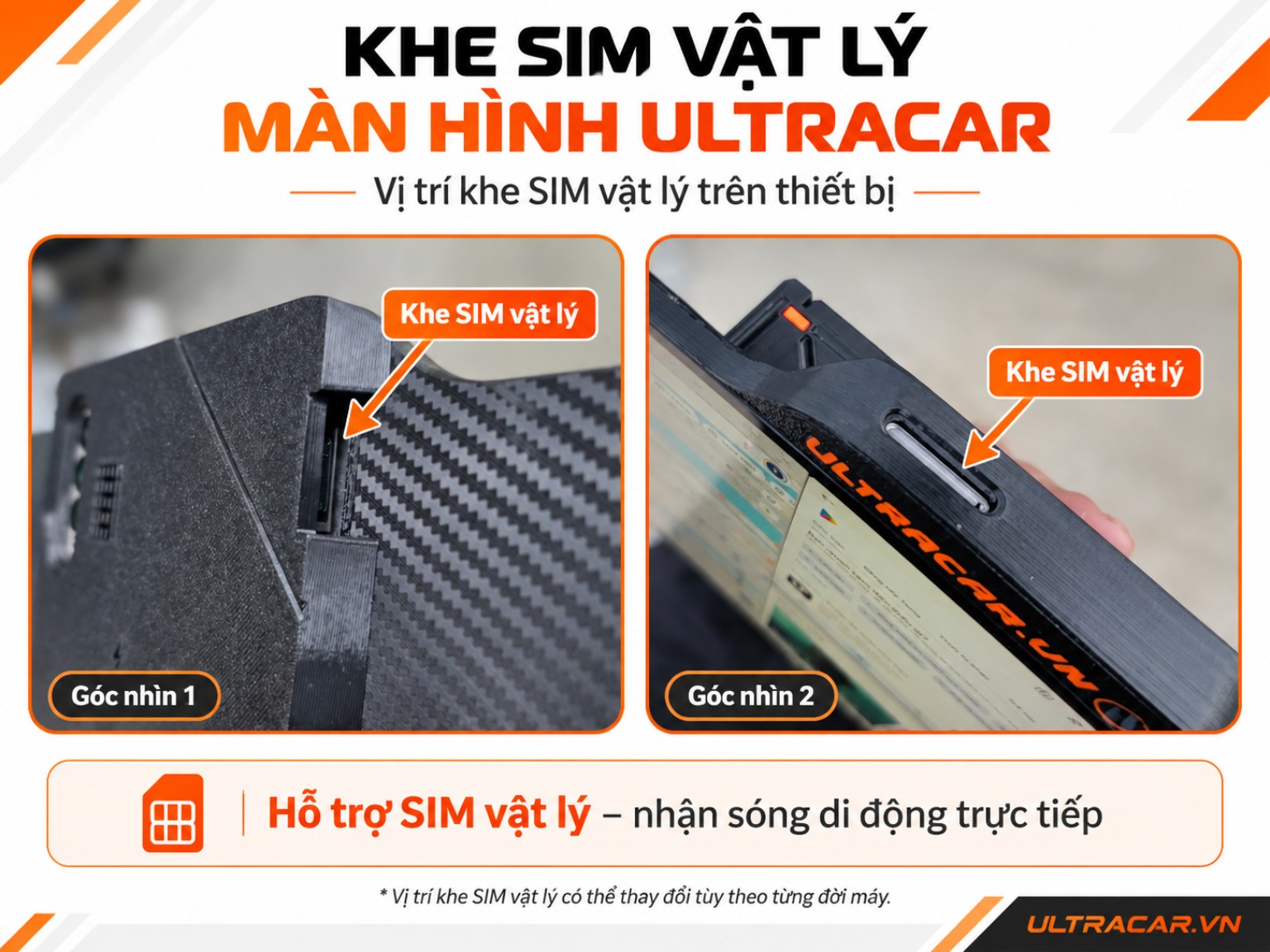
Insert a SIM. See every step.

Insert the eject tool directly into the release hole on the display, remove the SIM and align its notched corner to reinsert it. Push the tray fully in to see “SIM detected” on the display.

  1. Eject the tray
  2. Pull out tray
  3. Remove SIM
  4. Place SIM in tray
  5. Insert tray
  6. SIM detected

SIM slot on the display · Automatic close-up

SIM slot on the UltraCar display

Plays when scrolled into view · Drag to rotate the display · Illustrated operation; SIM slot position and detection time vary by device.

COMBO OFFERS

Save on accessories: VND 200,000

Applies when adding a reverse camera or battery to a display combo.

24-hour refresh cycle

The timer repeats every 24 hours from your first visit in this browser. It is not an offer expiry deadline.

Ask about offers on Zalo
Slide the UltraCar screen aside to use it alongside your car’s original display.Open full video

MULTITASK WITH ULTRACAR.VN

Run 5 apps
side by side.

Keep maps, music and your everyday apps visible together on one Samsung DeX display.

Actual multitasking on an UltraCar display.Open video
  • 5 apps on one display

    Keep maps, music and everyday apps visible together in separate windows.

  • A layout for your needs

    Give maps more space and arrange the other apps alongside them.

  • Open your familiar apps

    Tap “Start” to launch your configured apps and arrange their windows.

For Samsung devices with DeX, running One UI 8 or earlier.

Explore the exclusive app

ULTRACAR / CAMERA INSTALLATION

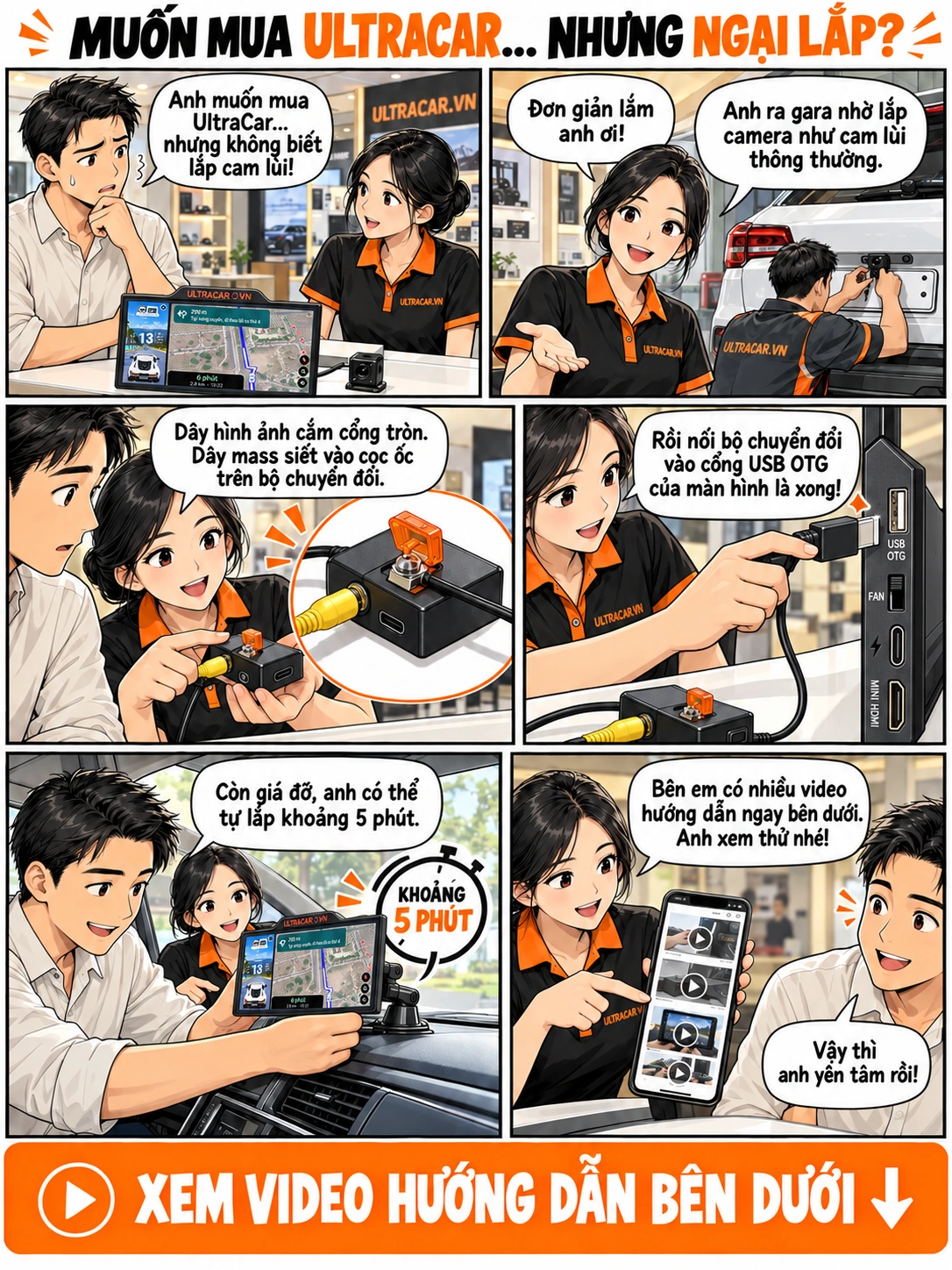
Wondering how to install your UltraCar reverse camera?

Vietnamese illustrated UltraCar guide: garage camera installation, video and ground connections to the converter, USB OTG connection to the display, and mount installation videos.
Open the image to view and zoom. Watch installation guides

ULTRACAR EXCLUSIVE REVERSE CAMERA SOLUTION

Shift into reverse.
The camera is ready.

A reverse camera integrated directly into your Samsung DeX display. Switch quickly and seamlessly from your apps to the view behind your car.

1second

Reverse camera view
right on your display.

  • Quickly switch to the rear view
  • See the camera view with parking guidelines
  • Integrated into the UltraCar solution
Ask about the reverse camera kit Explore the reverse camera
ULTRACAR / REVERSE CAMERAREAL-WORLD VIDEO
From apps to the reverse camera — see it in action.Watch the full video

Reverse-camera kit pricing excludes installation. Typical installation costs VND 200,000–400,000 depending on the installer; confirm the fee before installation.

UltraCar app interface with maps and entertainment in separate windows

UltraCar exclusive app

Tap “Start” to open your configured apps and arrange their windows on Samsung DeX. Keep maps, music and your everyday apps together on one display.

For Samsung devices with DeX, running One UI 8 or earlier.

Read more

Before & after installation.

Compare the original cockpit with the UltraCar display and sliding mount installed.

Before installation: the cockpit with its original display
Original cockpitBefore fitting the mount
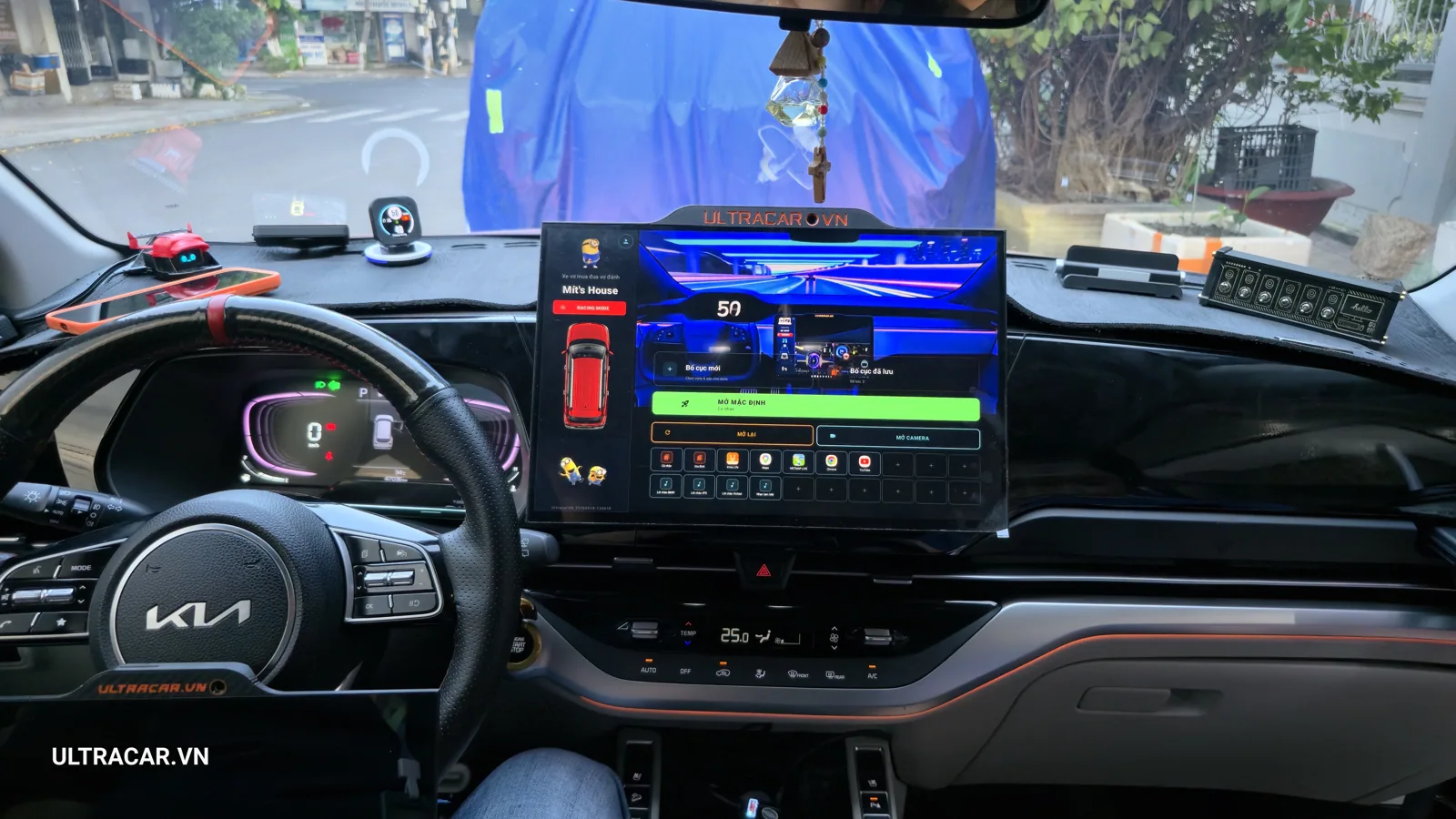
After fitting the sliding mount: an UltraCar display on the dashboard
Sliding mount + UltraCar displayAfter installation
  1. 01 Fit the mount
  2. 02 Attach the display
  3. 03 Connect power

BRAND STORY · ULTRACAR.VN

The UltraCar.vn story

Your familiar cockpit.
More possibilities every day.

Your car is a personal space. Clear navigation, favourite music and familiar apps should all be within easy reach, while the original display stays in place.

UltraCar’s approach starts with this need, bringing together displays, vehicle-specific mounts and a Samsung DeX companion app into one connected setup. A sideways slide gives you room to use both screens together.

Our work continues after installation: helping you get familiar with the device, choose a suitable layout and find support when you need it.

“Keep your car original.
Expand your experience.”

UltraCar.vn — Made for your cockpit.

Visit the UltraCar office
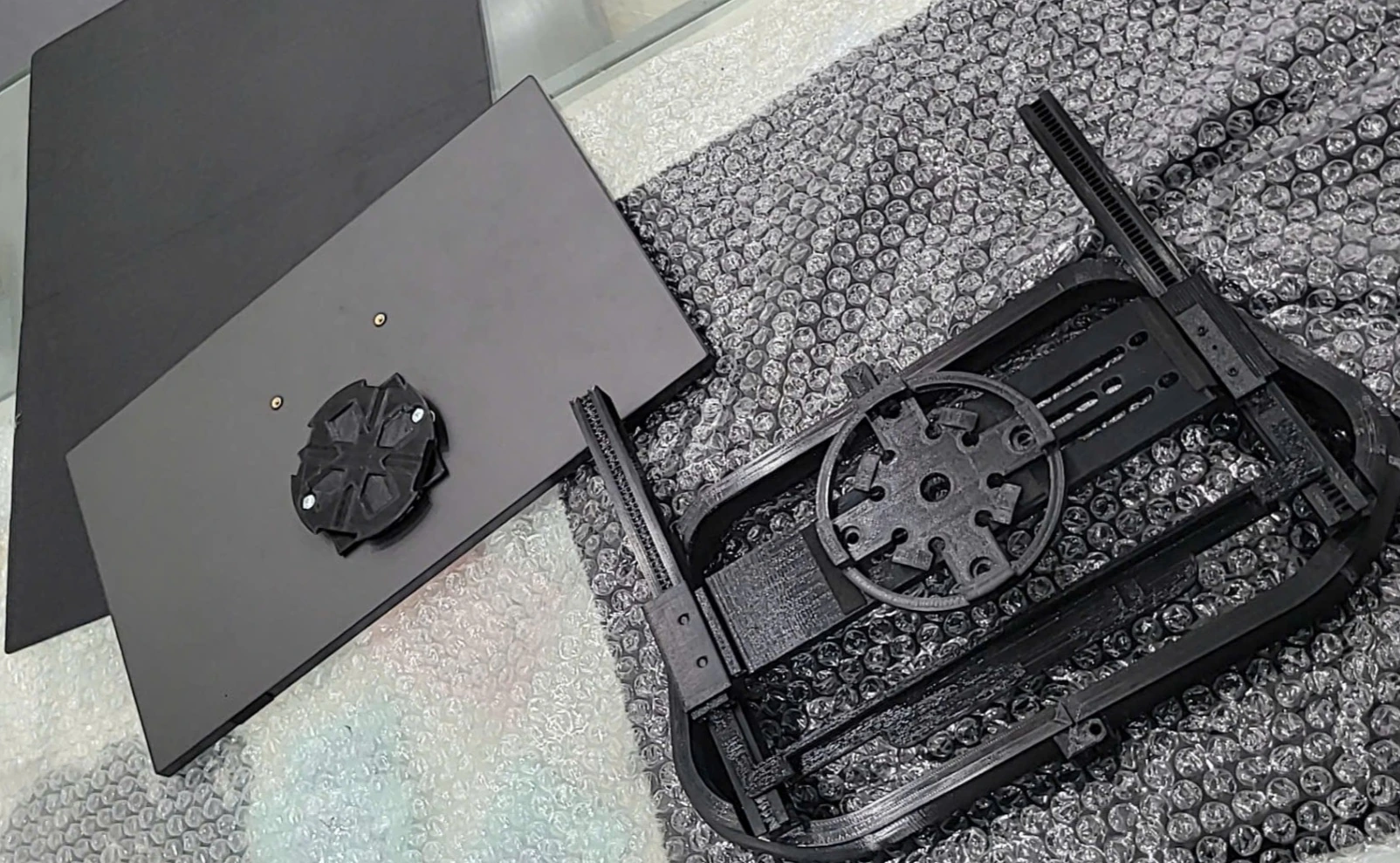
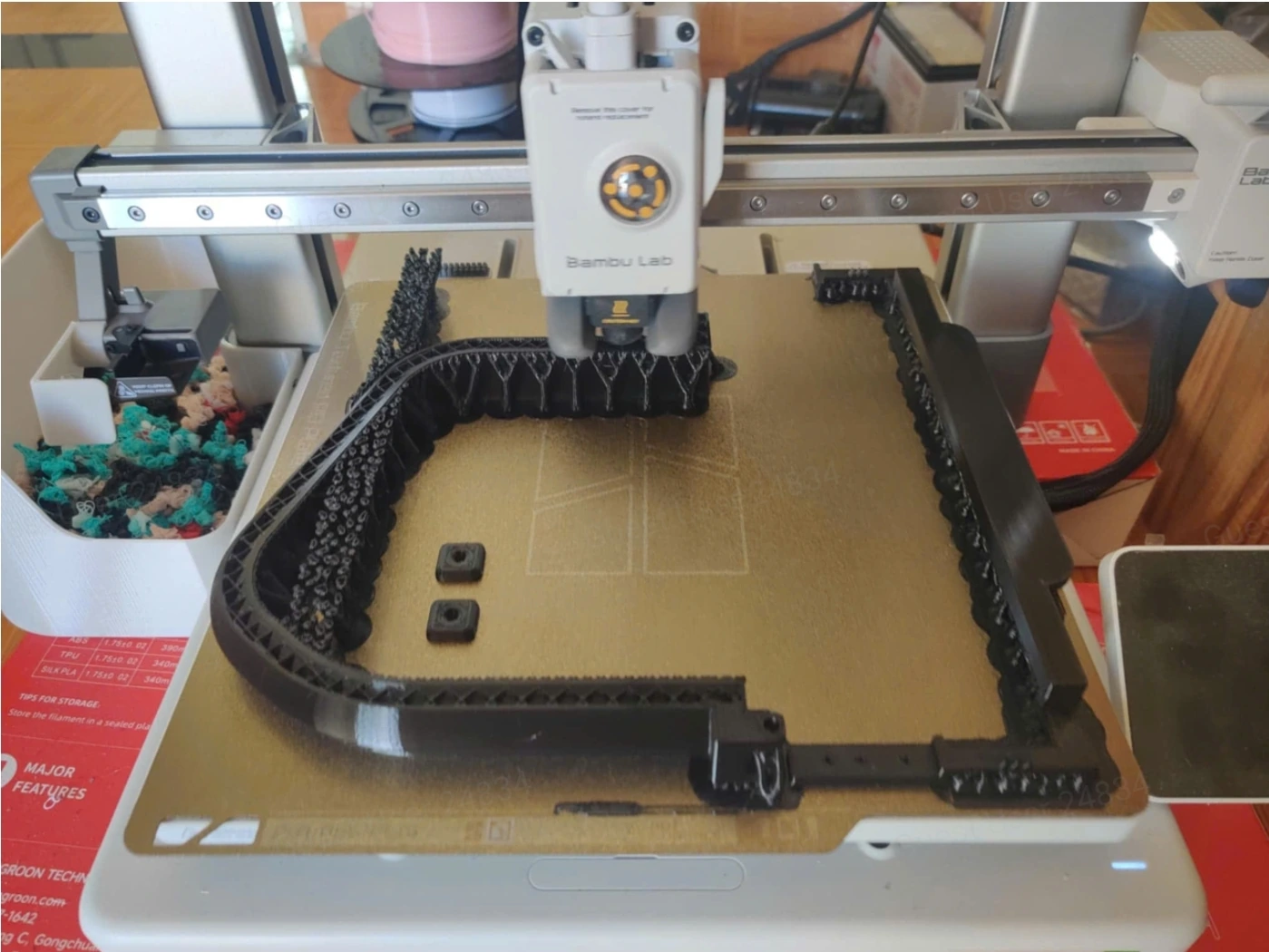
From design to an UltraCar mount

Archive photos of mount development and 3D printing. These images show earlier versions; UltraCar confirms the supplied mount for each vehicle during consultation.

UltraCar mount development archive
UltraCar mount development archiveView full image
3D printing an UltraCar mount
3D printing an UltraCar mountView full image
UltraCar display and mount solution
UltraCar display and mount solutionView full image

ULTRACAR OFFICE · NHA TRANG

Visit the UltraCar office.

Take a video tour of the UltraCar office. Contact us in advance to arrange a visit, get advice and have a suitable display and mount installed at our headquarters.

ULTRACAR / OFFICE

A look inside the UltraCar office.Watch on YouTube
Registered company name
Công ty Cổ phần Ultracar Viet Nam (UCVN)
Address
66 Phùng Hưng, Nam Nha Trang Ward, Khánh Hòa Province, Vietnam
Tax identification number
4202054301

WATCH OUR BRAND FILM

The complete UltraCar setup.

UltraCar.vn provides in-car display solutions combining screens, vehicle-specific mounts and an app for Samsung DeX.

The solution adds display space and helps arrange apps in your cockpit. Our brand film introduces UltraCar.vn and the components of the setup.

Explore our products and app
ULTRACAR.VN BRAND FILMOur company & display solutions
01 / DISPLAYS

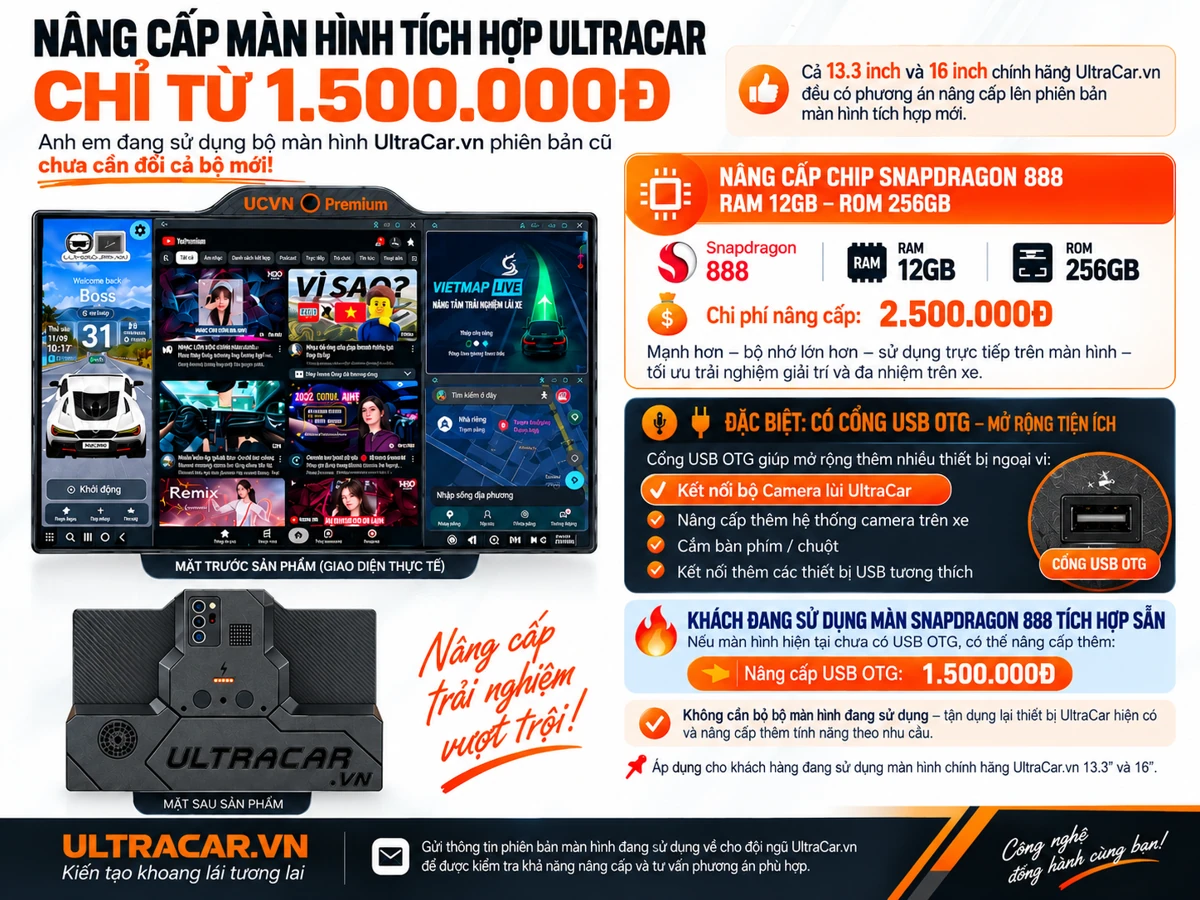
13.3-inch and 16-inch displays

Choose the size, processor and memory to suit your needs.

Explore displays
02 / MOUNTS

Installation for your car

A mount that fits your cockpit. The sliding design lets you use UltraCar alongside your car’s original display.

Find a suitable mount
03 / APP

The UltraCar.vn app

The UltraCar.vn app automatically arranges windows on Samsung DeX, for One UI 8 and earlier.
Explore the app

THE ULTRACAR STORY

A chance beginning.
A commitment to see it through.

From a decision to change cars in July 2024 to developing hardware and software for UltraCar. Read the founder’s original story in Vietnamese.

Read the UltraCar story →

CUSTOMER EXPERIENCES

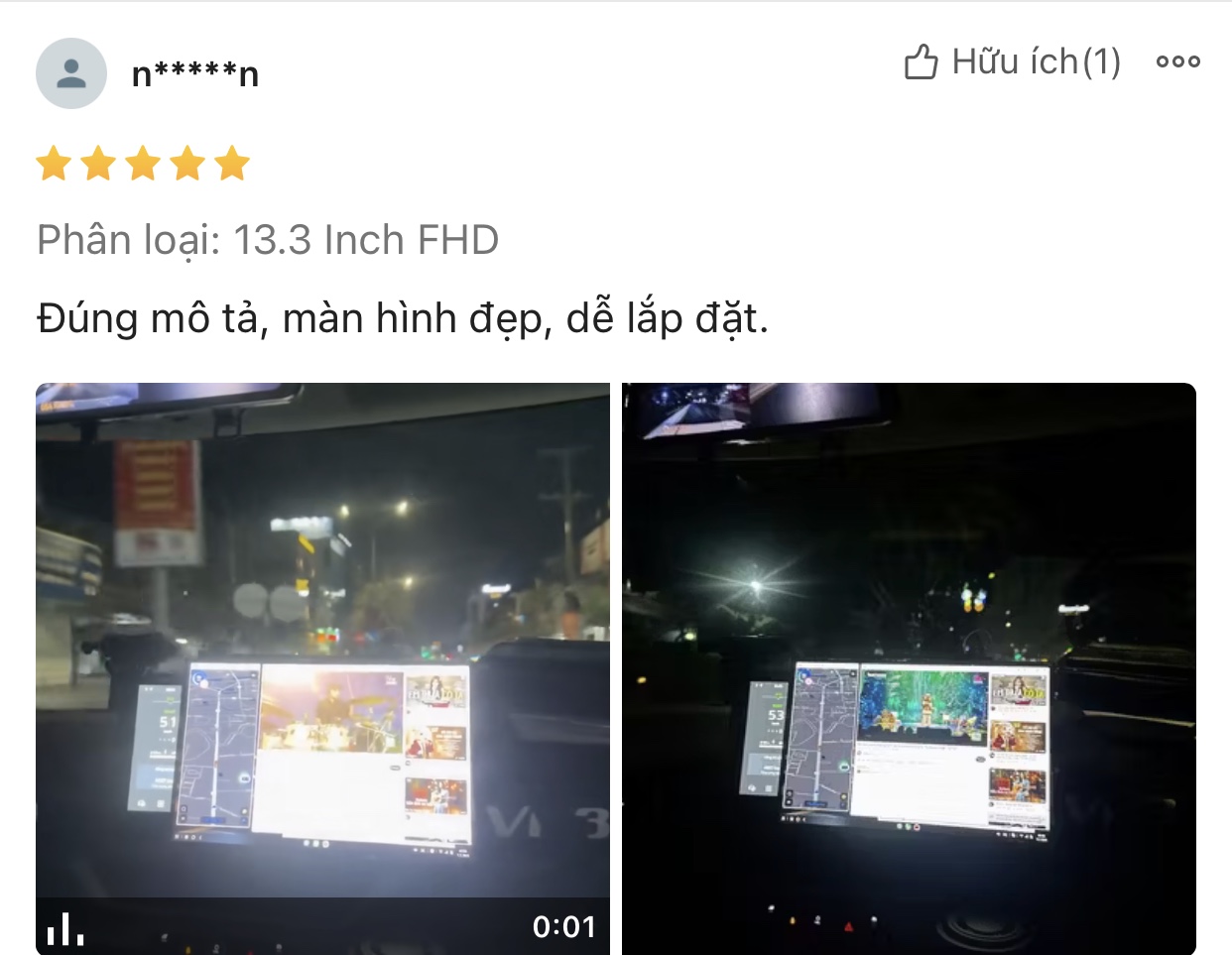
Over 8,962 customers have upgraded their cars,
what about you?

From everyday use to after-sales support. Explore the feedback and photos shared by our customers.

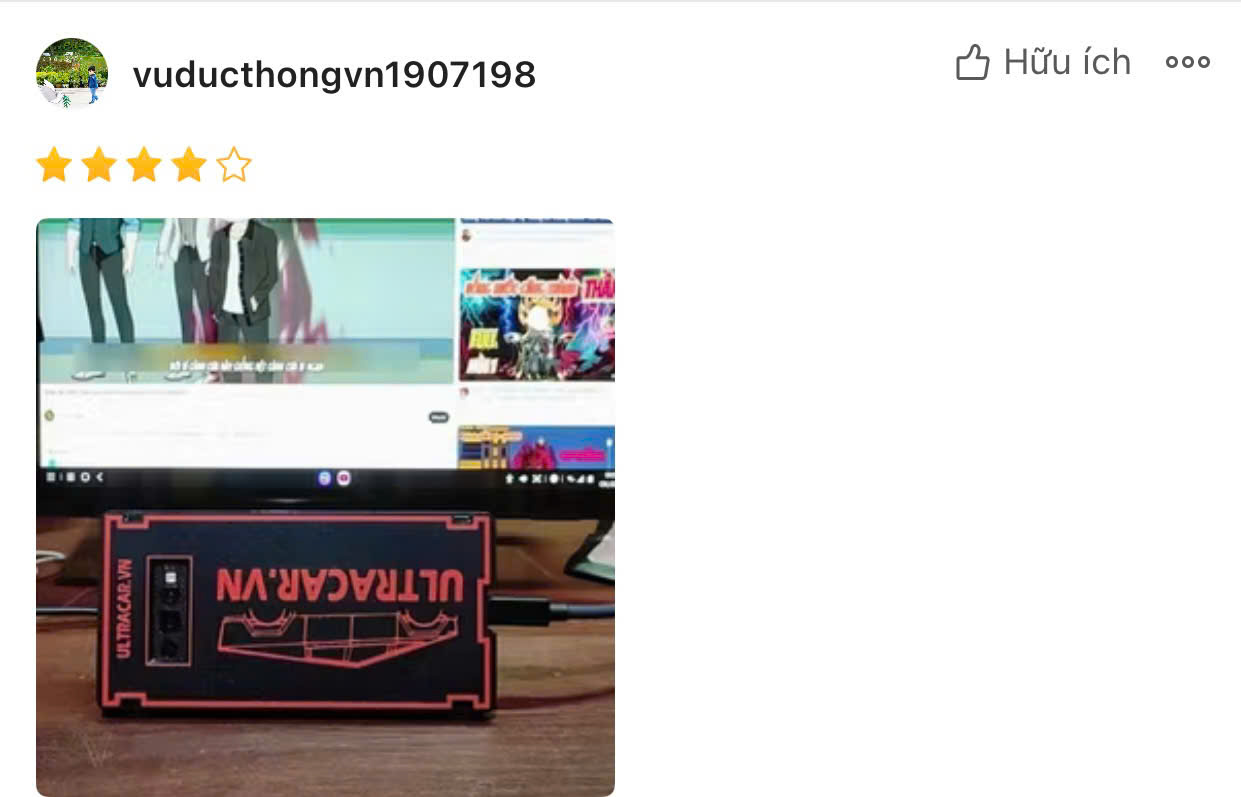
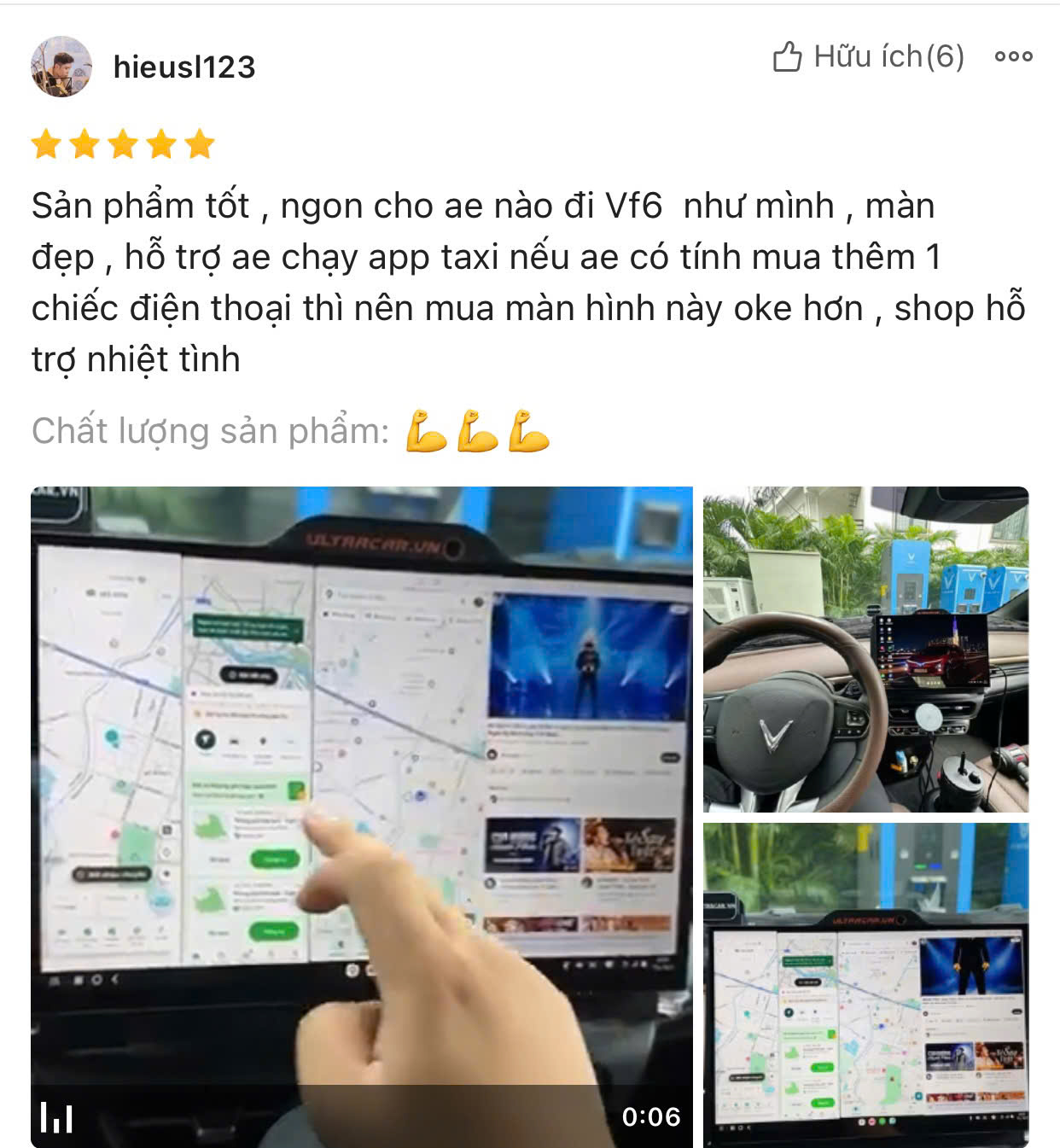
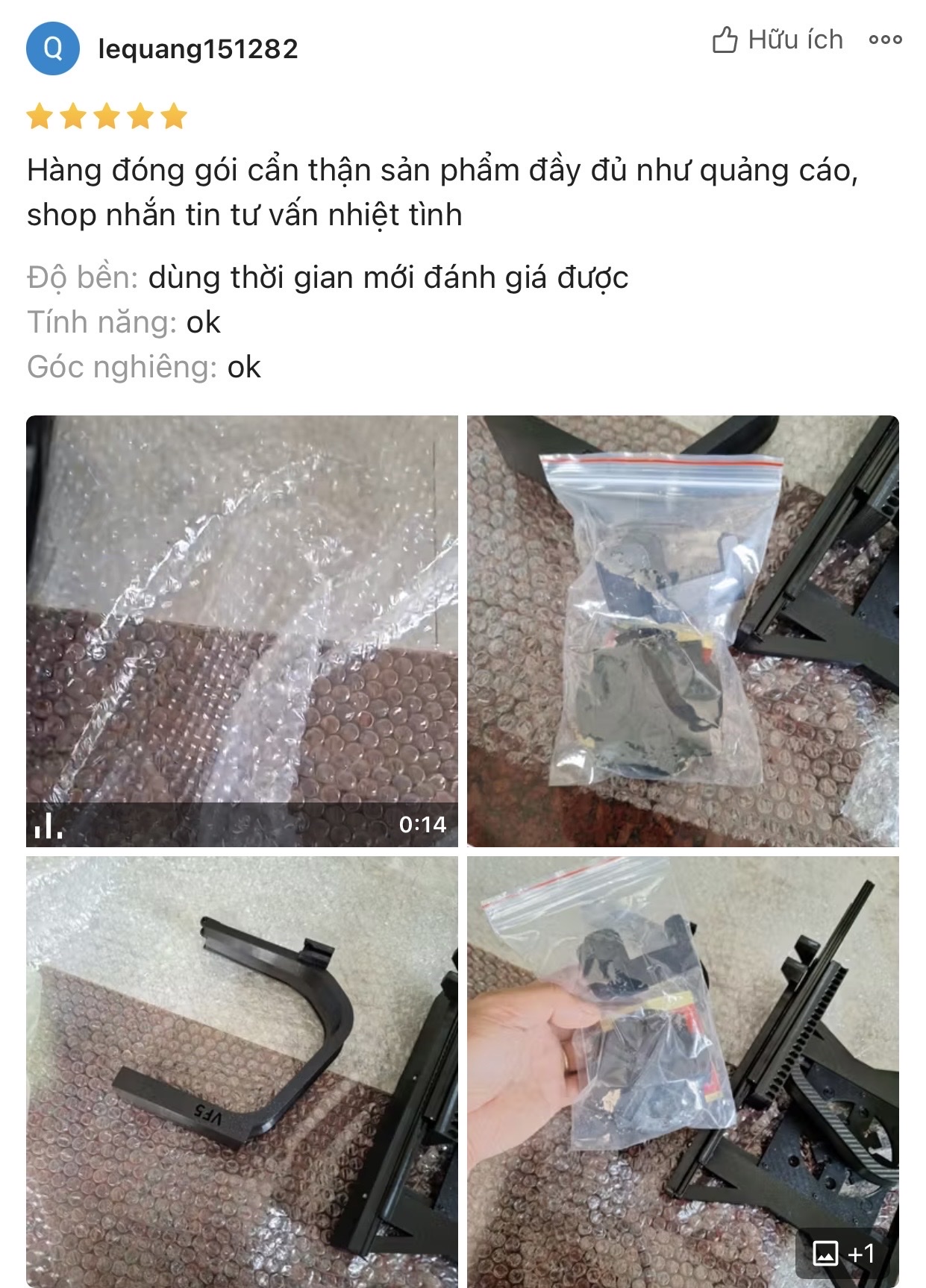
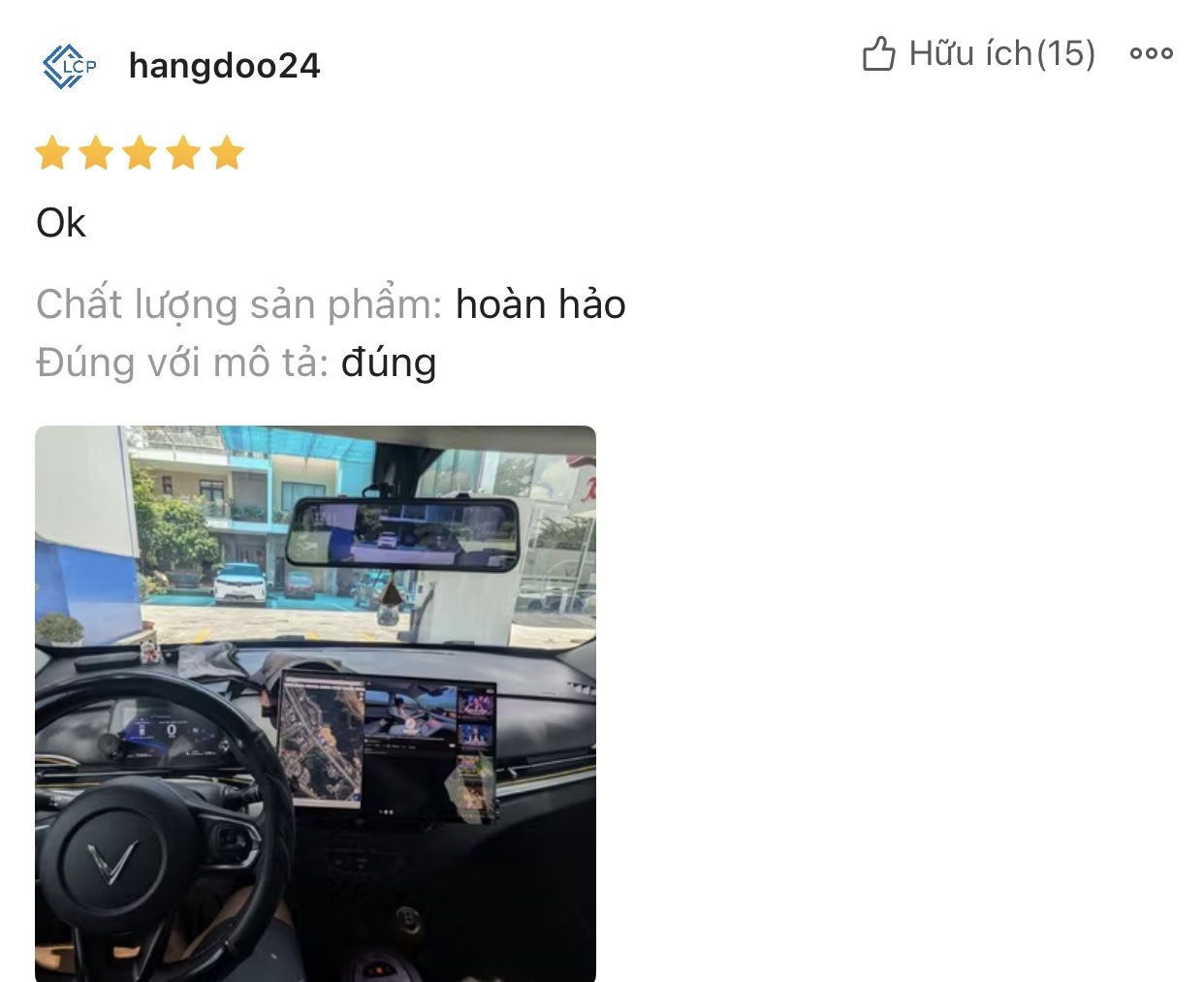
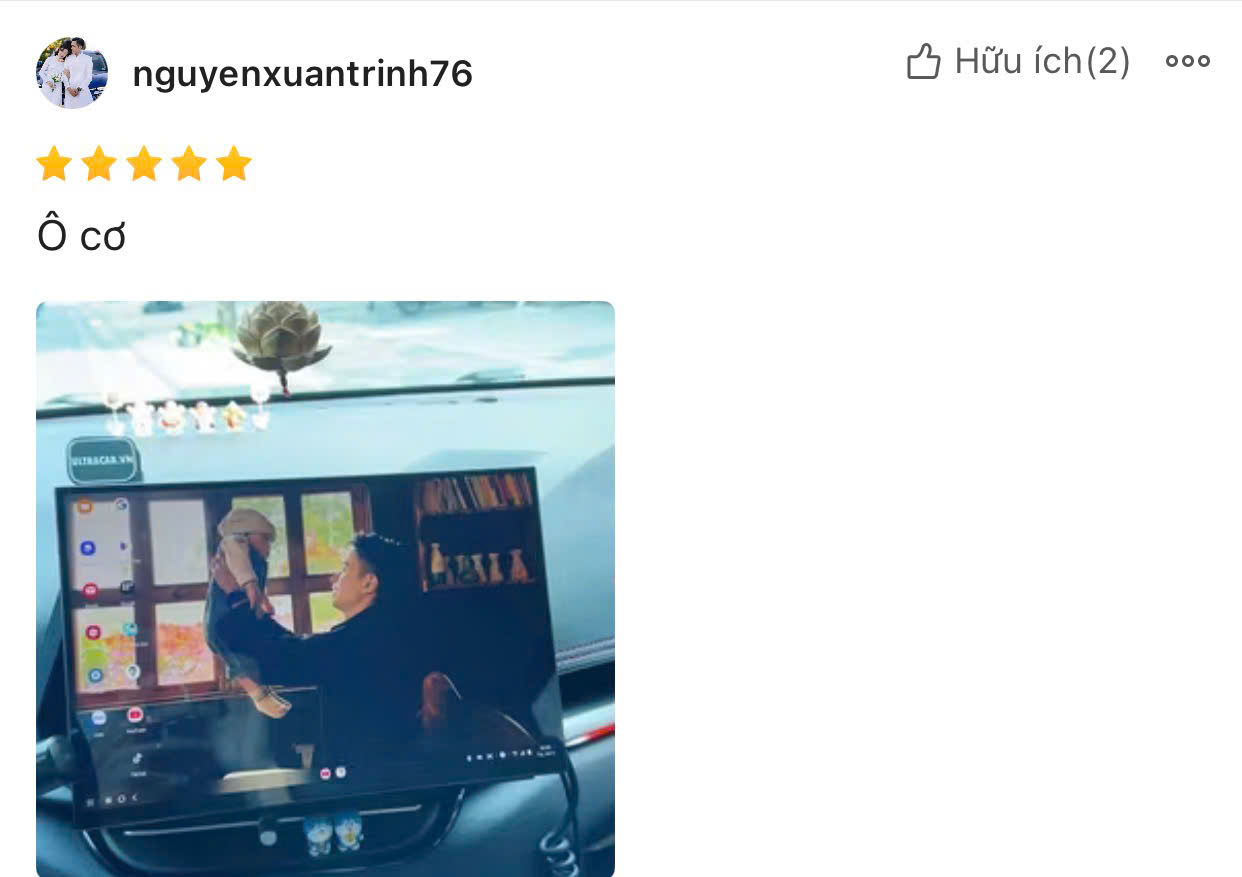
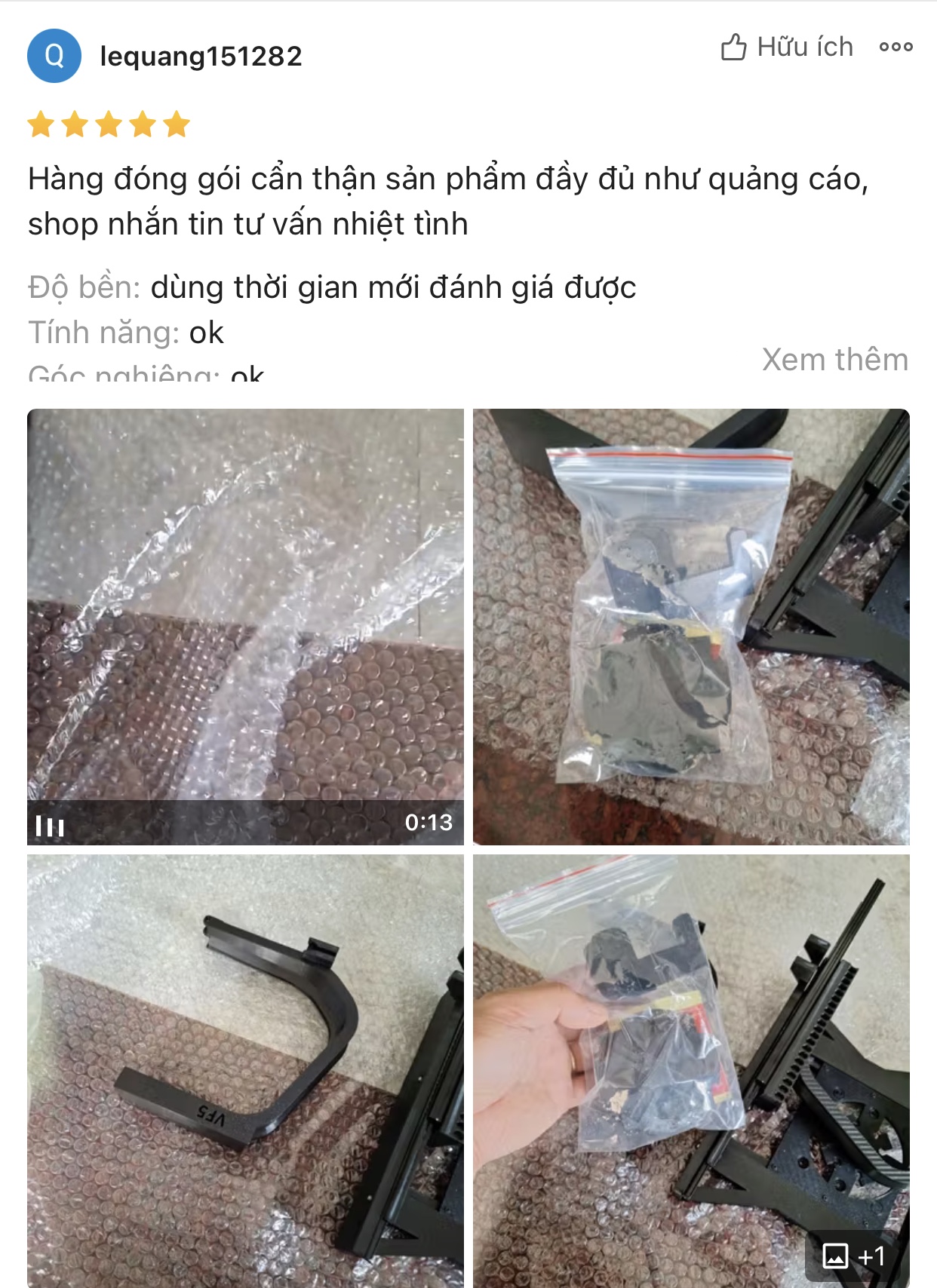
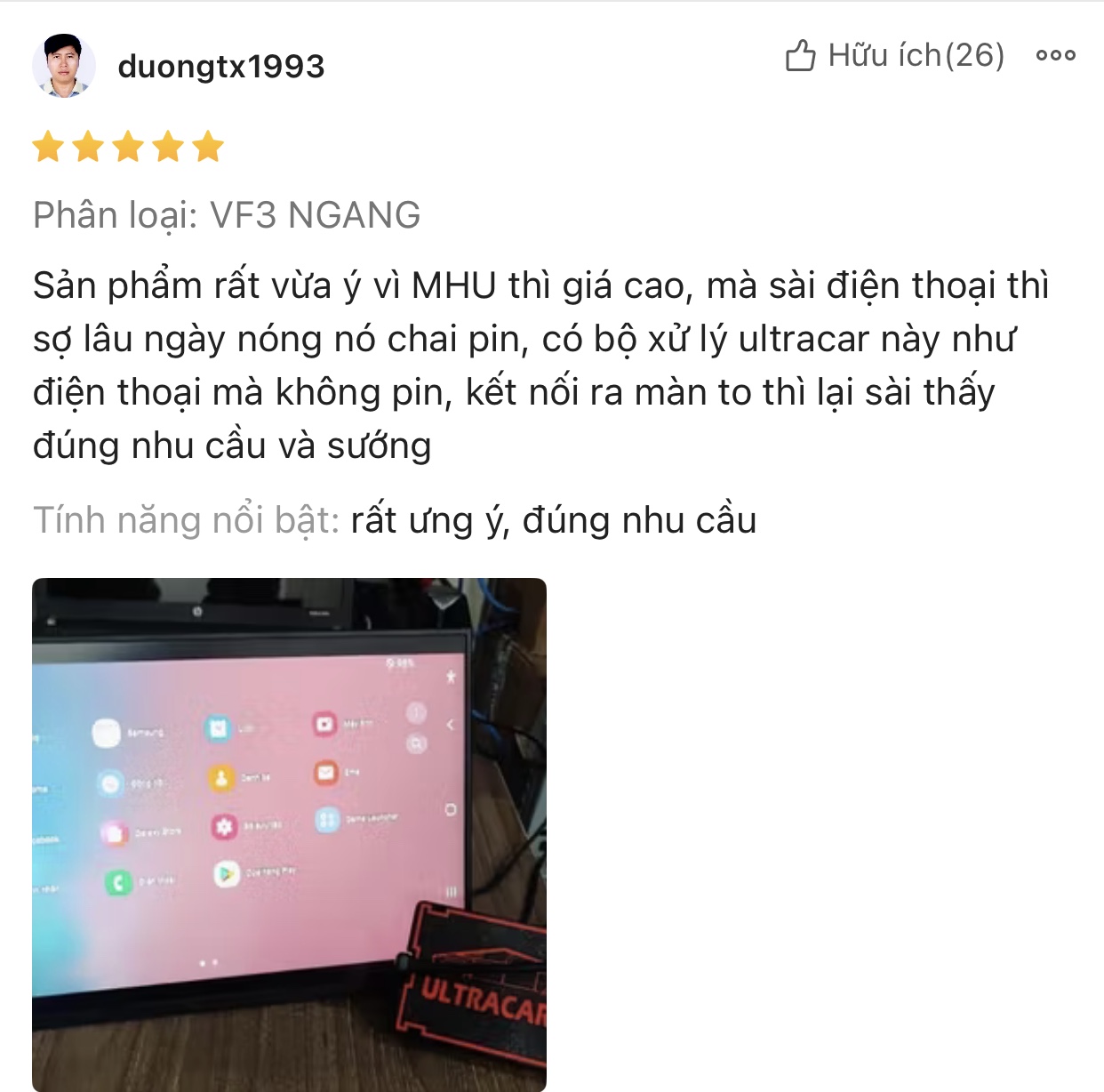
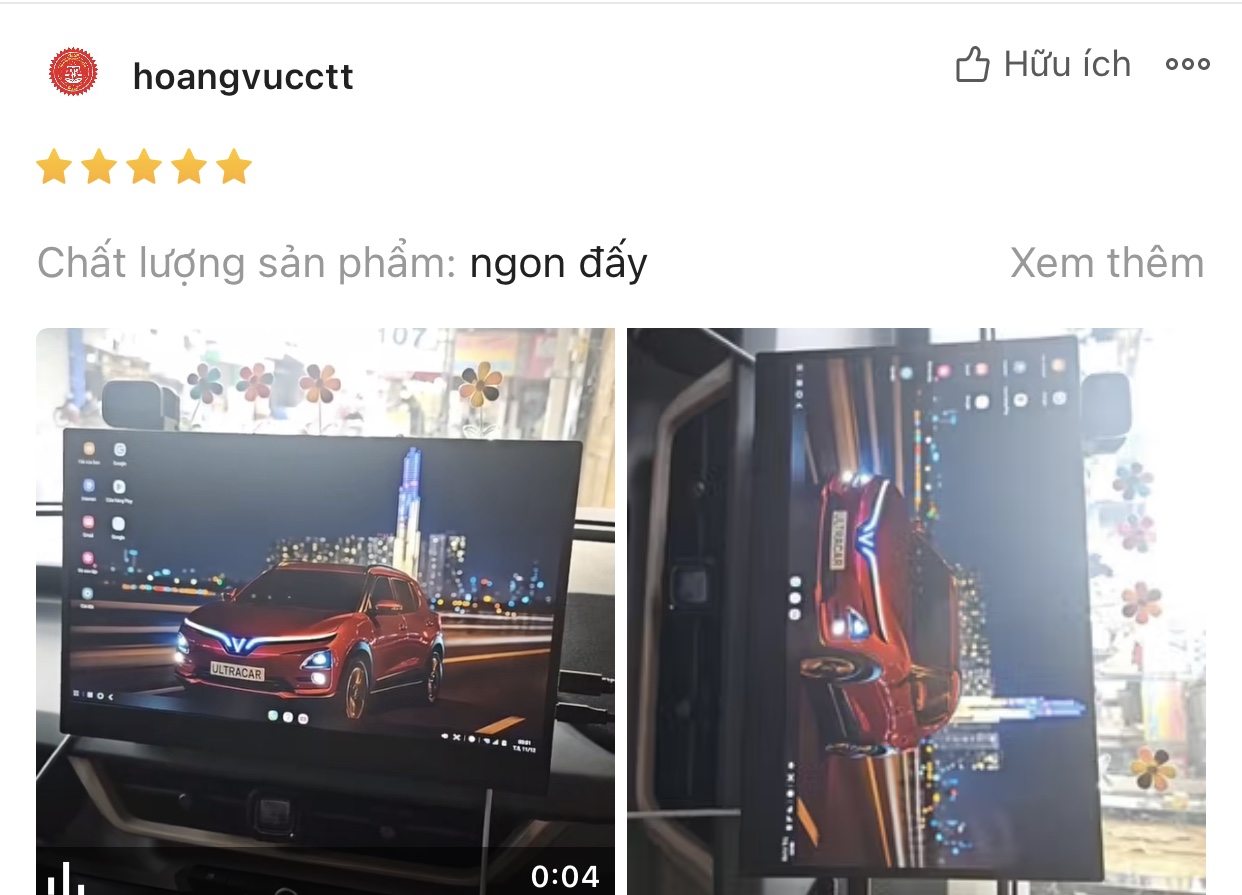
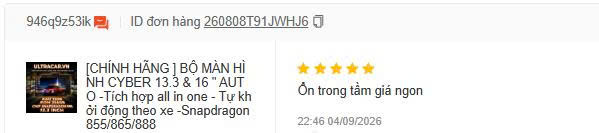
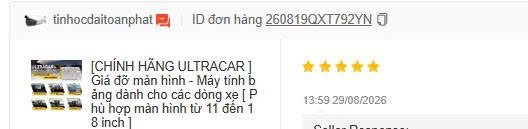
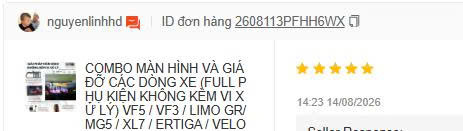
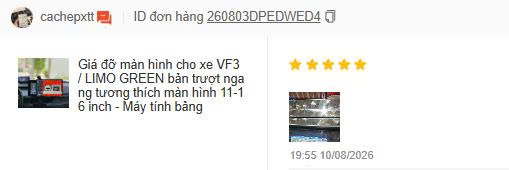
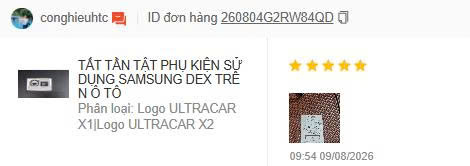
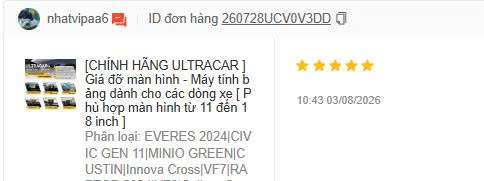
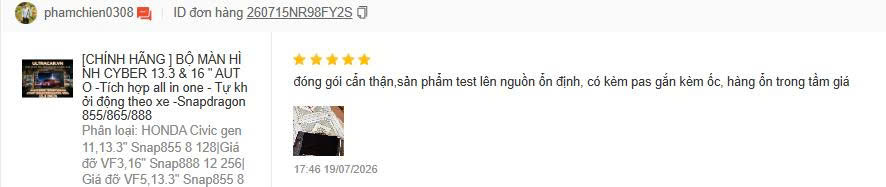
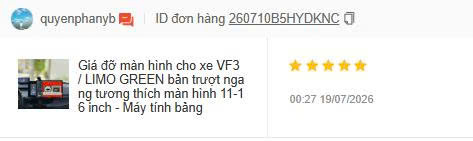
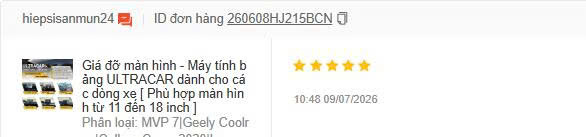
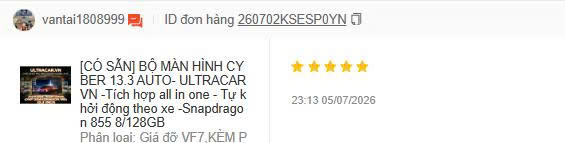
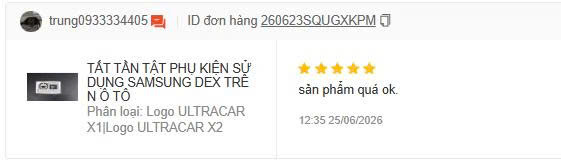
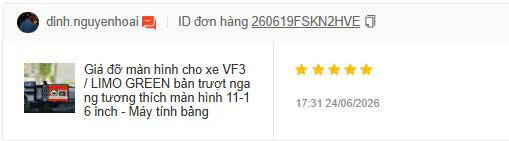
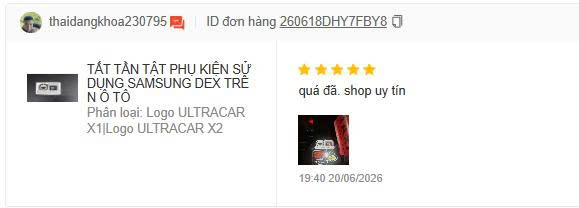
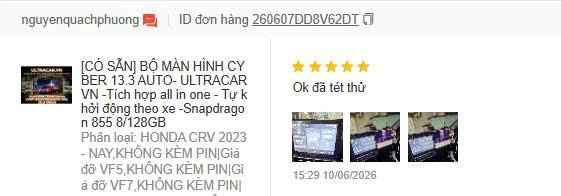
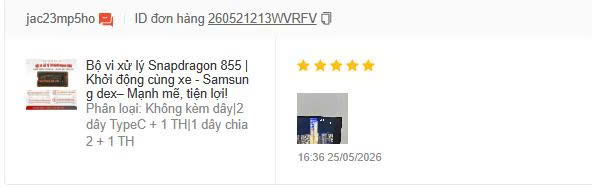
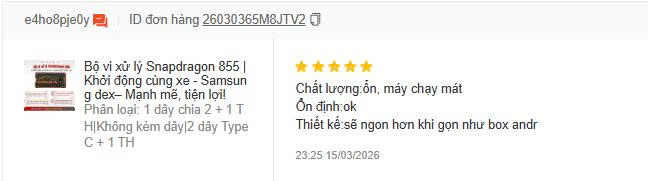
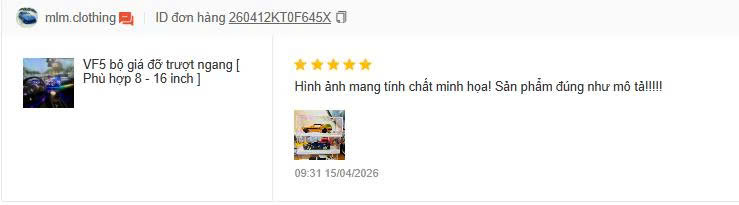
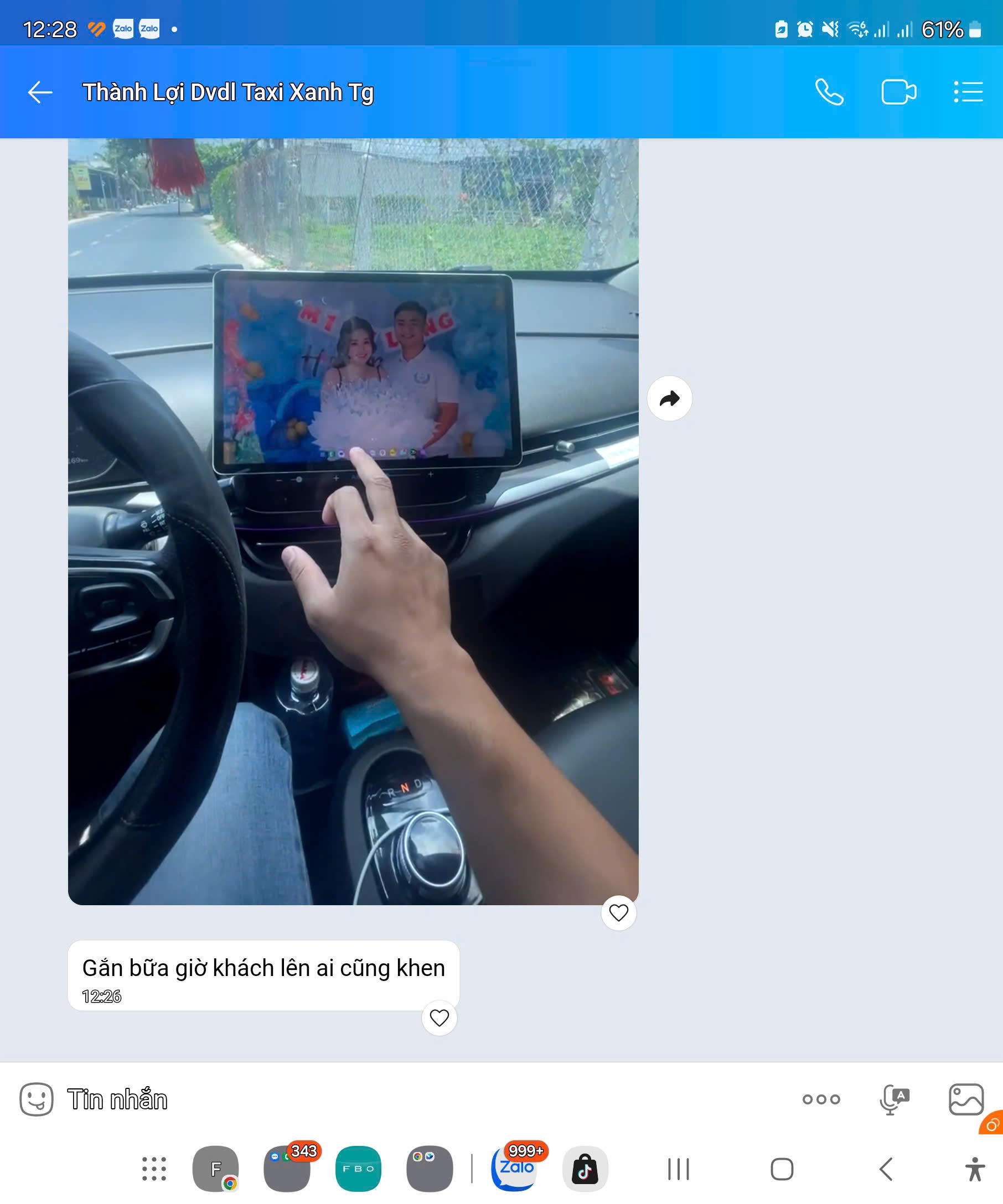
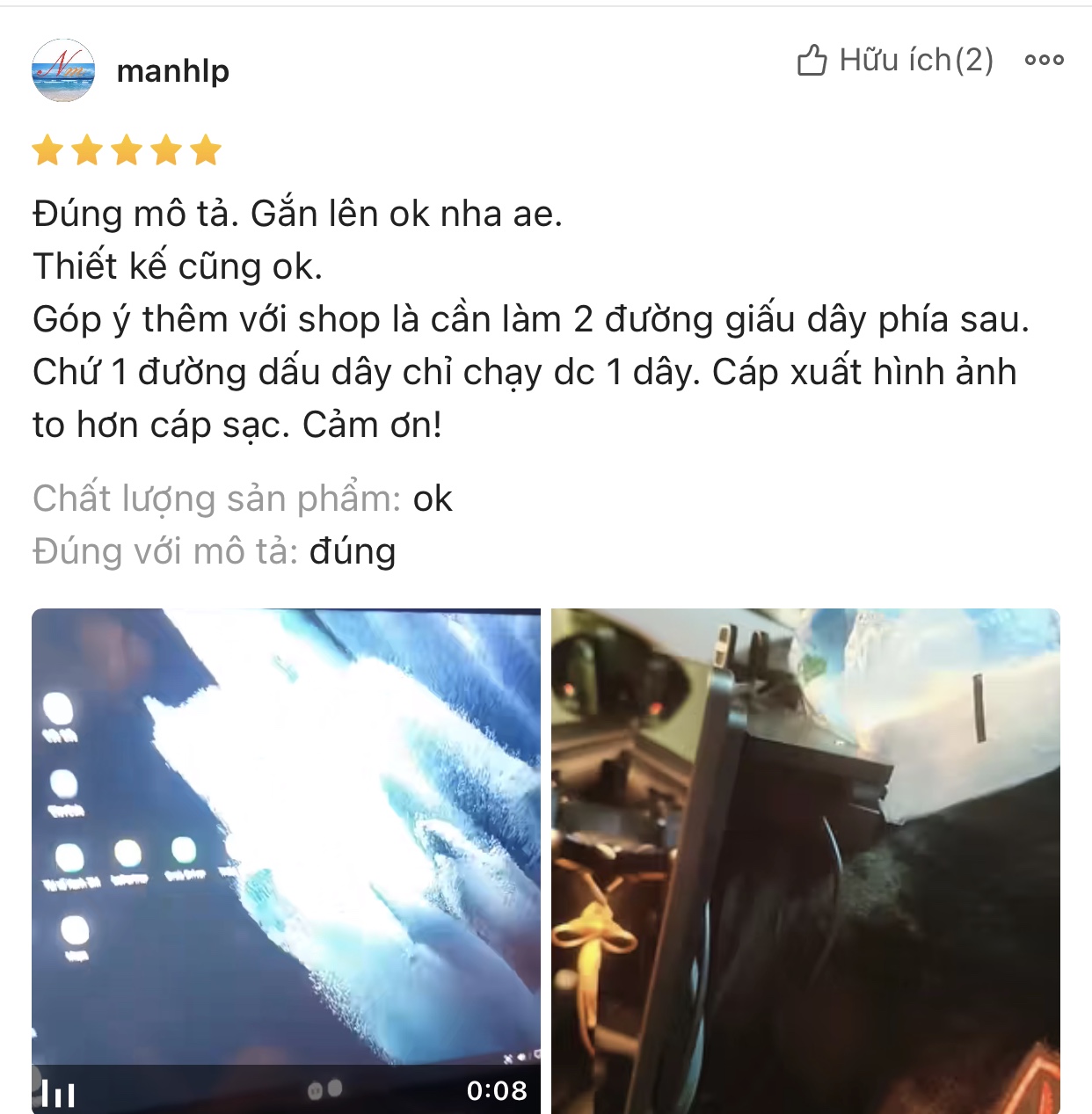
143 review images · Select a card to read the full original screenshot.Customer review screenshots supplied by UltraCar.

Hear from our customers 10 SECONDS

CHOOSE YOUR KIT & ORDER

Choose what you need.
See the right options.

Choose your needs and screen size. Matching configurations, prices and next steps appear below.

01 · What do you need?

Choose what you need to begin.

Q&A / ULTRACAR

What would you like to know about UltraCar?

Do you need help with installation, display features or the setup in your car?

Visit Support
How do I download UltraCar and pay to renew?Follow the steps to download the APK, install the app, start a 30-day trial and renew by QR or app code.View guide →How do I activate the UltraCar app after purchase?Follow the illustrated steps to activate your device, open the app and request support.View guide →

ULTRACAR / PRODUCTS

All UltraCar products

Find displays, mounts, accessories and apps for your needs.

Find products for your car
TAB 13 PRO All-in-One – Combo kèm giá đỡ
T13PCB

TAB 13 PRO All-in-One – Combo kèm giá đỡ

Màn tích hợp 13.3″ FHD 60Hz, cảm ứng; Snapdragon 865, RAM 8GB / ROM 128GB theo ảnh báo giá.
Kèm giá đỡ theo xe.
Bao gồm thêm: tẩu nguồn 12V / 24V (chọn theo nguồn điện của xe).
Tặng app UltraCar.vn tối ưu cho lái xe, thời hạn 3 năm.
Có GPS và SIM vật lý, đảm bảo hoạt động.

8.199.000₫Xem chi tiết →
TAB 13 ULTRA All-in-One – Combo kèm giá đỡ
T13UCB

TAB 13 ULTRA All-in-One – Combo kèm giá đỡ

Màn tích hợp 13.3″ FHD 60Hz, cảm ứng; Snapdragon 888, RAM 12GB / ROM 256GB.
Kèm giá đỡ theo xe.
Bao gồm thêm: tẩu nguồn 12V / 24V (chọn theo nguồn điện của xe).
Tặng app UltraCar.vn tối ưu cho lái xe, thời hạn 3 năm.
Có GPS và SIM vật lý, đảm bảo hoạt động.

8.799.000₫Xem chi tiết →
TAB 16 PRO All-in-One – Combo kèm giá đỡ
T16PCB

TAB 16 PRO All-in-One – Combo kèm giá đỡ

Màn tích hợp 16″ 2.5K 144Hz, cảm ứng; Snapdragon 865, RAM 12GB / ROM 256GB.
Kèm giá đỡ theo xe.
Bao gồm thêm: tẩu nguồn 12V / 24V (chọn theo nguồn điện của xe).
Tặng app UltraCar.vn tối ưu cho lái xe, thời hạn 3 năm.
Có GPS và SIM vật lý, đảm bảo hoạt động.

9.199.000₫Xem chi tiết →
TAB 16 ULTRA All-in-One – Combo kèm giá đỡ
T16UCB

TAB 16 ULTRA All-in-One – Combo kèm giá đỡ

Màn tích hợp 16″ 2.5K 144Hz, cảm ứng; Snapdragon 888, RAM 12GB / ROM 256GB.
Kèm giá đỡ theo xe.
Bao gồm thêm: tẩu nguồn 12V / 24V (chọn theo nguồn điện của xe).
Tặng app UltraCar.vn tối ưu cho lái xe, thời hạn 3 năm.
Có GPS và SIM vật lý, đảm bảo hoạt động.

9.699.000₫Xem chi tiết →

Original review ·

Customer review screenshots supplied by UltraCar.

ULTRACAR · DEALERS

Get dealer pricing

Mr. Phúc – Director

In Zalo, paste the message and press Send.

View / edit the message template

If automatic copying is unavailable, select and copy this text before opening Zalo.