



















Home
Real photos & videos
REAL VIEWS FROM THE DRIVER’S SEAT
UltraCar in our customers’ cars.
See display positioning, sliding operation and multitasking layouts in real installation photos and videos.
Browse videos by vehicle243 new photos organised by vehicle
Explore installations, mount details and promotional materials. Filter the full gallery by make and model.
Browse the vehicle gallery → The cockpit after installing UltraCar↗
 Samsung DeX on an UltraCar display↗
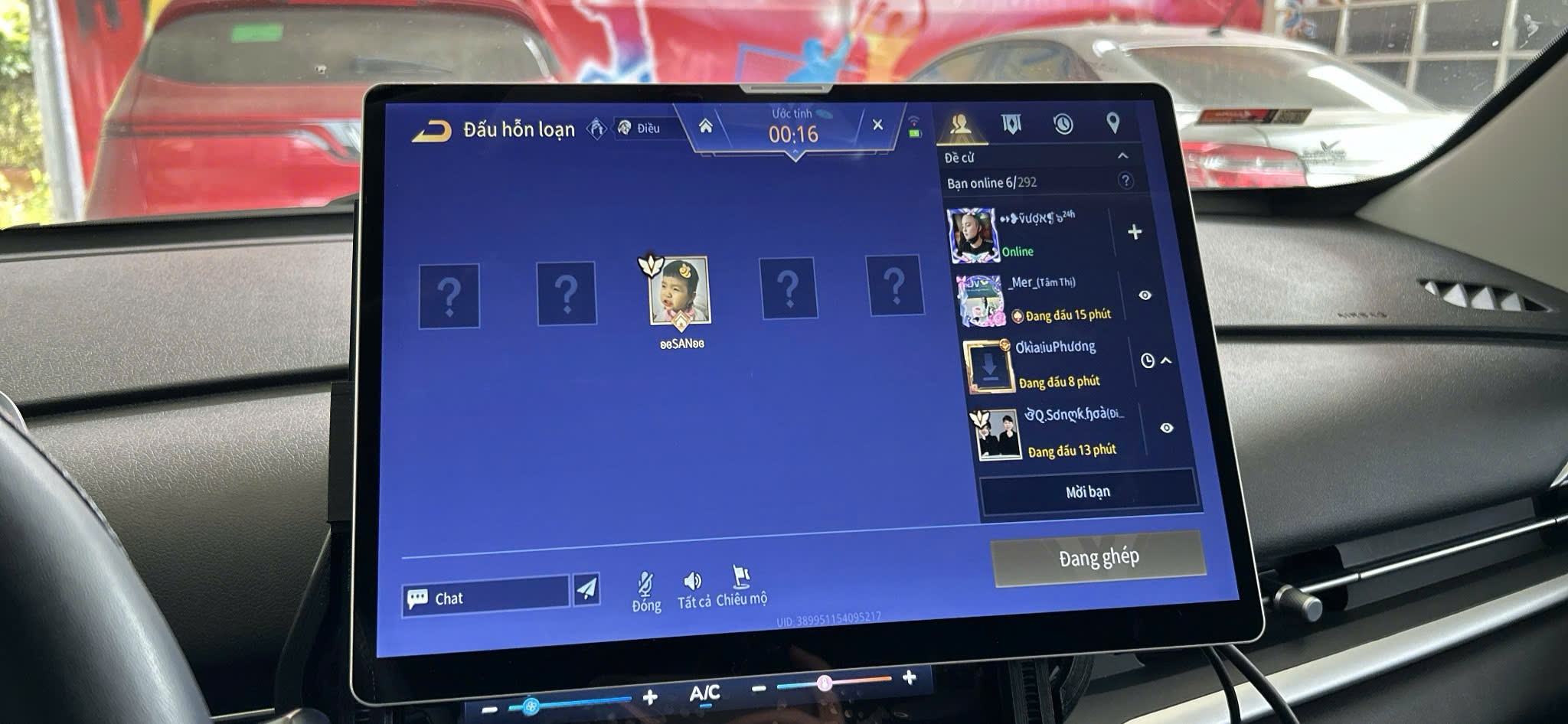 UltraCar display viewed from the front seats↗
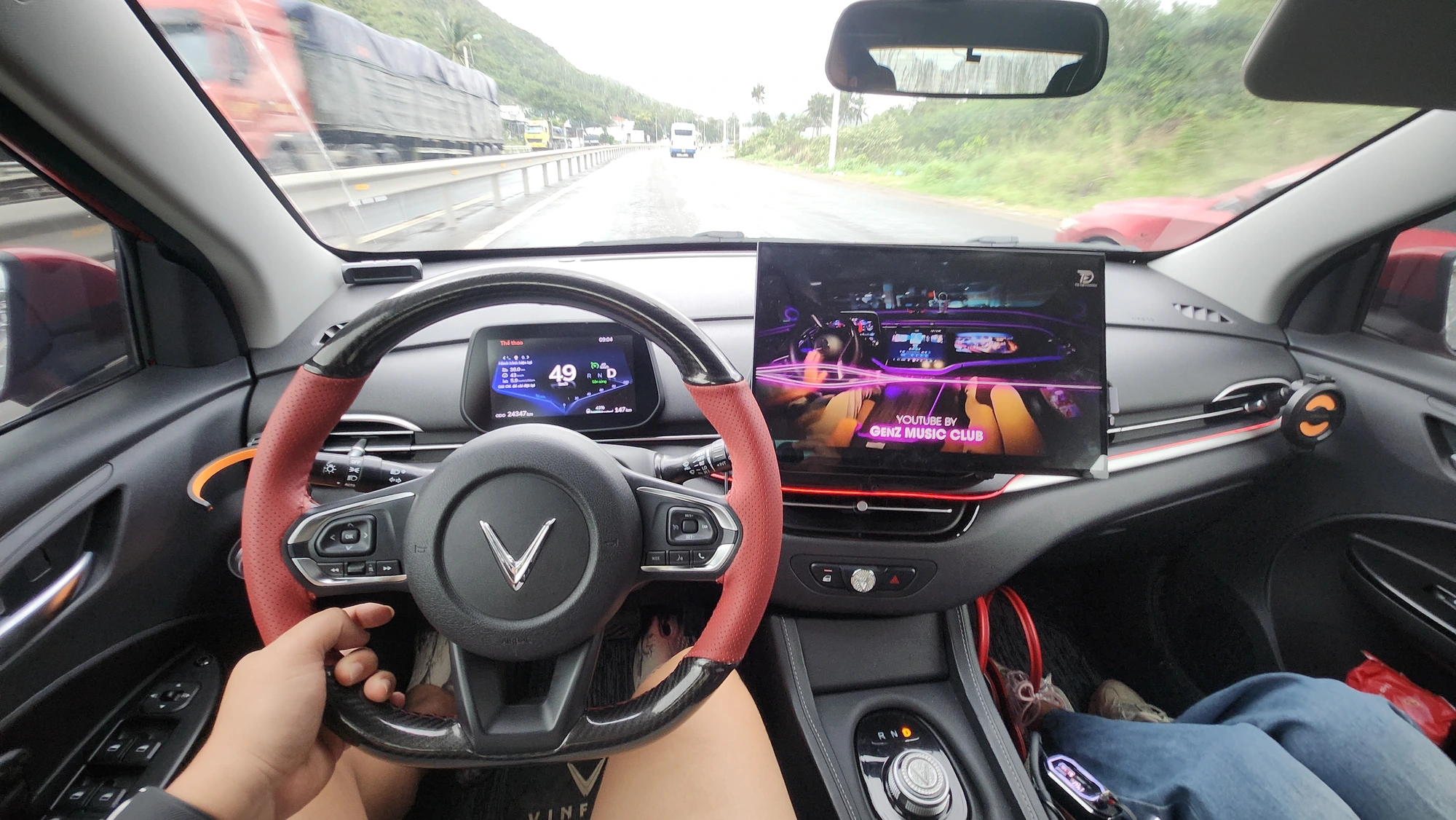 Display placement on a VinFast dashboard↗
 UltraCar interface in a Hyundai cockpit ↗
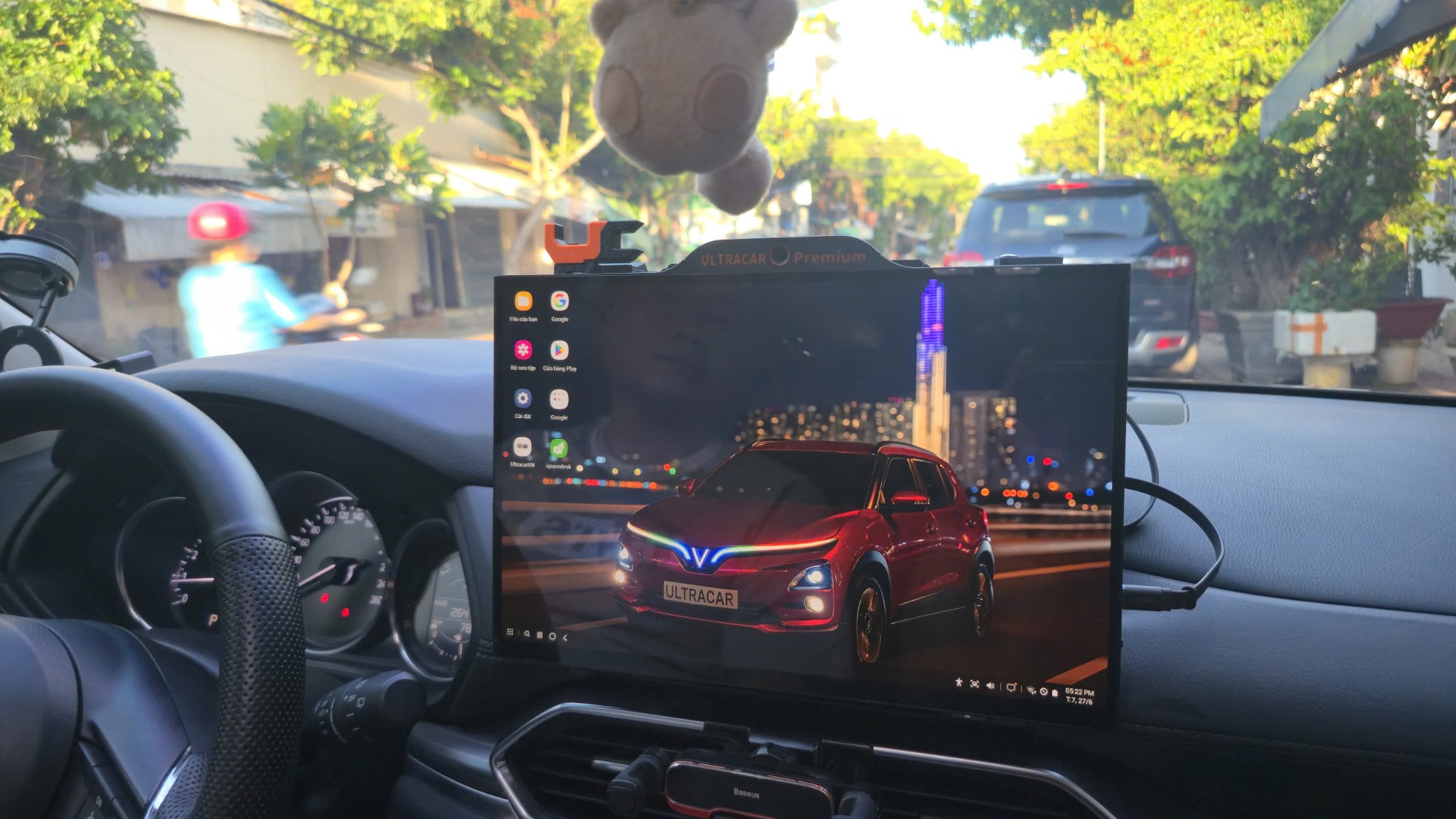 UltraCar display in a Mazda ↗
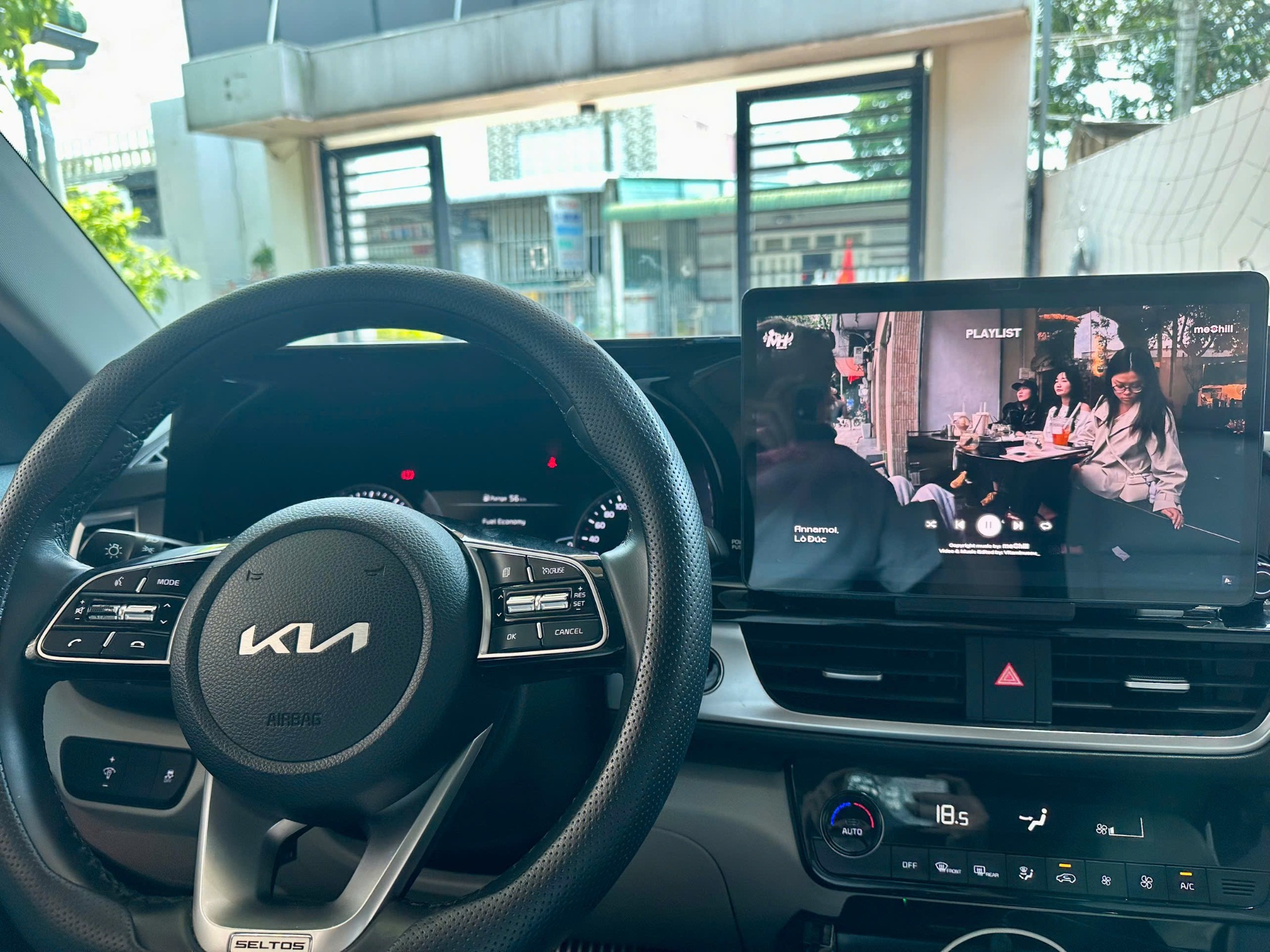 Kia cockpit with UltraCar installed ↗
 VinFast cockpit with an UltraCar display ↗
 View from the driver’s seat of a VinFast ↗
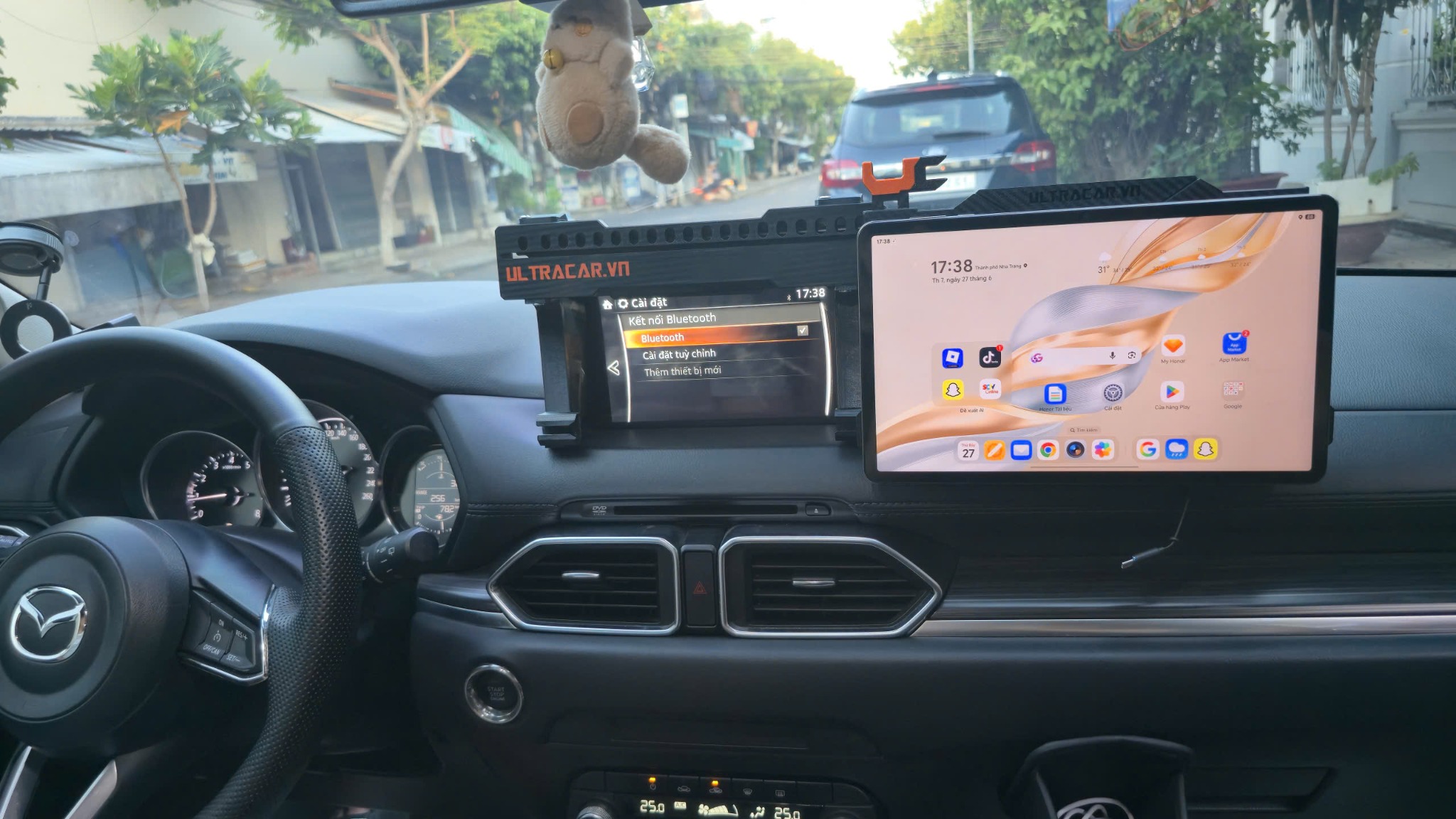 Sliding mount in a Mazda ↗
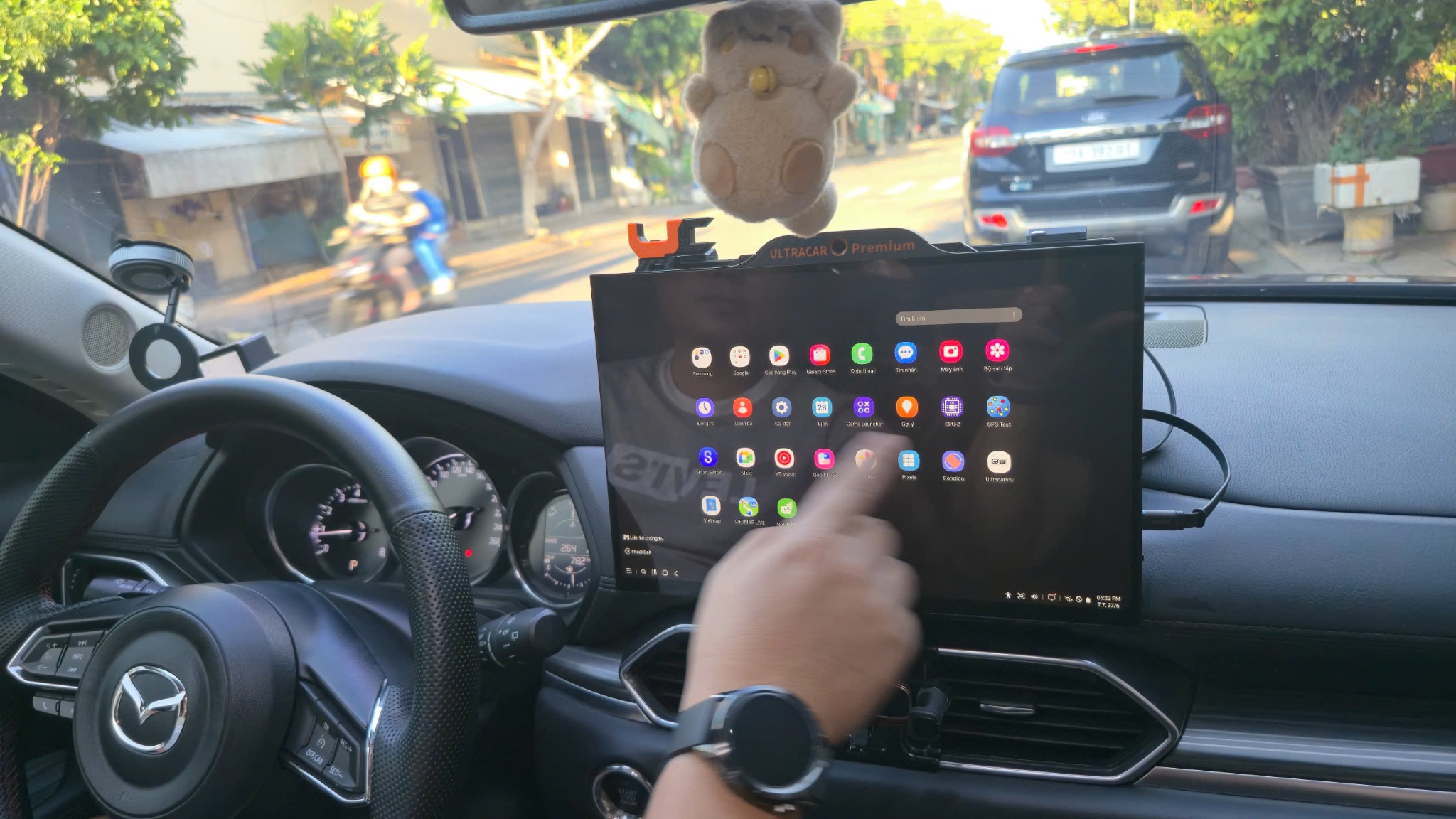 Using the touchscreen ↗
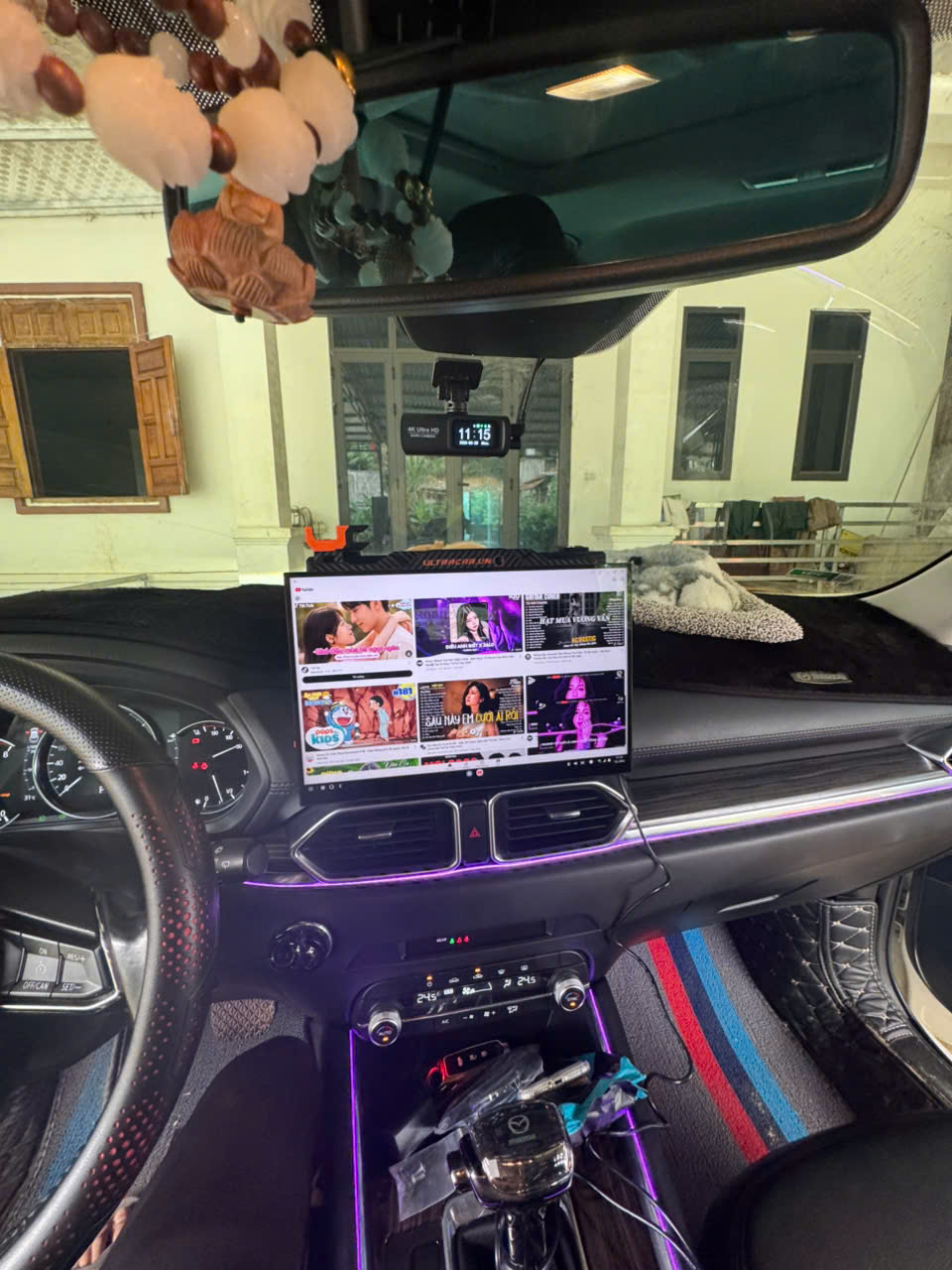 Display and centre console after installation ↗
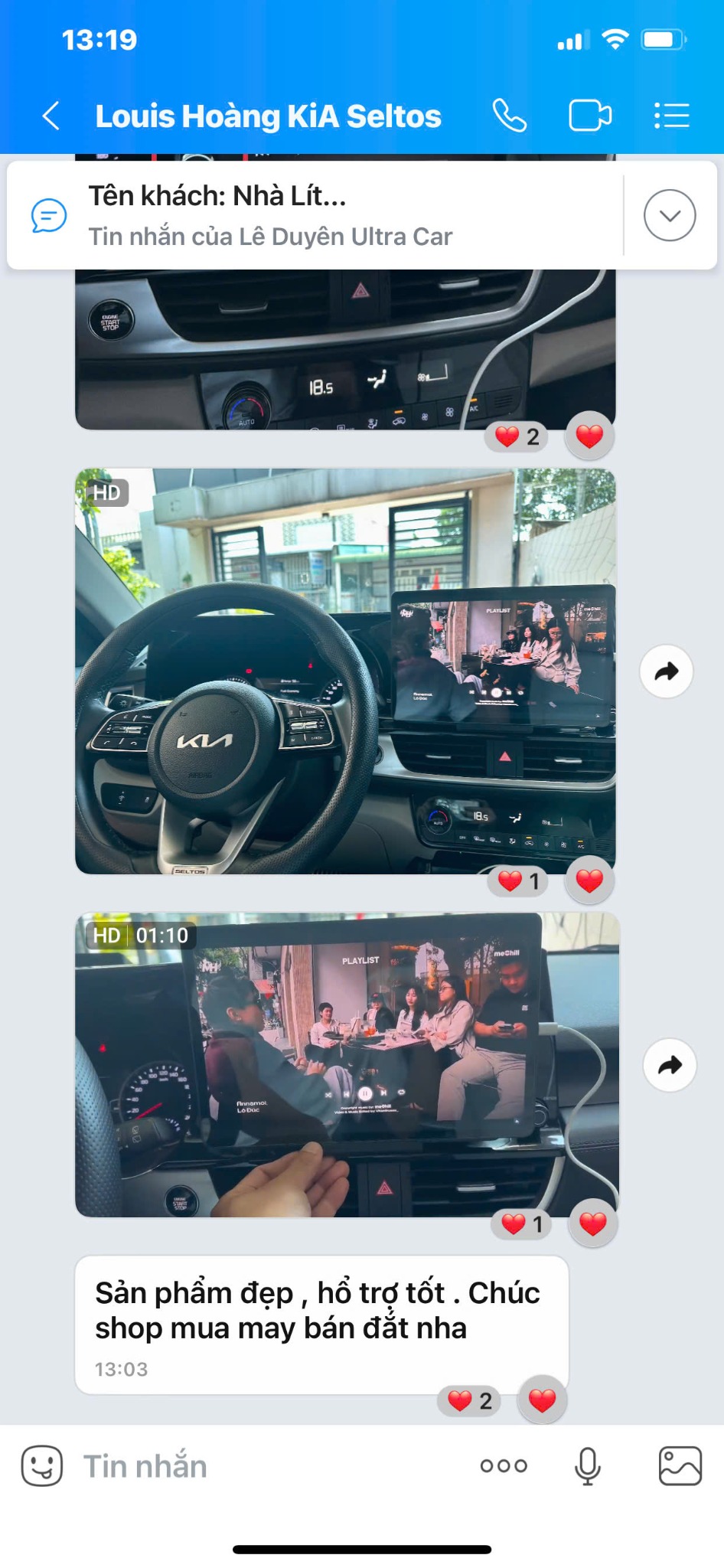 Customer feedback after installation ↗
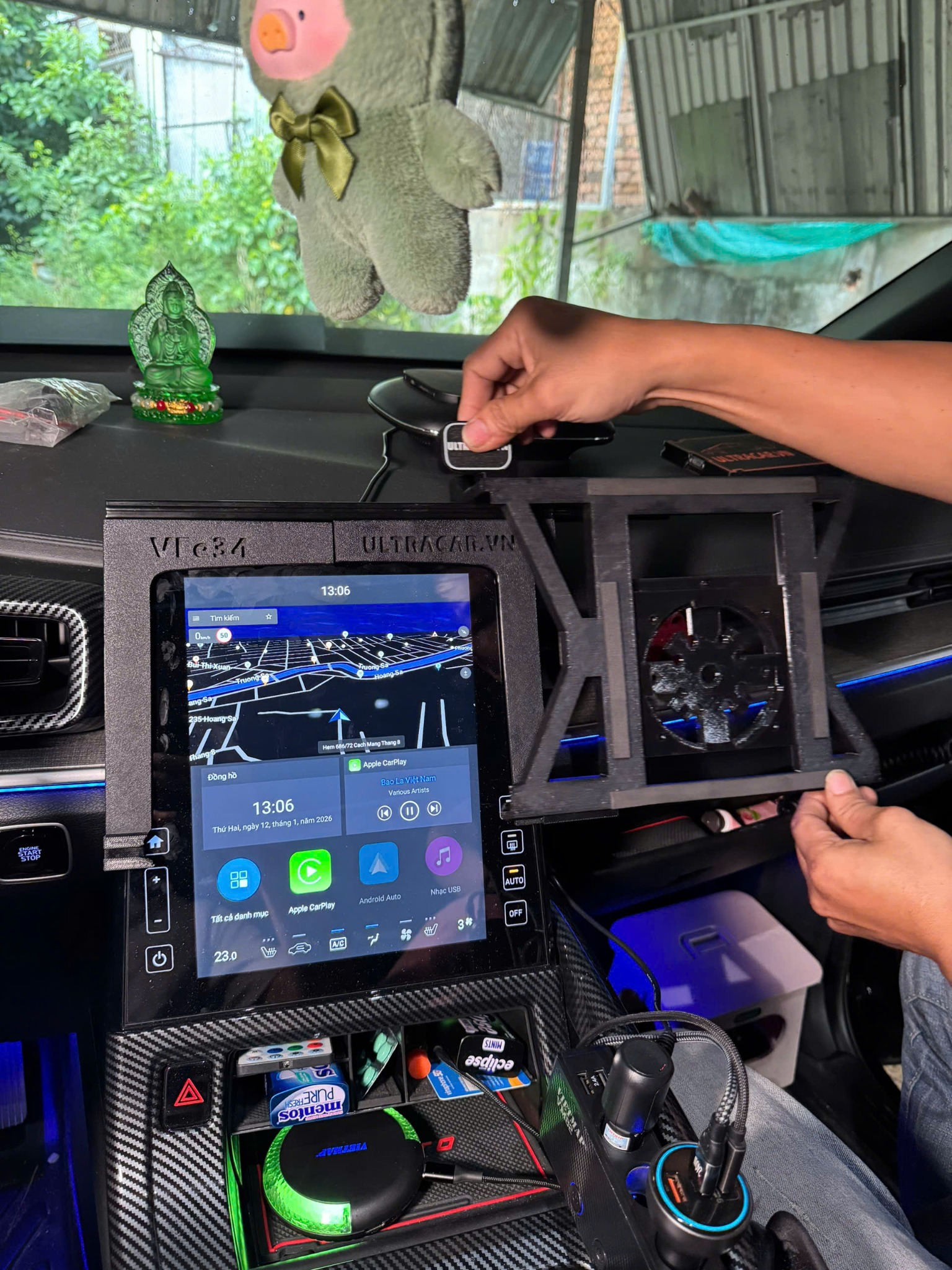 Using the mount and display in the car ↗
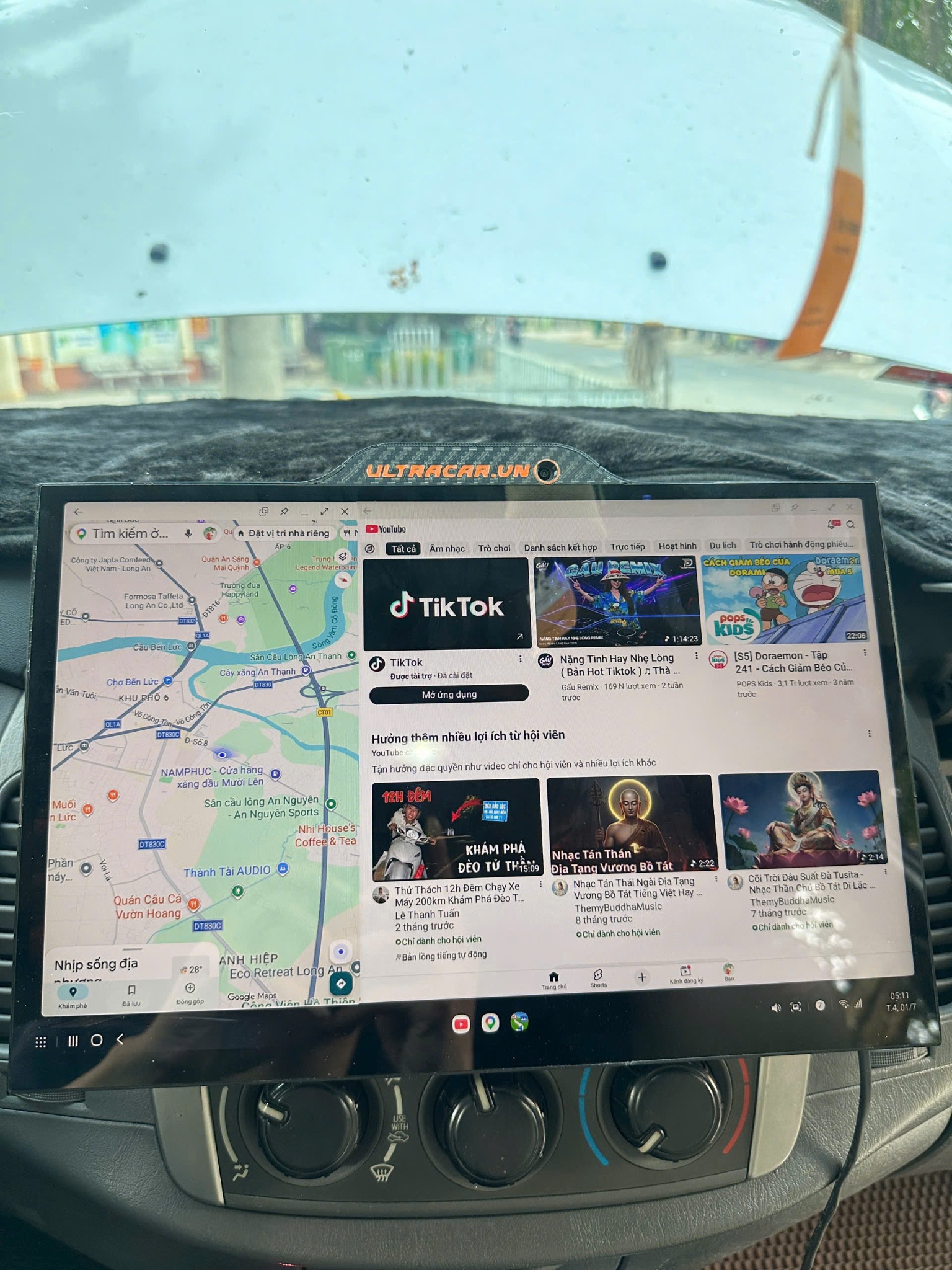 Maps and multitasking on the display ↗
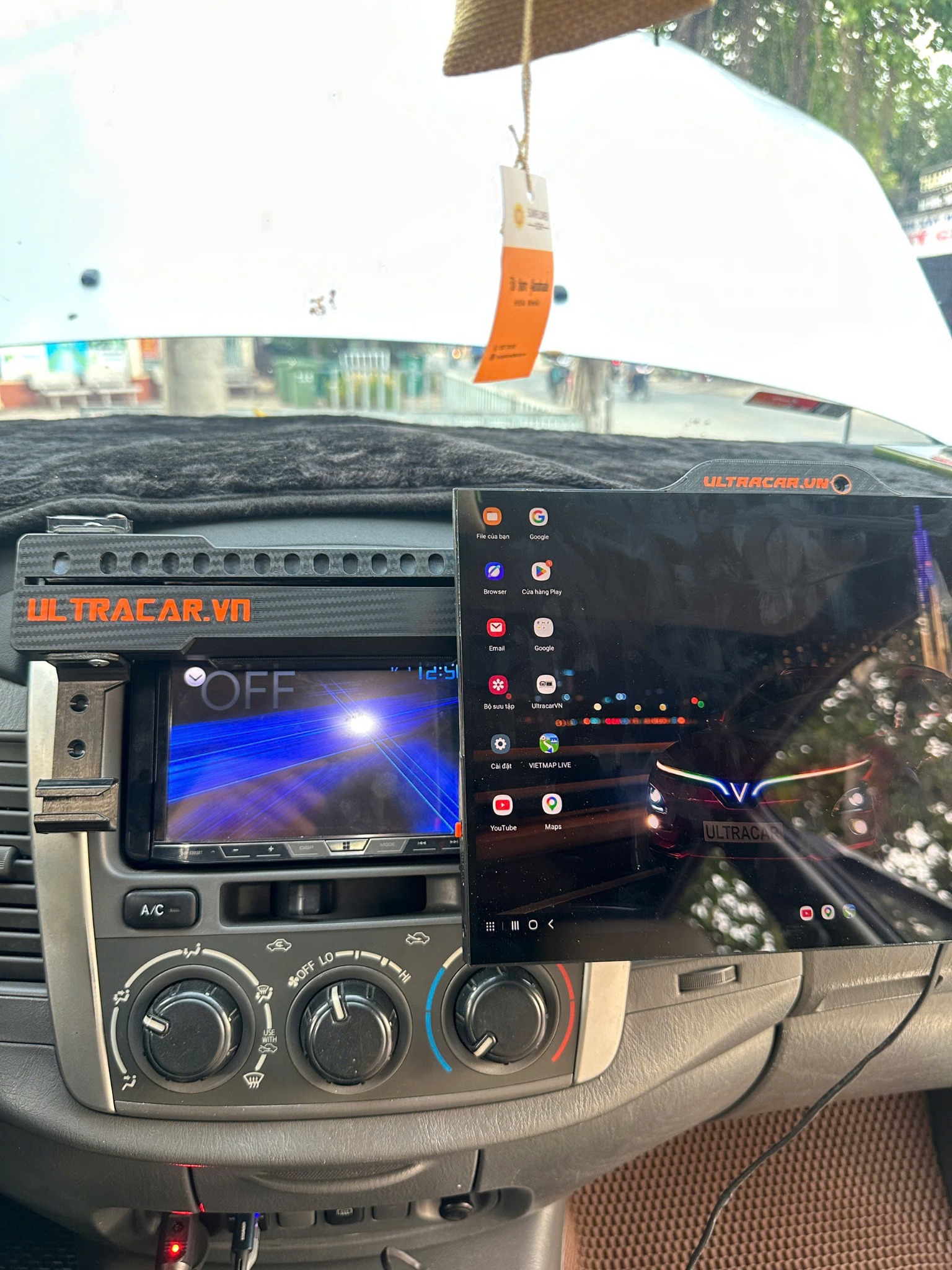 Display position when slid aside ↗
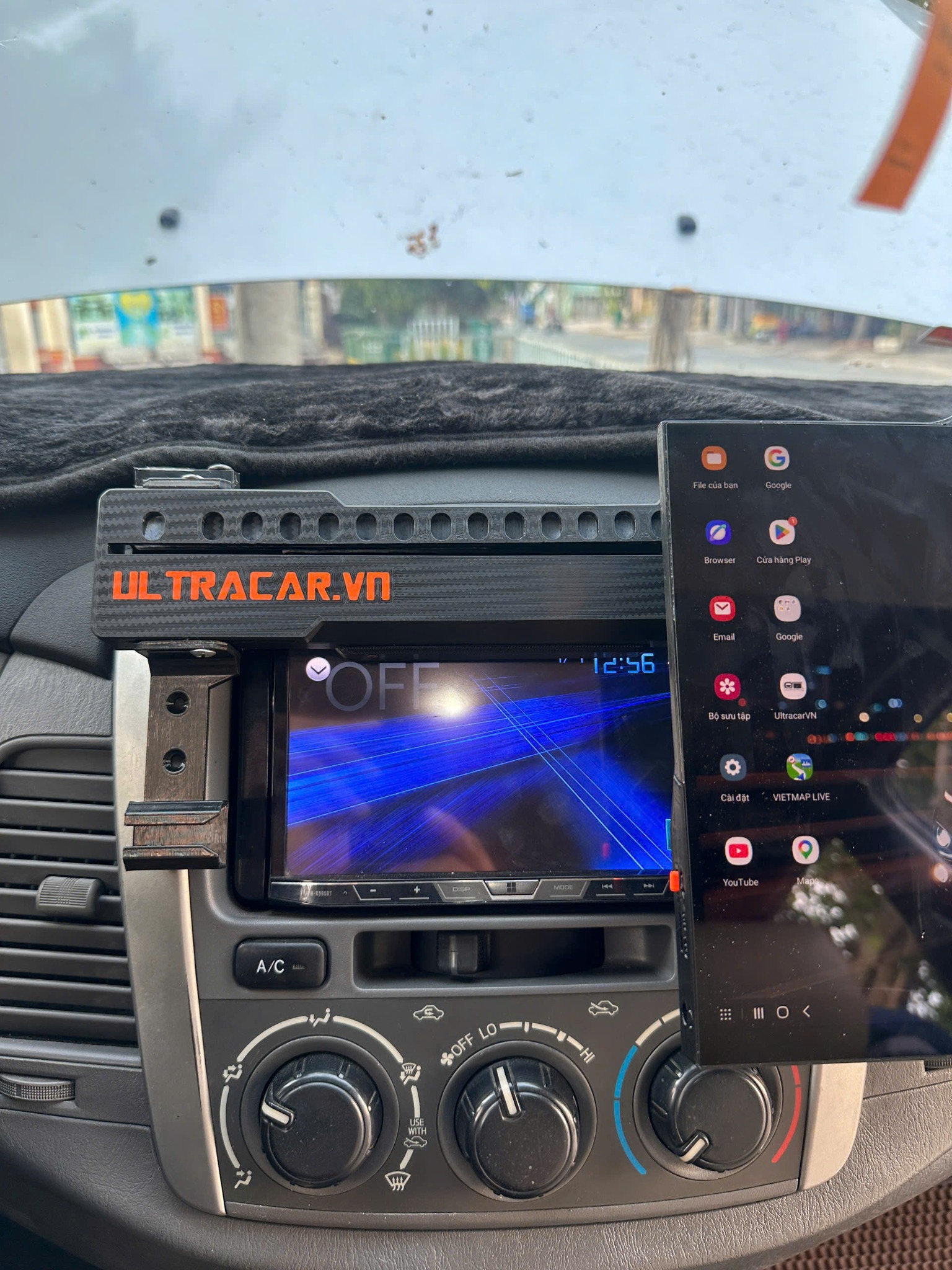 Mount behind the display ↗
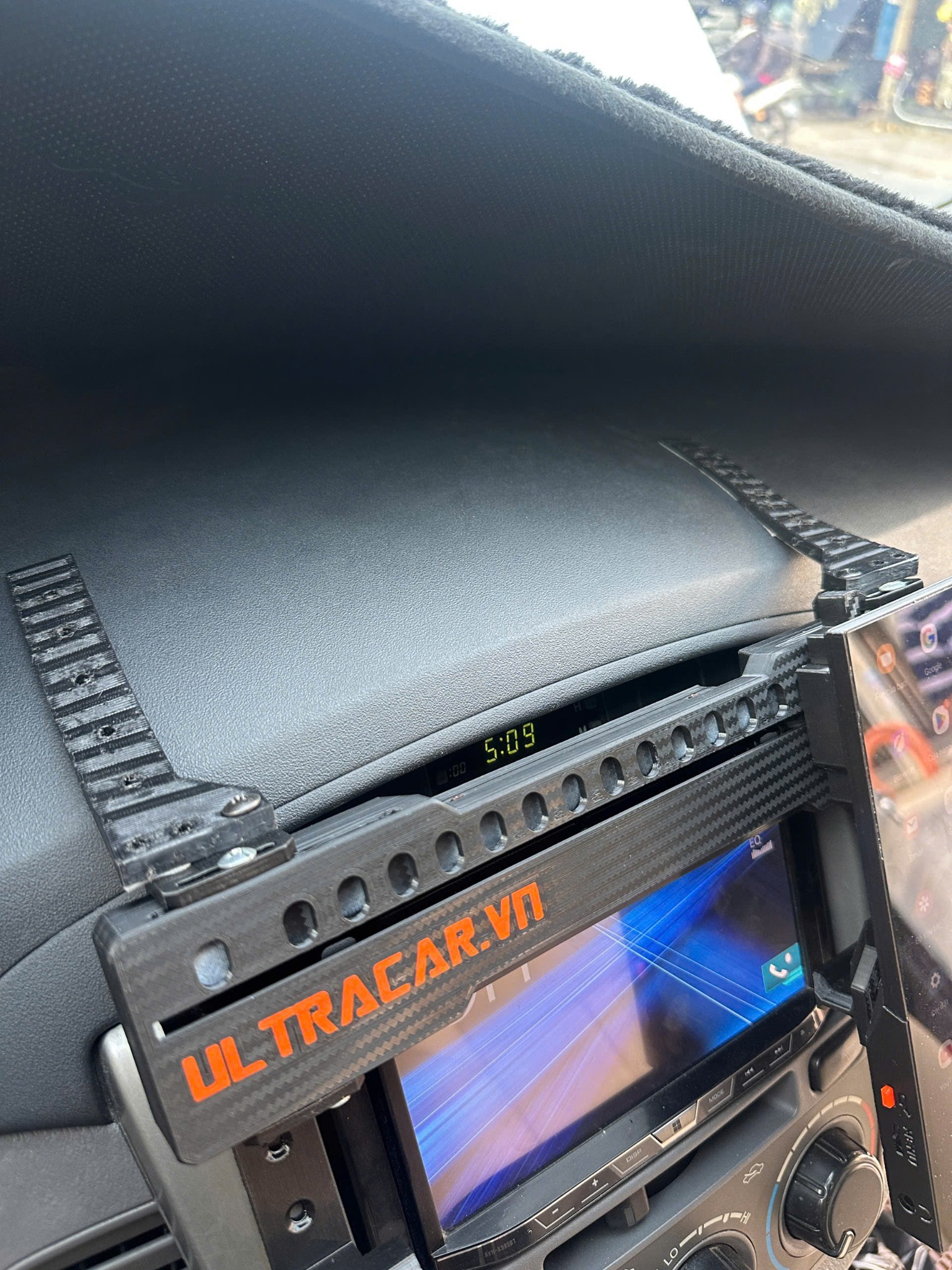 Close-up of the dashboard sliding mechanism ↗
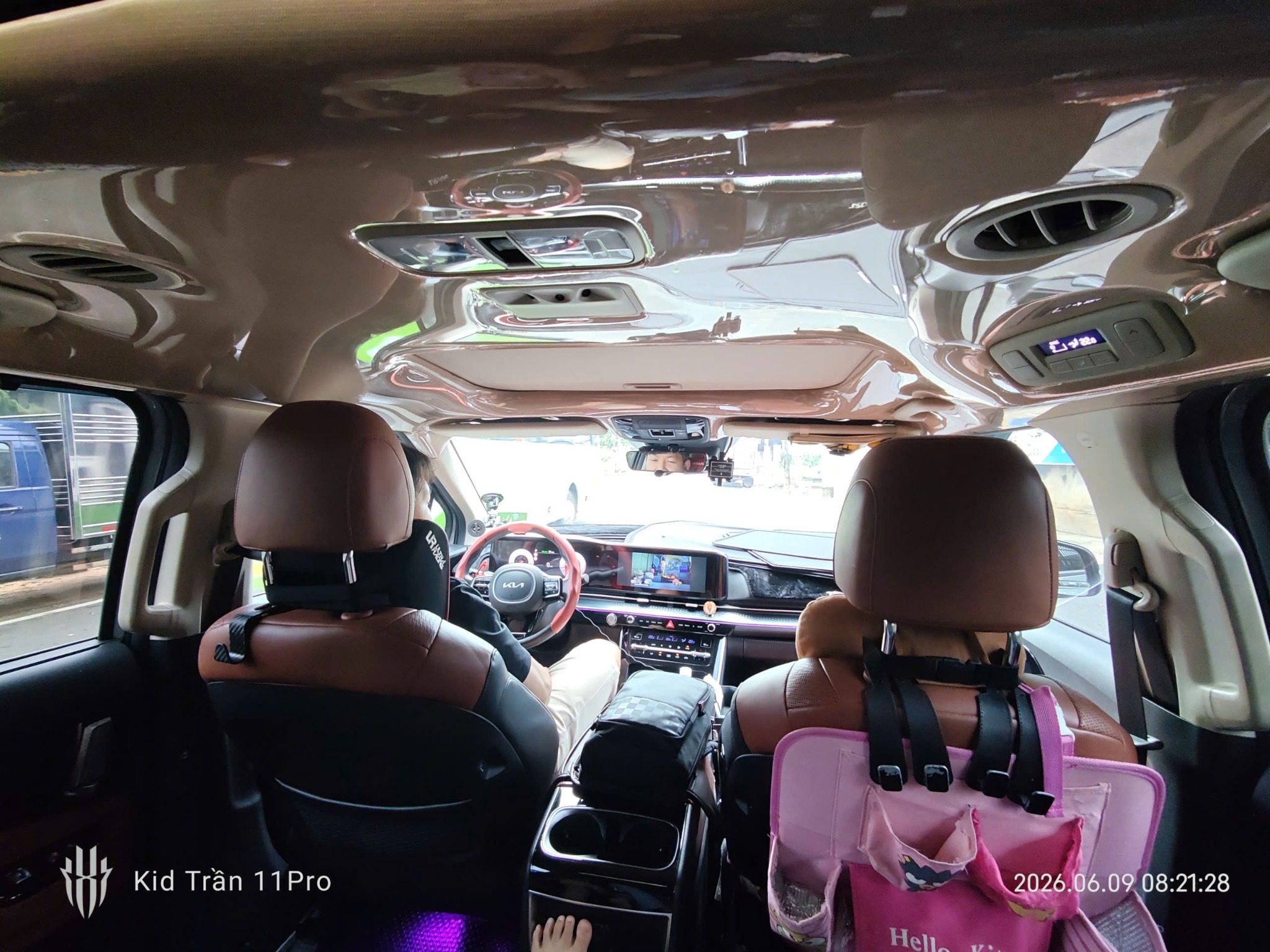 View from the rear seats ↗
 Working with the front mount ↗
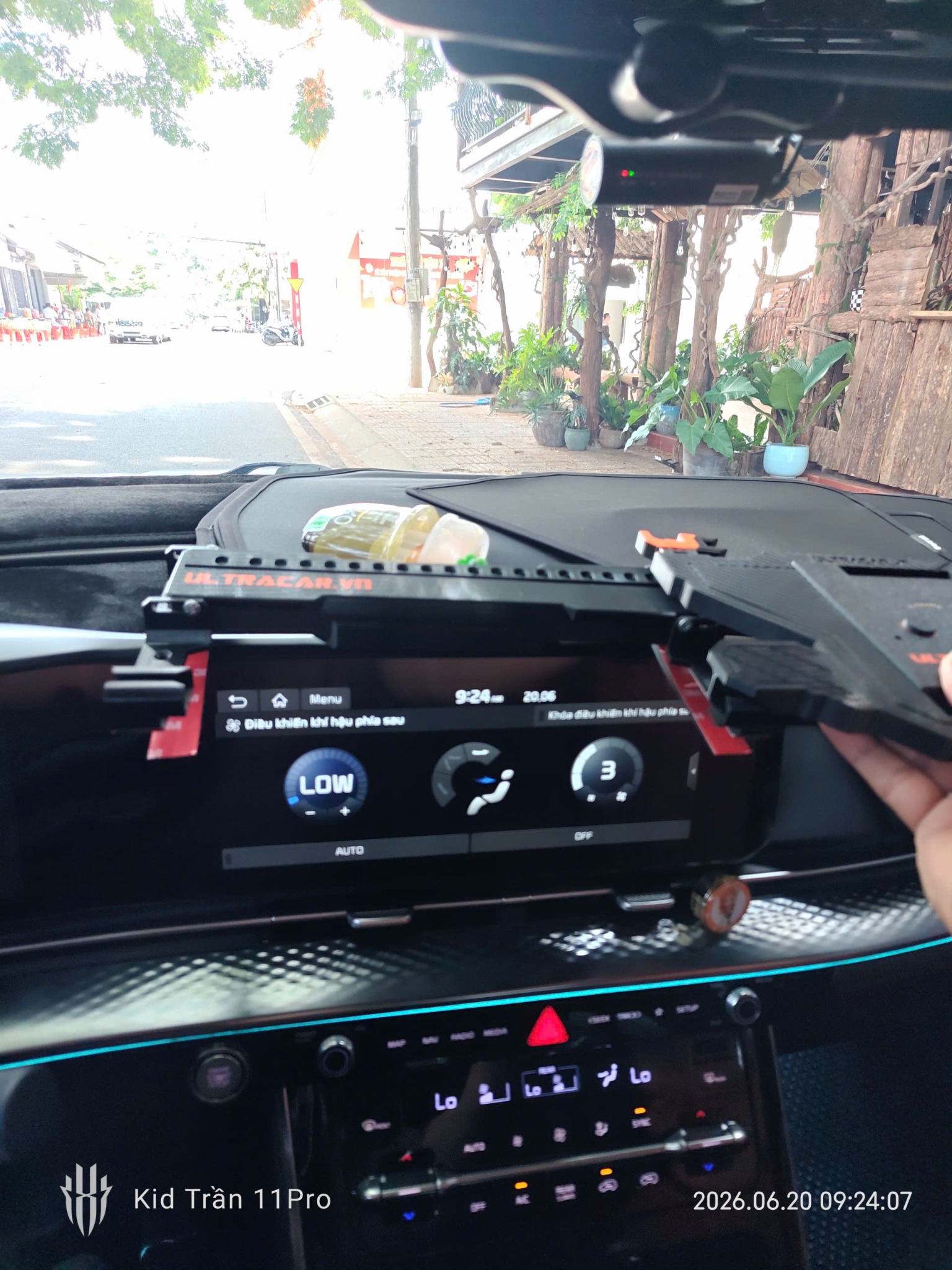 Close-up of the mount during installation ↗
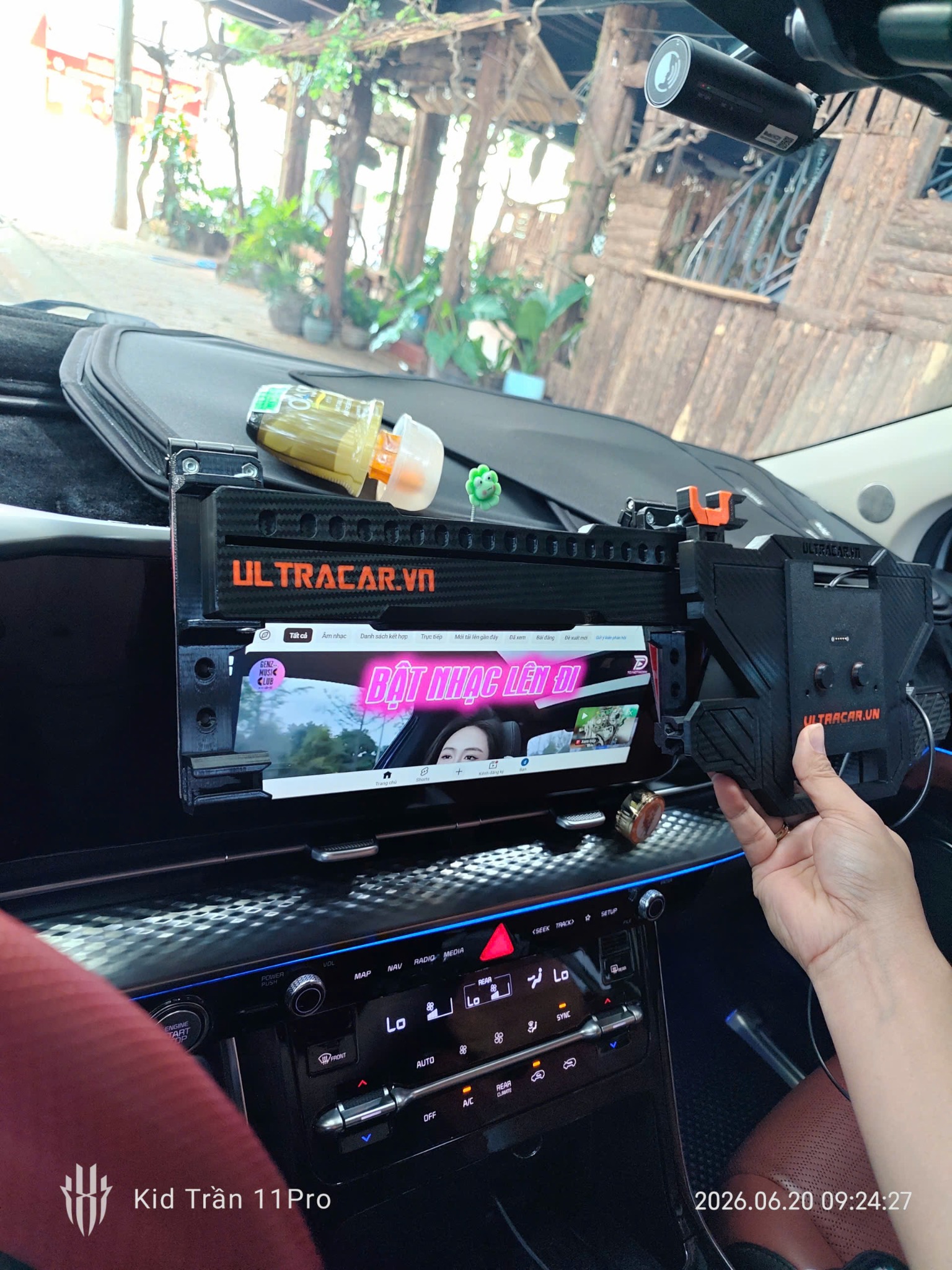 The fitted mount ↗
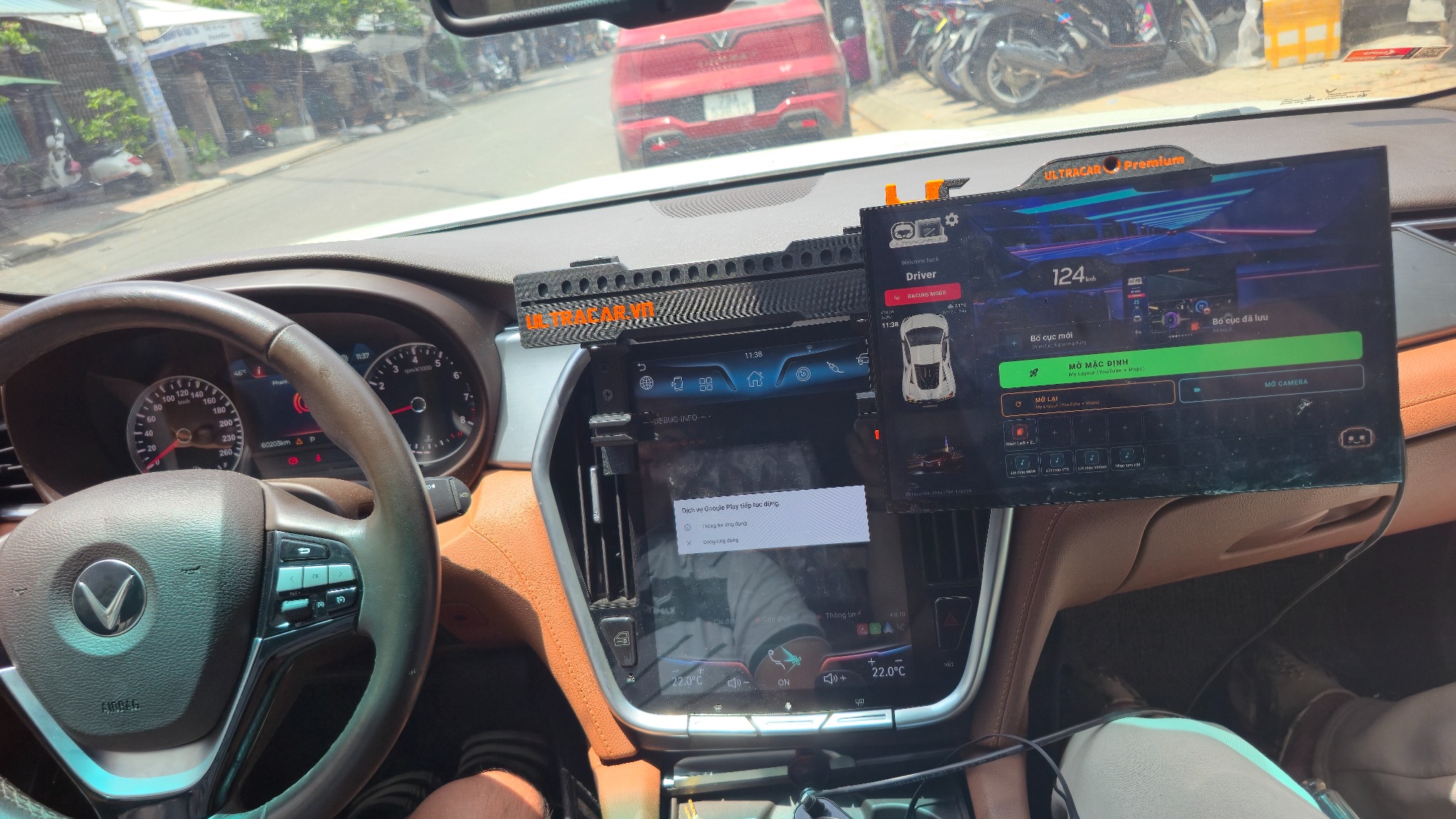 Display slid aside in a VinFast ↗
25 VIDEOS · FROM PRODUCTS TO EVERYDAY USE
Video library
UltraCar in action.
See the display in different vehicles, explore the mounts and learn how to use each feature. Videos play silently as you scroll into view; select one for a larger view.
Discover the UltraCar story
Displays & mounts
Rear-seat display mount
Watch video
How-to guides
Using the display camera
Watch video
In-car videos
UltraCar in the Minio Green / VF2
Watch video
About UltraCar
Visit UltraCar headquarters
Watch video
In-car videos
UltraCar in the 2024 Honda CR-V
Watch video
In-car videos
UltraCar in the VF5 / Herio Green
Watch video
In-car videos
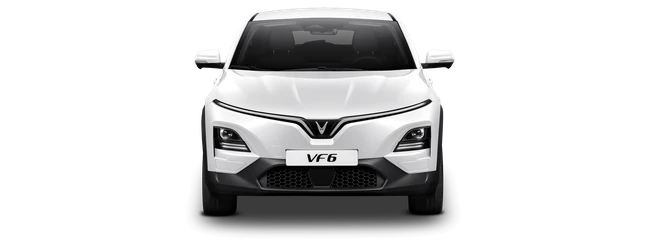
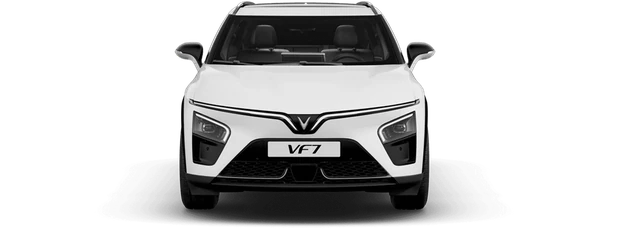
UltraCar in the VF6 / VF7 · Video 1
Watch video
In-car videos
UltraCar in the VF6 / VF7 · Video 2
Watch video
In-car videos
UltraCar in the 2024 Hyundai Accent
Watch video
How-to guides
How to insert a SIM card
Watch video
How-to guides
Adjusting display brightness
Watch video
How-to guides
Sharing Wi-Fi from your UltraCar display
Watch video
How-to guides
Installation guide for the Limo / VF3
Watch video
Displays & mounts
A closer look at the 16-inch UltraCar display
Watch video
Displays & mounts
Universal mount · Video 1
Watch video
Displays & mounts
Universal mount · Video 2
Watch video
Displays & mounts
A closer look at the 13.3-inch UltraCar display
Watch video
Displays & mounts
Limo / VF3 mount in detail
Watch video
In-car videos
UltraCar in the Kia Sonet
Watch video
Displays & mounts
VF5 / Herio Green mount in detail
Watch video
How-to guides
Installing the rear-seat display mount
Watch video
In-car videos
13.3-inch display in the Limo
Watch video
In-car videos
13.3-inch display in the VF3
Watch video
In-car videos
13.3-inch display in the Toyota Veloz
Watch video
How-to guides
Using Xanh SM and Grab side by side
Watch videoNo matching videos found.
Try another vehicle or feature, or browse the full library.
Videos play automatically, loop and stay muted while in view. Select a card for a larger view or open it directly on YouTube.
Day / night interface: explore the exclusive app
Find the right UltraCar for your car.
Choose your package or contact us to confirm the mount.