





Vehicles
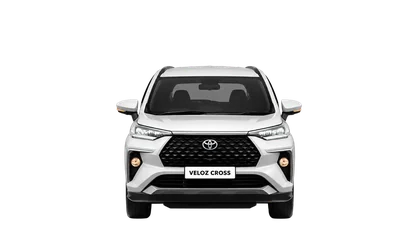
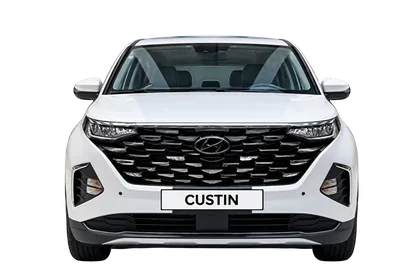
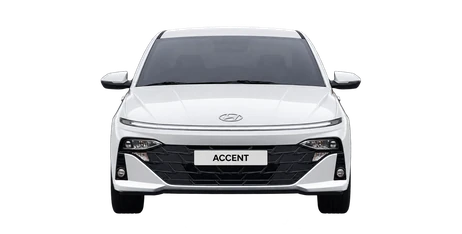
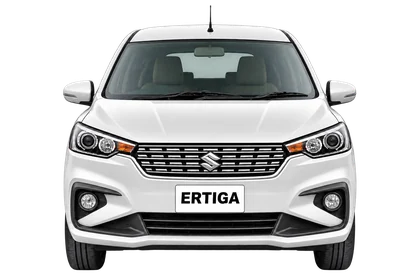
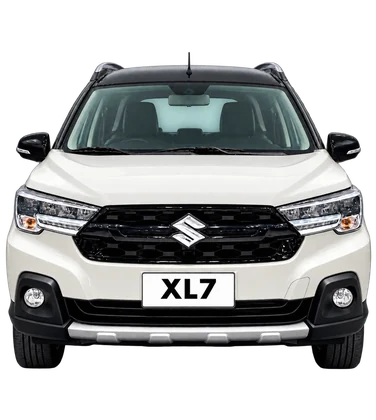
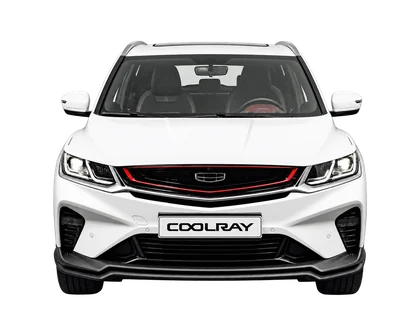
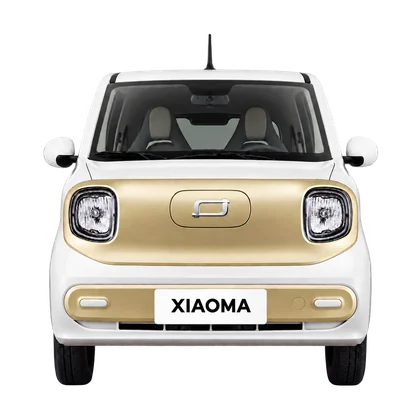
VinFast VF WildVinFast VF 3VinFast Limo GreenVinFast MPV 7VinFast VF 5VinFast Herio GreenVinFast VF e34VinFast VF 6VinFast VF 7VinFast VF 8VinFast VF 9VinFast Minio GreenVinFast Lux AVinFast VF2Toyota Veloz Cross TOPToyota Corolla CrossToyota Innova CrossHyundai CustinHyundai Santa FeMitsubishi Xpander CrossFord RangerHonda CR-VMazda Mazda 3Mazda CX-5Hyundai AccentKia SonetHyundai StargazerKia CarensKia CarnivalKia SeltosMazda Mazda 2MG MG5 ATMitsubishi Xpander Premium (PRE)Peugeot 3008Suzuki ErtigaSuzuki XL7Toyota InnovaGeely CoolrayToyota ViosHonda Civic Gen 11Bestune XiaomaFord EverestFord Ranger Raptor
Home

UltraCar exclusive app

Enjoy a free 30-day app trial

Your layout. Ready for every journey.

UltraCar helps you arrange and use five apps side by side on Samsung DeX. Save your preferred layout and launch it with one tap.

Download UltraCar app

Download via Google Drive · For Samsung DeX devices with One UI 8 or earlier.

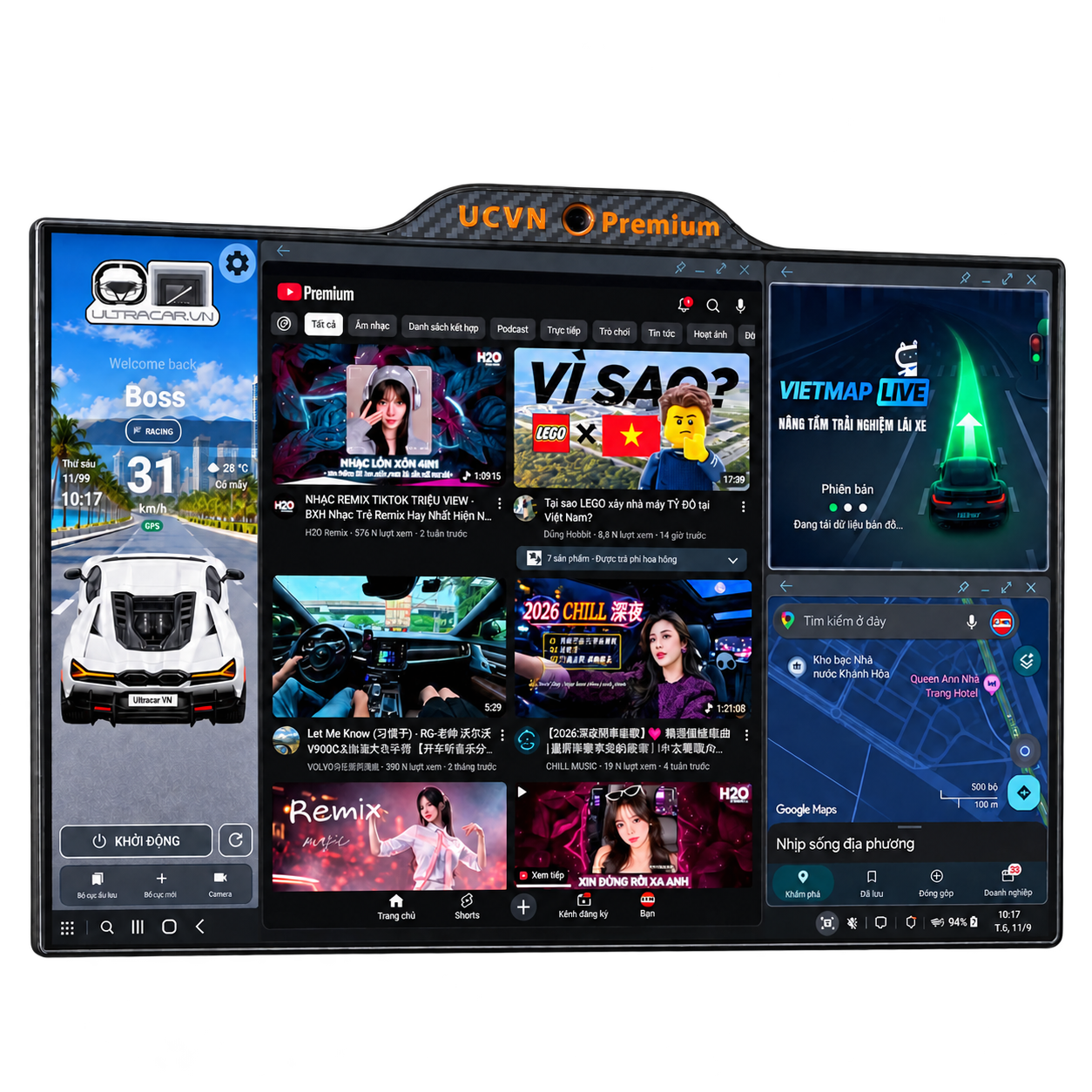
Multiple apps arranged on an UltraCar display
Navigation, music and everyday apps, arranged your way.

YOUR APP BENEFITS

Get started with UltraCar.

UltraCar display showing the app layout

WITH AN ULTRACAR DISPLAY COMBO

Buy a display. Get the app included.

3 yearsof UltraCar app access

UltraCar display combos include three years of app access. Download the app, select “Activate genuine product” and follow the device verification guide to claim your access.

I bought a display — activation guide
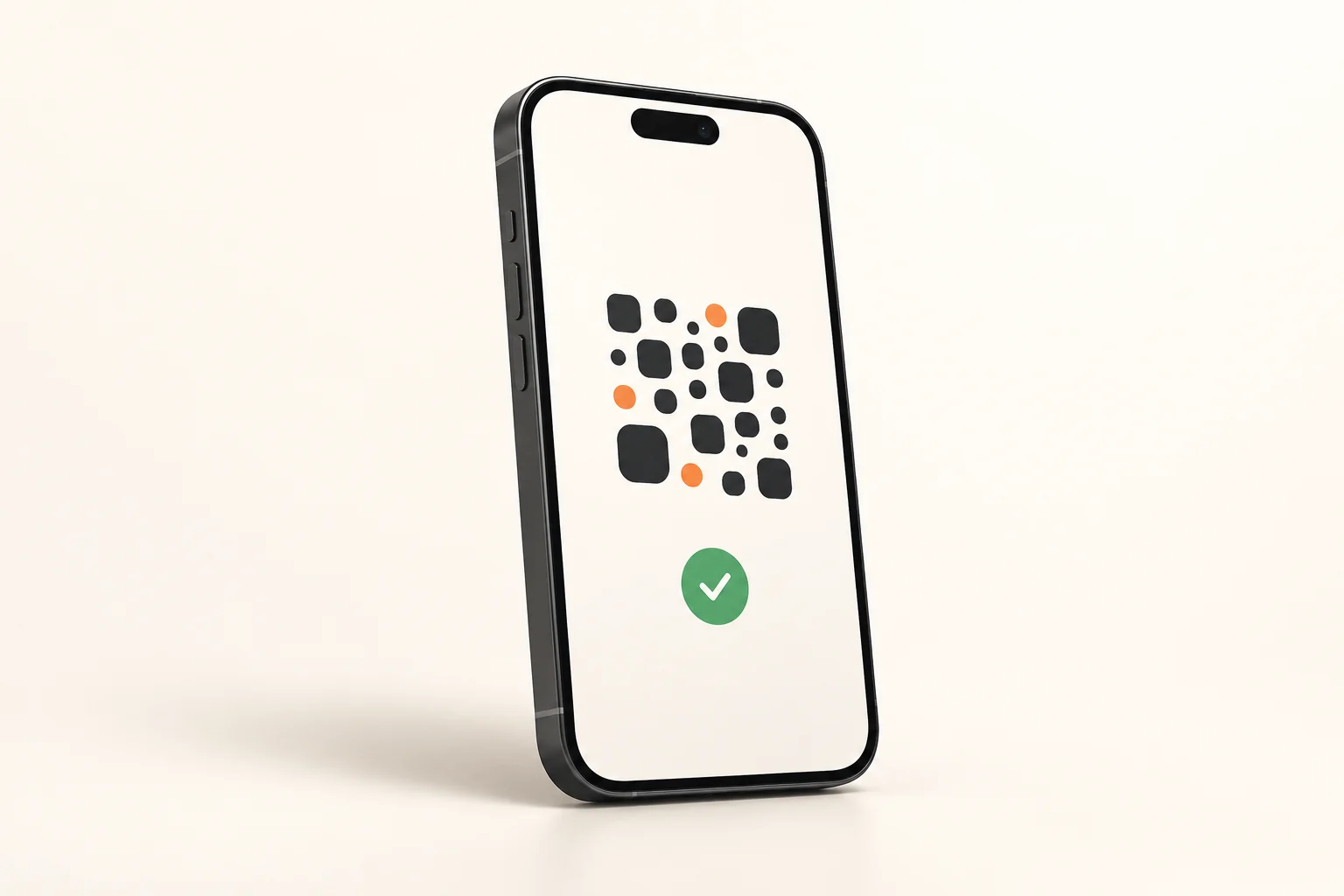
Illustration of an in-app QR payment on a phone
Illustration · Use the payment QR code inside the app

APP-ONLY SUBSCRIPTION

Pay by QR inside the app.

VND 199,000/ year

Offer price through .
From : VND 350,000/year.

Enjoy a free 30-day trial. To buy an annual plan, pay using the QR code displayed inside the app; access activates automatically once payment is confirmed.

Download to try the app & buy an annual plan
Gift box illustrating the Gofa Pro bonus

AN EXTRA GIFT AFTER PURCHASE

Get 3 months of Gofa Pro

Valued at VND 100,000. Contact UltraCar after purchase to receive your gift code.

Call to claim your code: 0327 001 088

Request my code
Vietnamese illustrated guide to downloading the UltraCar APK from Google Drive

FROM YOUR FIRST DOWNLOAD TO RENEWAL

Download, try & renew the app

Follow nine illustrated steps to install UltraCar, start your free 30-day trial and pay to renew inside the app.

View guide →
Illustrated activation form in the UltraCar app

FOR CUSTOMERS AFTER PURCHASE

App activation guide

From opening UltracarVN for the first time to activating your device, saving layouts and requesting support. Follow each illustrated step.

View guide →

03 / ULTRACAR.VN APP

Launch your apps automatically.
Ready for the journey.

Tap “Start” to open your configured apps and arrange them in your familiar layout.

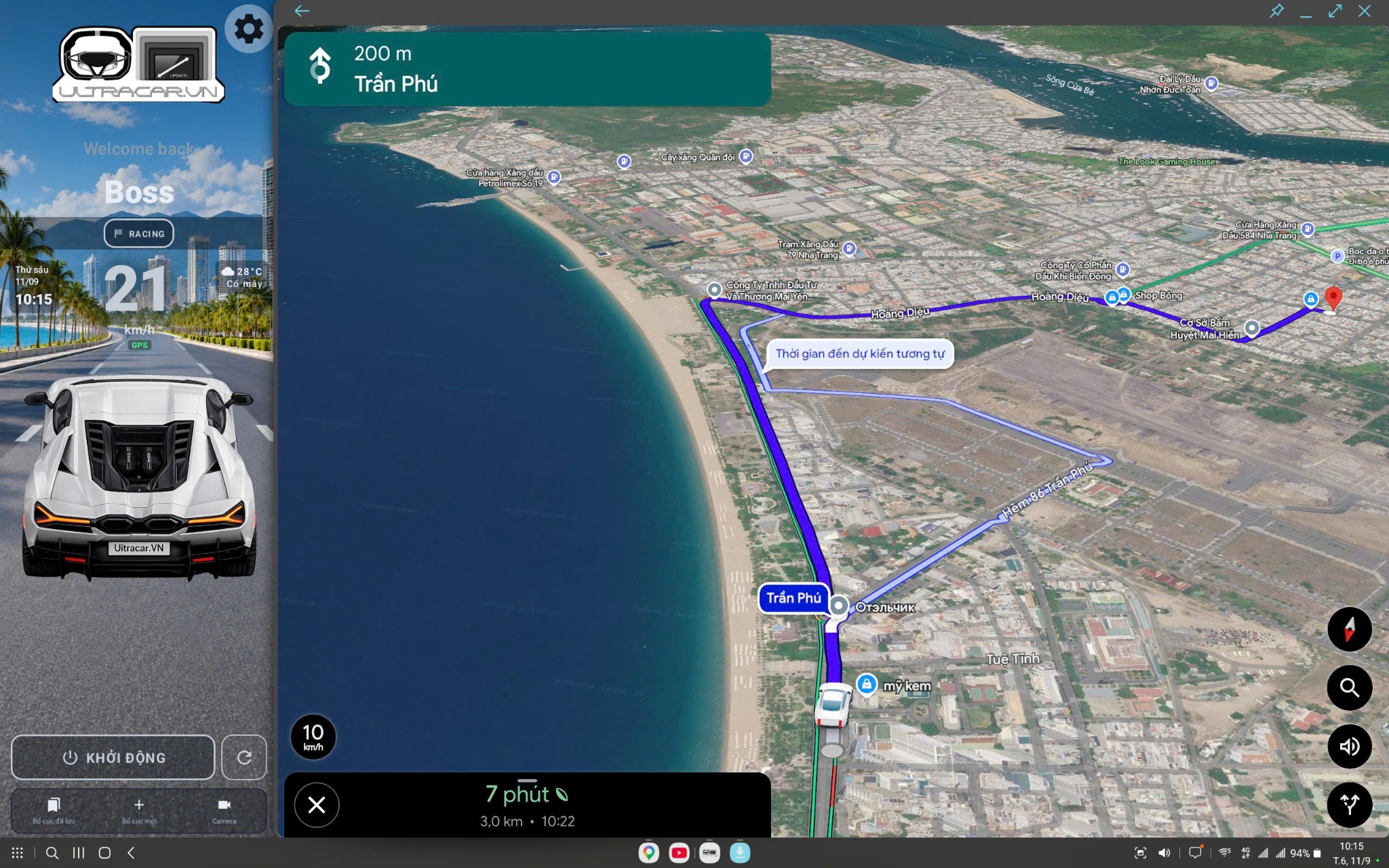
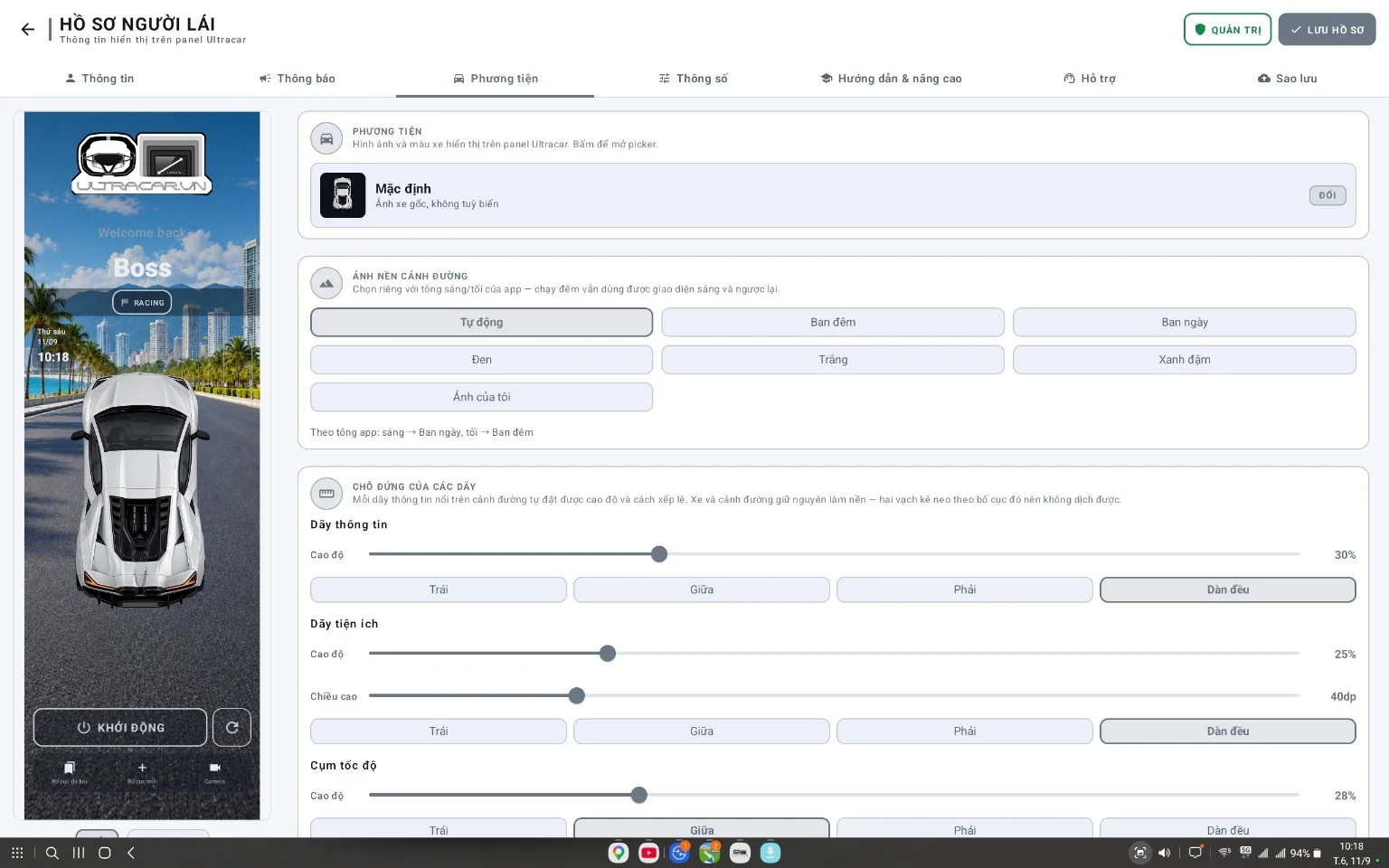
The UltraCar.vn app supports split-screen layouts and window alignment on Samsung DeX. Place maps, music and frequently used apps in separate areas of your in-car display.

Supports One UI 8 and earlier

Download the app from Google Drive.

UltraCar.vnSamsung DeX in your car
App launch — demonstrated in a real car.Watch the full video
01 / AUTOMATION

Launch apps and arrange windows.

Launch your configured apps and reduce manual window adjustments.

02 / LAYOUTS

Layouts for in-car displays

Place apps in separate areas so you can use them side by side.

03 / COMPATIBILITY

Supported devices

For DeX-compatible Samsung phones running One UI 8 or earlier, connected to a compatible external display.

Check before installing. Send us your phone and display models so UltraCar can confirm compatibility.

Ask about your device

MULTITASK WITH ULTRACAR.VN

Run 5 apps
side by side.

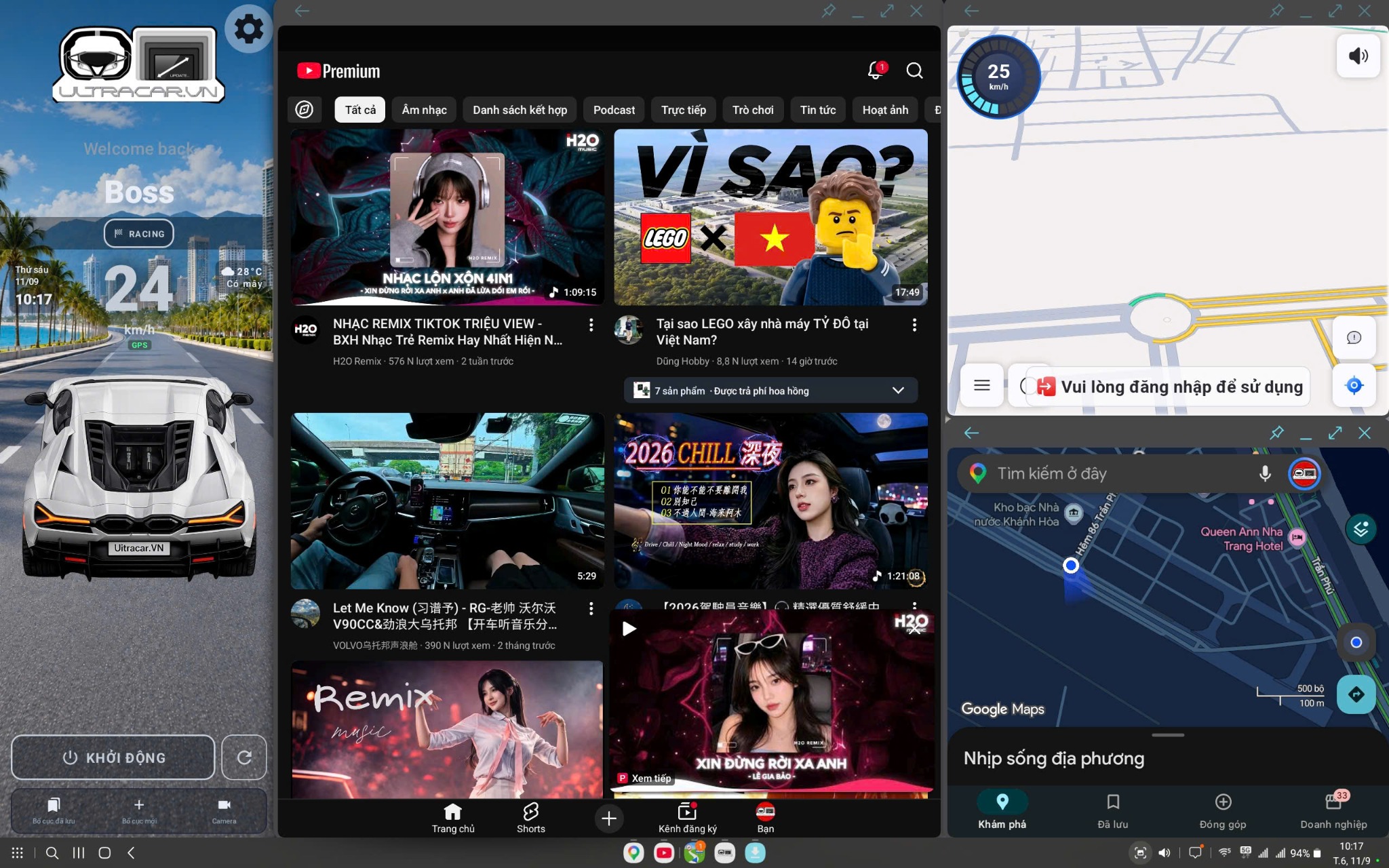
Keep maps, music and your everyday apps visible together on one Samsung DeX display.

Actual multitasking on an UltraCar display.Open video
  • 5 apps on one display

    Keep maps, music and everyday apps visible together in separate windows.

  • A layout for your needs

    Give maps more space and arrange the other apps alongside them.

  • Open your familiar apps

    Tap “Start” to launch your configured apps and arrange their windows.

For Samsung devices with DeX, running One UI 8 or earlier.

Explore the exclusive app

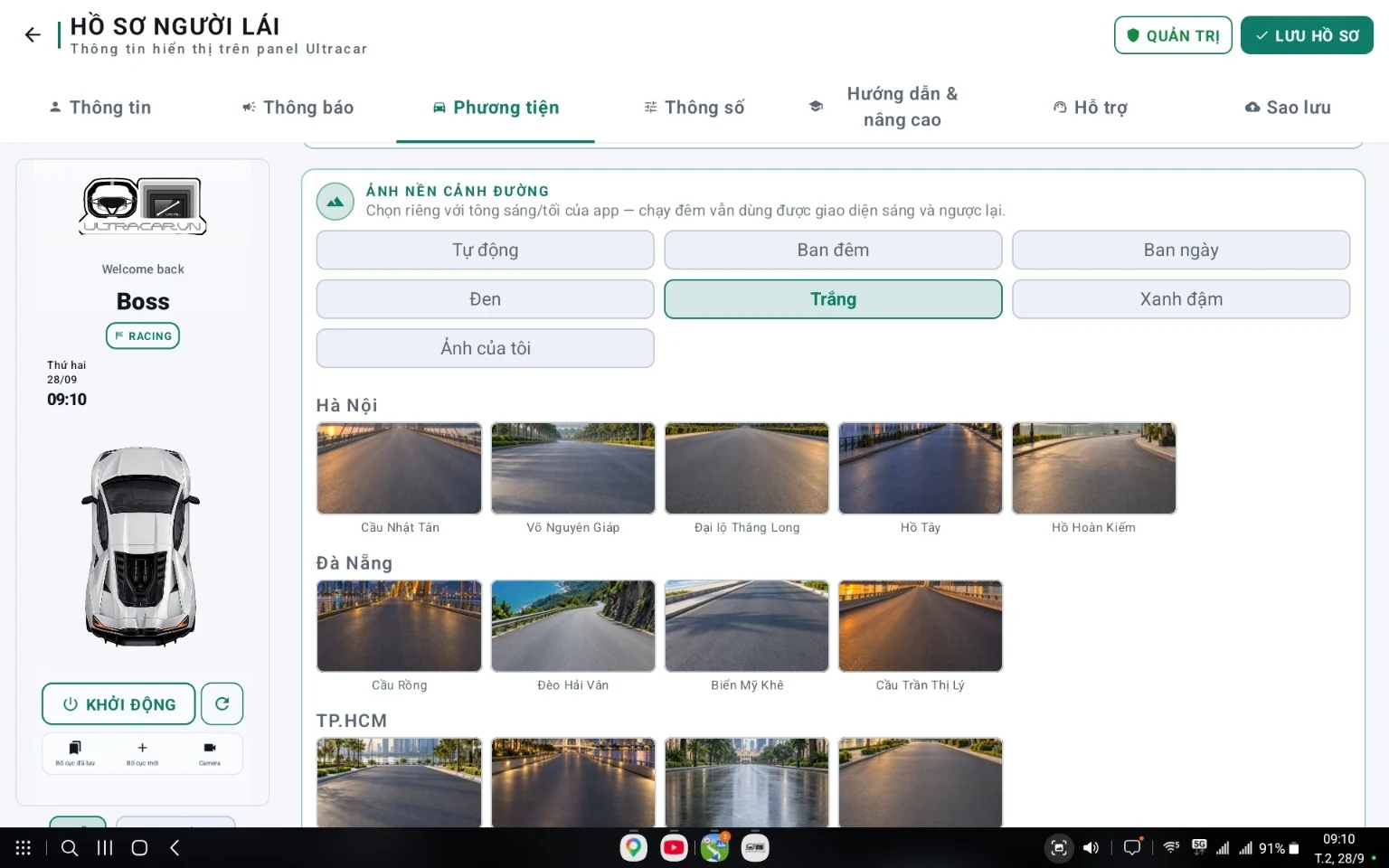
ULTRACAR / RACING MODE

Stay focused.
Enjoy the journey.

RACING MODE puts speed front and center with large, easy-to-read numbers. A simpler interface reduces distracting information and helps you stay focused while driving.

RACING MODEREAL-WORLD VIDEO
Essential driving information comes first.Watch the full video
01 / FOCUS

An easy-to-read speed display.

Large, centrally displayed numbers are easy to recognize in RACING MODE.

02 / SIMPLIFY

Fewer distractions.

Switch from a multi-app layout to an interface focused on driving information.

Explore the UltraCar app
UltraCar interface with most of the display dedicated to navigation
A layout that gives navigation more screen space.
UltraCar layout combining entertainment and map windows
A layout combining navigation and entertainment apps.

04 / MAPS & ENTERTAINMENT

Follow your route on a large display, with music apps in an adjacent window.

  • Navigation mapsView your route, turns and journey information in the map window.
  • Music and entertainmentUse music and entertainment apps supported by your device.
  • Multiple windows at onceUse the UltraCar.vn app to arrange your Samsung DeX layout.
Explore the UltraCar.vn app

Watch videos and adjust settings only when parked.

ILLUSTRATIVE VIDEOS

The cockpit by day
and by night.

Two illustrative videos show an UltraCar cockpit under different lighting conditions.

DAYTIME

The cockpit by day

An illustrative view of the interface in daylight.

↗
NIGHT-TIME

The cockpit at night

An illustrative view of the interface at night.

↗

Find the right UltraCar for your car.

Choose your package or contact us to confirm the mount.

ULTRACAR · DEALERS

Get dealer pricing

Mr. Phúc – Director

In Zalo, paste the message and press Send.

View / edit the message template

If automatic copying is unavailable, select and copy this text before opening Zalo.

Buy nowGet advice