

















ULTRACAR / AFTER-PURCHASE GUIDE
How to activate the app after purchase
Follow these steps in UltracarVN on your device. Once verified, you can use the app and submit support requests directly in it.
Cannot find the app on your device? View the app download and installation guide.
Step 0
Find and open UltracarVN
- Find the UltracarVN icon on your device.
- Tap the icon to open the app.

Step 1
Activate your genuine UltraCar product
- If the app says your device is not a Trusted Device, select “Kích hoạt sản phẩm chính hãng” (Activate genuine product).
- Enter your full name and phone number. Add a billing address if needed.
- Check the Device ID shown on the device you are using.
- Tap “Kích hoạt” (Activate), then wait for device verification / approval before using the app.

Step 2
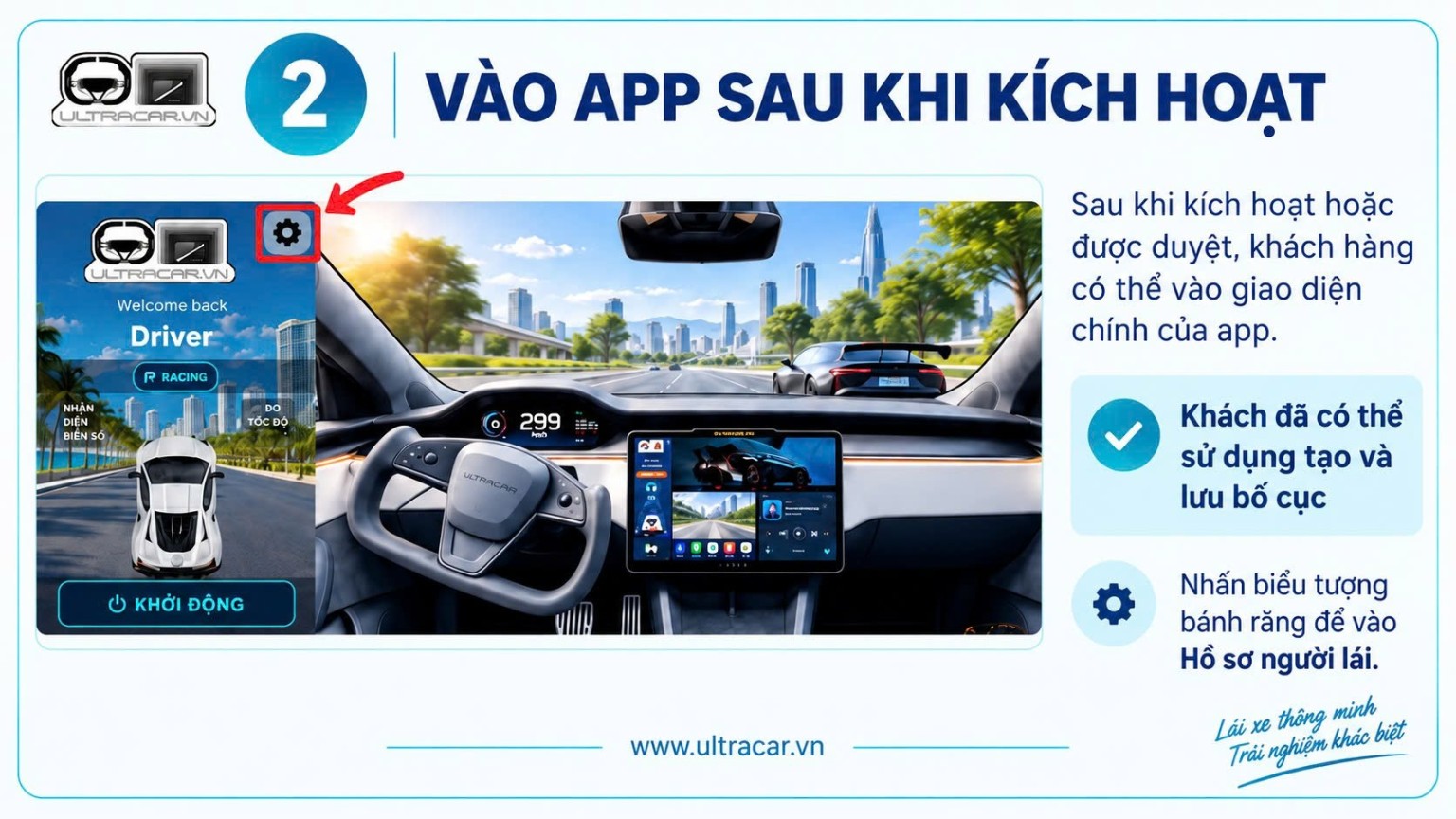
Use the app after activation
- Once activation succeeds or your device is approved, open the main app interface.
- You can now create and save app layouts.
- Tap the gear icon to open “Hồ sơ người lái” (Driver profile).
Step 3
Open Feedback and Warranty
- In Driver profile, select “Hỗ trợ” (Support).
- Choose “Góp ý” (Feedback) to share comments about the app, or “Bảo hành” (Warranty) to request assistance.

Step 4
Send feedback / a warranty request
- Select “Yêu cầu bảo hành” (Warranty request) or “Góp ý” (Feedback).
- Enter your full name, phone number and a description of the issue. Use a phone number registered with Zalo.
- Check your details, then tap the corresponding submit button in the app.
- For warranty requests, a staff member will call the supplied number for more information.

Need help with activation?
Send your Device ID and a screenshot of the message you see so UltraCar can check. Tap the Device ID in the app to copy it.
Get activation help on Zalo ↗More usage guides →Warranty
Contact 0327 001 088. Have your order number or purchase phone number ready. For warranty requests, include a description and photos or a video of the issue.
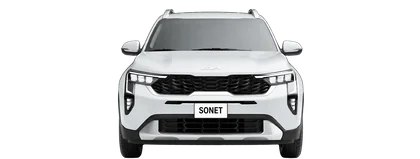
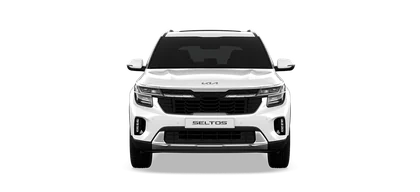
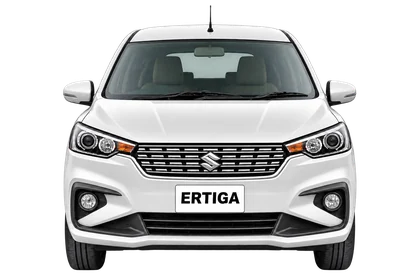
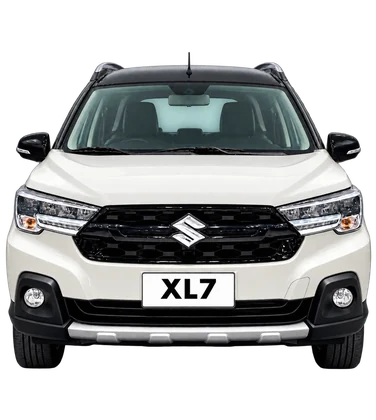
Find the right UltraCar for your car.
Choose your package or contact us to confirm the mount.