Vehicles
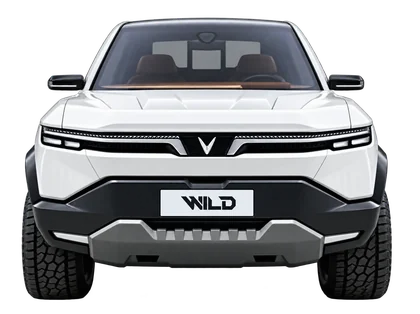
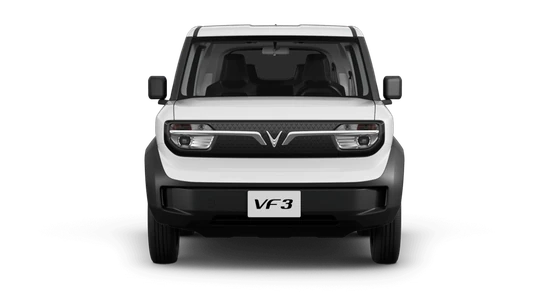
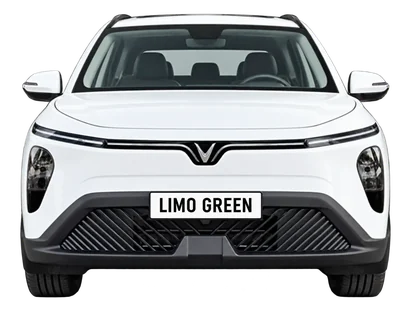
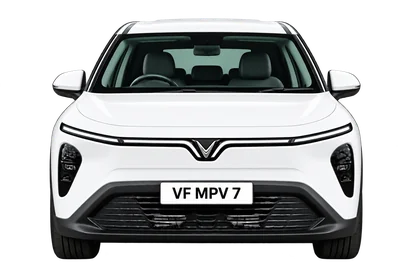
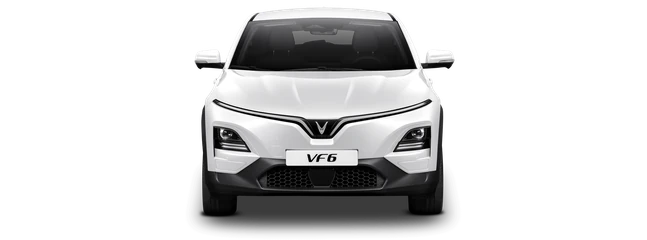
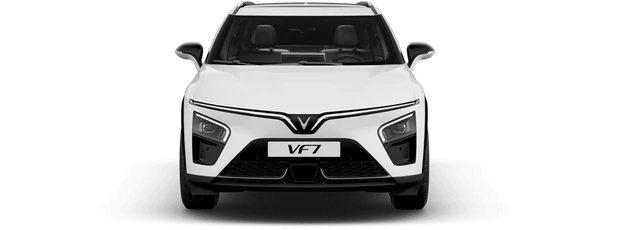
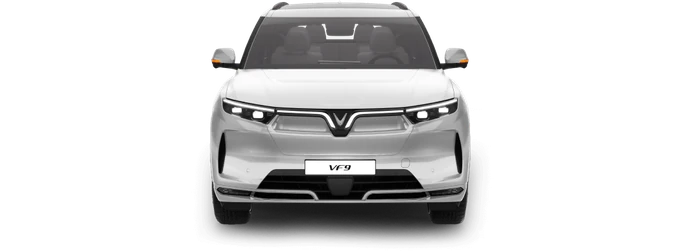
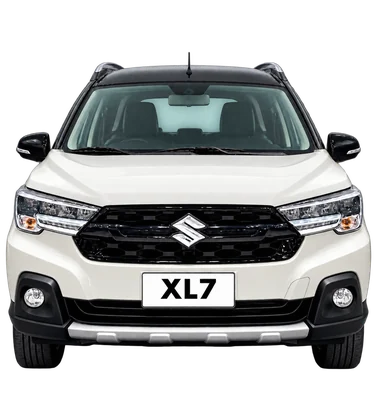
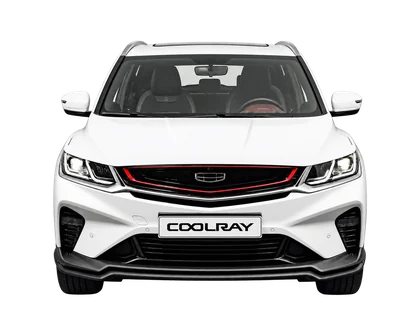
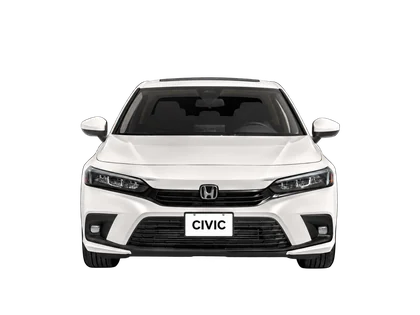
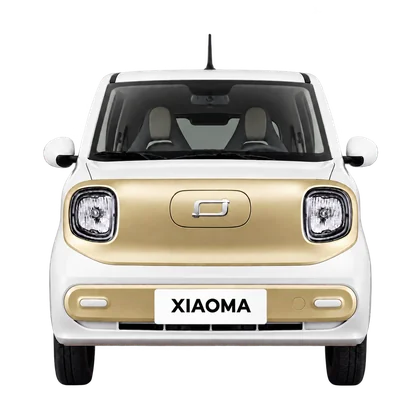
VinFast VF WildVinFast VF 3VinFast Limo GreenVinFast MPV 7VinFast VF 5VinFast Herio GreenVinFast VF e34VinFast VF 6VinFast VF 7VinFast VF 8VinFast VF 9VinFast Minio GreenVinFast Lux AVinFast VF2Toyota Veloz Cross TOPToyota Corolla CrossToyota Innova CrossHyundai CustinHyundai Santa FeMitsubishi Xpander CrossFord RangerHonda CR-VMazda Mazda 3Mazda CX-5Hyundai AccentKia SonetHyundai StargazerKia CarensKia CarnivalKia SeltosMazda Mazda 2MG MG5 ATMitsubishi Xpander Premium (PRE)Peugeot 3008Suzuki ErtigaSuzuki XL7Toyota InnovaGeely CoolrayToyota ViosHonda Civic Gen 11Bestune XiaomaFord EverestFord Ranger Raptor

ULTRACAR / Guides

Set up Samsung DeX layouts with UltraCar

Arrange navigation and frequently used apps, save a layout and test startup.

UltraCar.vn ·

Check device support

The UltraCar app is listed for Samsung DeX-compatible phones running One UI 8 or earlier. Send your phone model and software version if compatibility is unclear.

Use the official download link

Open the Support page for UltraCar’s Google Drive folder. Follow the instructions for your app version and device rather than assuming which permissions or settings are needed.

Save the arranged layout

Open the apps you need, arrange their windows and save the layout in UltraCar. Test Start to check that the configured apps open and return to their intended positions.

Configure while parked

Arrange windows and change settings while stationary. Racing Mode prioritizes driving information; use entertainment while parked. If an app covers another window, record the steps for support.

← All articles

Find the right UltraCar for your car.

Choose your package or contact us to confirm the mount.

ULTRACAR · DEALERS

Get dealer pricing

Mr. Phúc – Director

In Zalo, paste the message and press Send.

View / edit the message template

If automatic copying is unavailable, select and copy this text before opening Zalo.

Buy nowGet advice