






















SIM & connectivity
08 / MOBILE CONNECTIVITY
Physical SIM slot.
Connect directly on your display.
Insert a SIM with a data plan to use mobile data directly on a SIM-enabled integrated UltraCar display. Connect navigation, work apps and entertainment while parked, or use the display outside the car with a portable battery.
Insert a SIM. See every step.
Insert the eject tool directly into the release hole on the display, remove the SIM and align its notched corner to reinsert it. Push the tray fully in to see “SIM detected” on the display.
- Eject the tray
- Pull out tray
- Remove SIM
- Place SIM in tray
- Insert tray
- SIM detected
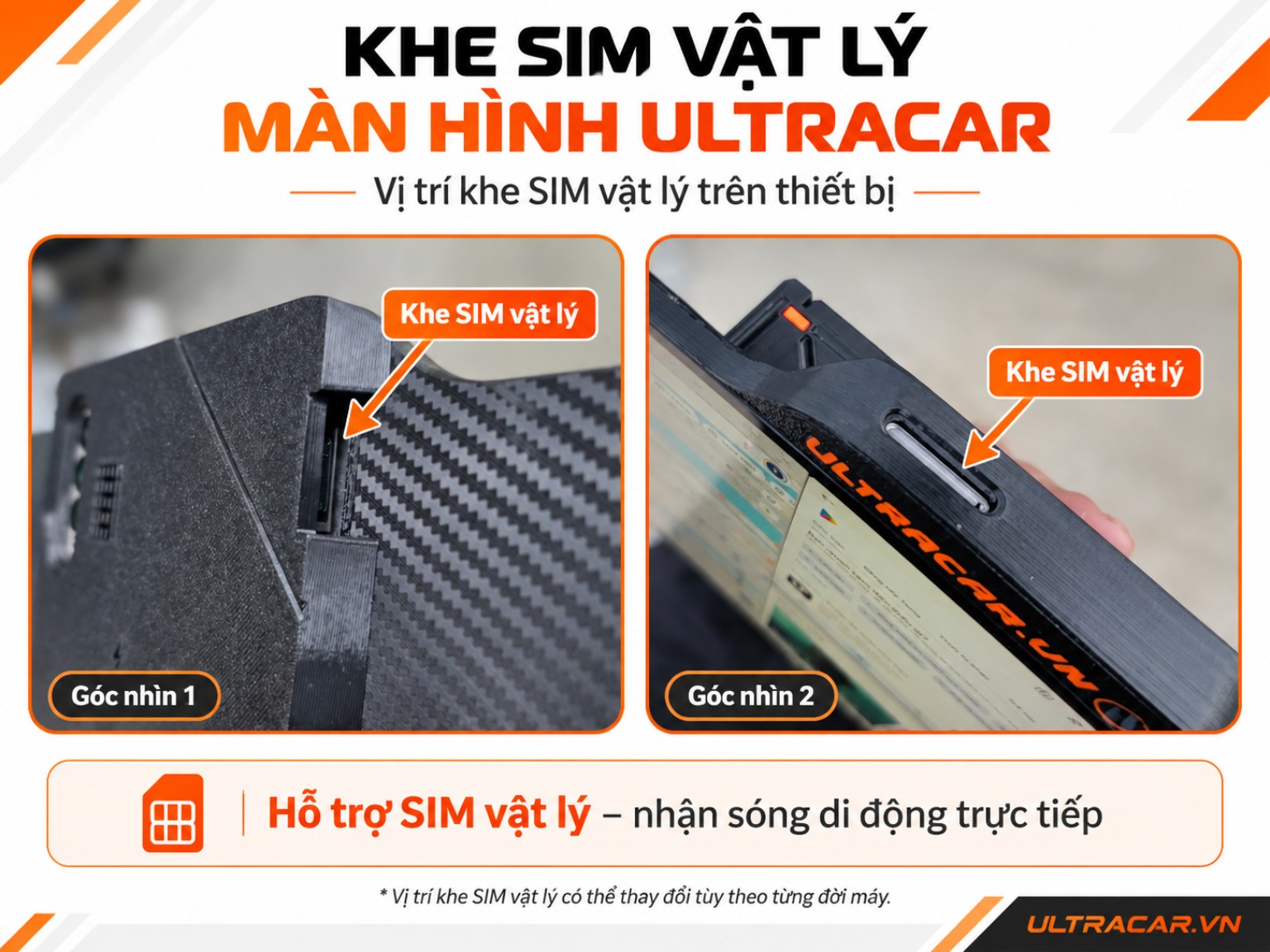
Plays when scrolled into view · Drag to rotate the display · Illustrated operation; SIM slot position and detection time vary by device.
An active SIM and suitable data plan are required. Connectivity depends on the device configuration, carrier and coverage.
Ask about SIM and connectivity
Find the right UltraCar for your car.
Choose your package or contact us to confirm the mount.